7. Confirm the displayed network settings and select Proceed to save them.
Note: If you need to change a setting, press the Back button.
8. If you want to print a network setup report, press the Start button. (Otherwise, select Done.)
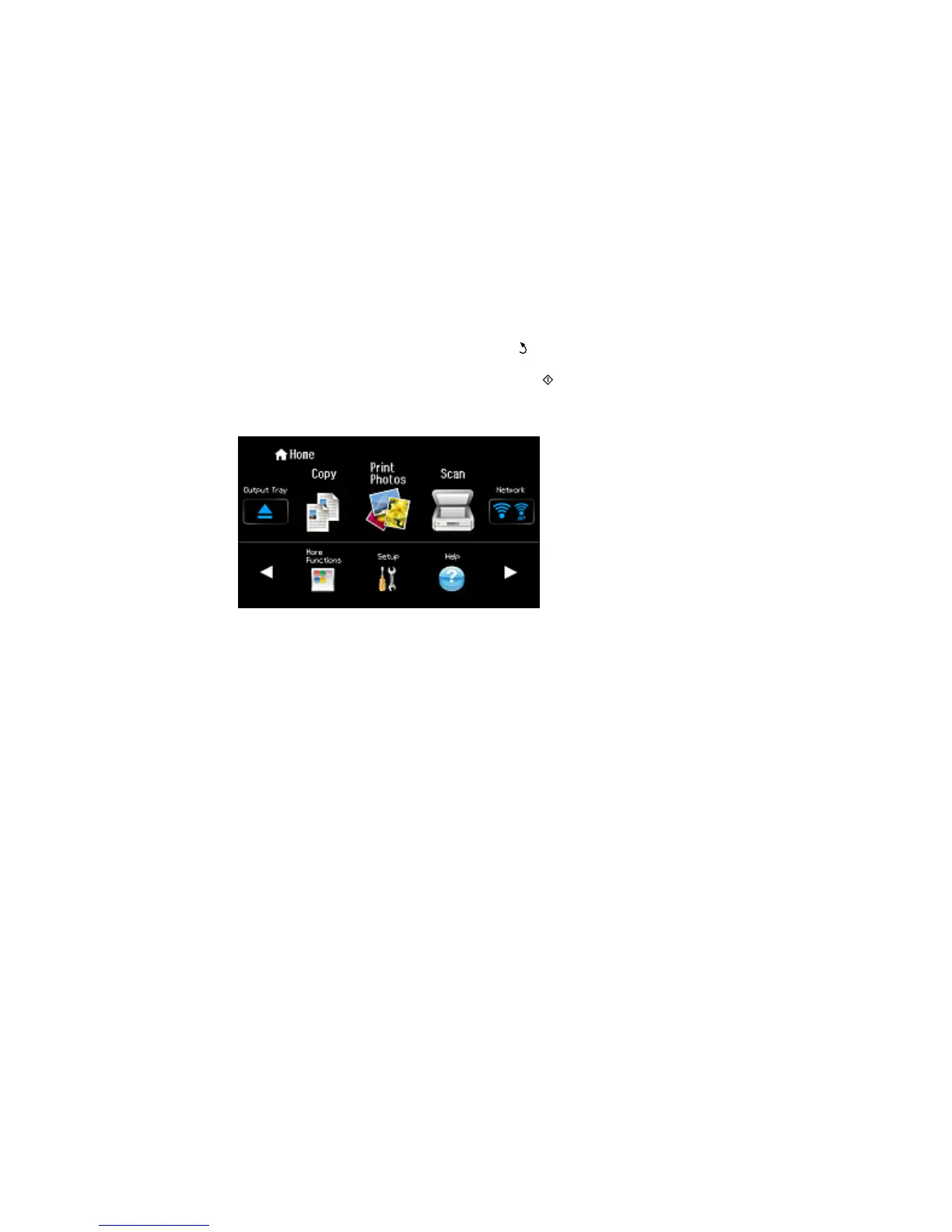
If the network connection is successful, a Wi-Fi antenna icon with blue connection bars is displayed
in the Network area on the right-hand side of the LCD screen.
Parent topic: Wi-Fi Infrastructure Mode Setup
Related tasks
Changing a Wi-Fi Connection to a Wired Network Connection
38



 To Next Page
 Loading...










