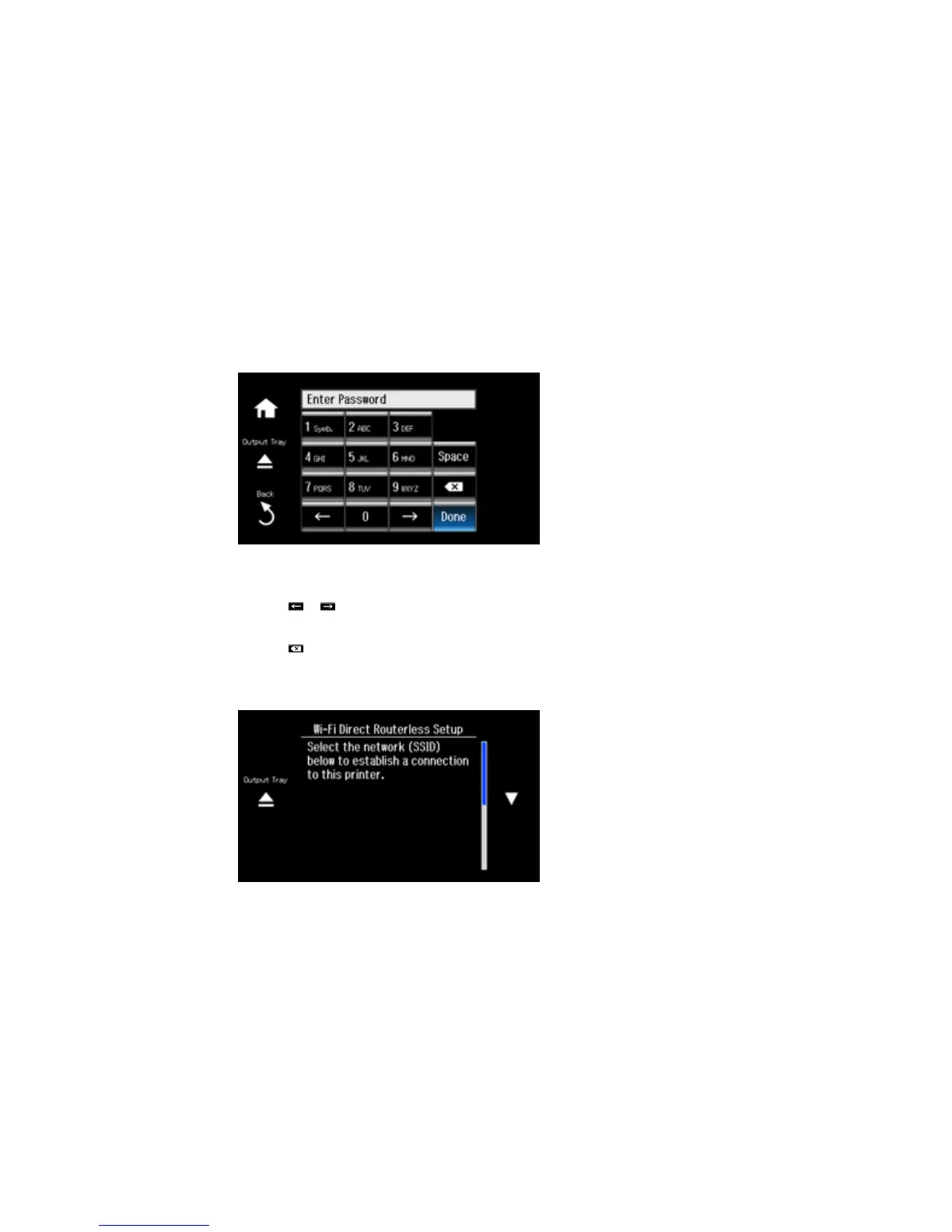
7. Enter your Wi-Fi Direct password.
Note: Your password must be at least 8 and no more than 22 characters long.
• Press the touch screen buttons repeatedly to scroll through characters.
• Press or to move the cursor.
• Press 1 Symb. to enter symbols.
• Press to delete the previous character.
8. Press Done when you finish entering your password.
You see this screen:
41



 To Next Page
 Loading...










