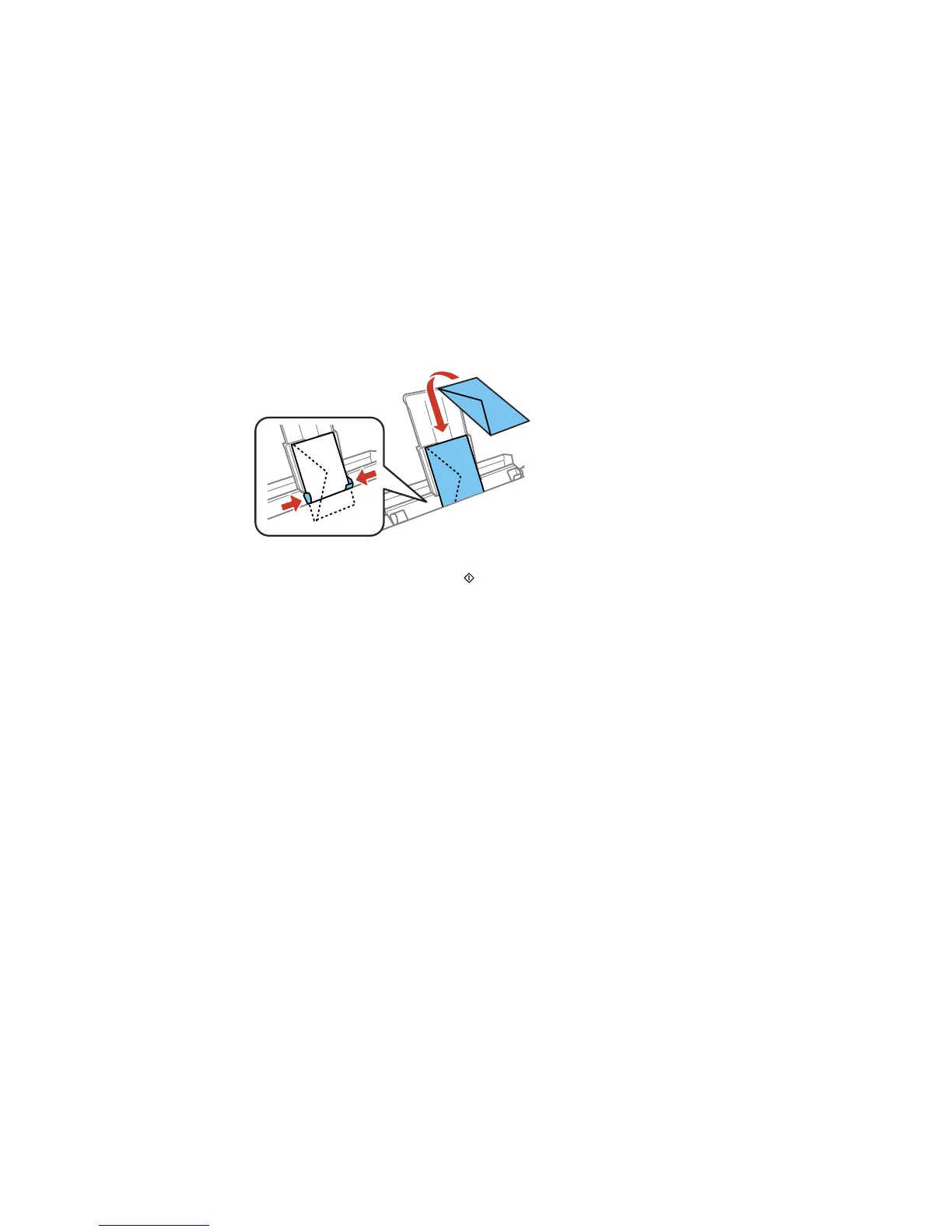
• Load an envelope, short edge first with the flap facing down and to the left, in the center of the rear
paper feed slot until you hear a beep. Slide the edge guides against the envelope, but not too
tightly.
6. When you are ready to print, press the Start button.
Note: The output tray opens automatically when you print. Leave enough space in front of the
product for the paper to be fully ejected. To cancel printing, select Cancel.
7. If prompted by the product's LCD screen, select the size and type of the paper you loaded, and
select Done.
Always follow these loading guidelines:
• Load one sheet or envelope at a time.
60



 To Next Page
 Loading...










