EPSON WorkForce 600/EPSON Stylus OFFICE TX600FW/BX600FW/EPSON Stylus SX600FW/ME OFFICE 700FW Revision A
PRODUCT DESCRIPTION Printing Specifications 15
Confidential
Photo Paper Glossy (EAI)
Glossy Photo Paper (Euro, Asia)
Letter 215.9 x 279.4 mm (8.5” x 11”)
0.25
258 g/m
2
(68 lb.)
Y Y - - - -
A4 210 x 297 mm (8.3” x 11.7”) Y Y Y Y Y Y
5” x 7” 127 x 178 mm - - Y Y - -
4” x 6” 101.6 x 152.4 mm Y Y Y Y Y Y
Photo Paper (Euro, Asia)
A4 210 x 297 mm (8.3” x 11.7”)
0.24
190 g/m
2
(51 lb.)
- - Y Y Y Y
5” x 7” 127 x 178 mm - - Y Y - -
4” x 6” 101.6 x 152.4 mm - - Y Y Y Y
Premium Photo Paper Semi-Gloss (EAI)
Premium Semigloss Photo Paper (Euro, Asia)
Letter 215.9 x 279.4 mm (8.5” x 11”)
0.27
250 g/m
2
(66 lb.)
Y Y - - - -
A4 210 x 297 mm (8.3” x 11.7”) Y Y Y Y Y Y
4” x 6” 101.6 x 152.4 mm Y Y Y Y Y Y
Premium Presentation Paper Matte (EAI)
Matte Paper Heavy-weight (Euro, Asia)
Letter 215.9 x 279.4 mm (8.5” x 11”)
0.23
167 g/m
2
(44 lb.)
Y Y - - - -
A4 210 x 297 mm (8.3” x 11.7”) Y Y Y Y Y Y
8” x 10” 203.2 x 254 mm Y Y - - - -
Photo Quality Inkjet Paper A4 210 x 297 mm (8.3” x 11.7”) 0.13
102 g/m
2
(27 lb.)
- - Y*
3
- Y*
3
-
Envelopes
#10 104.8 x 241.3 mm (4.125” x 9.5”)
-
75-100 g/m
2
(20-27 lb.)
Y - Y - Y -
#DL 110 x 220 mm - - Y - Y -
#C6 114 x 162 mm - - Y - Y -
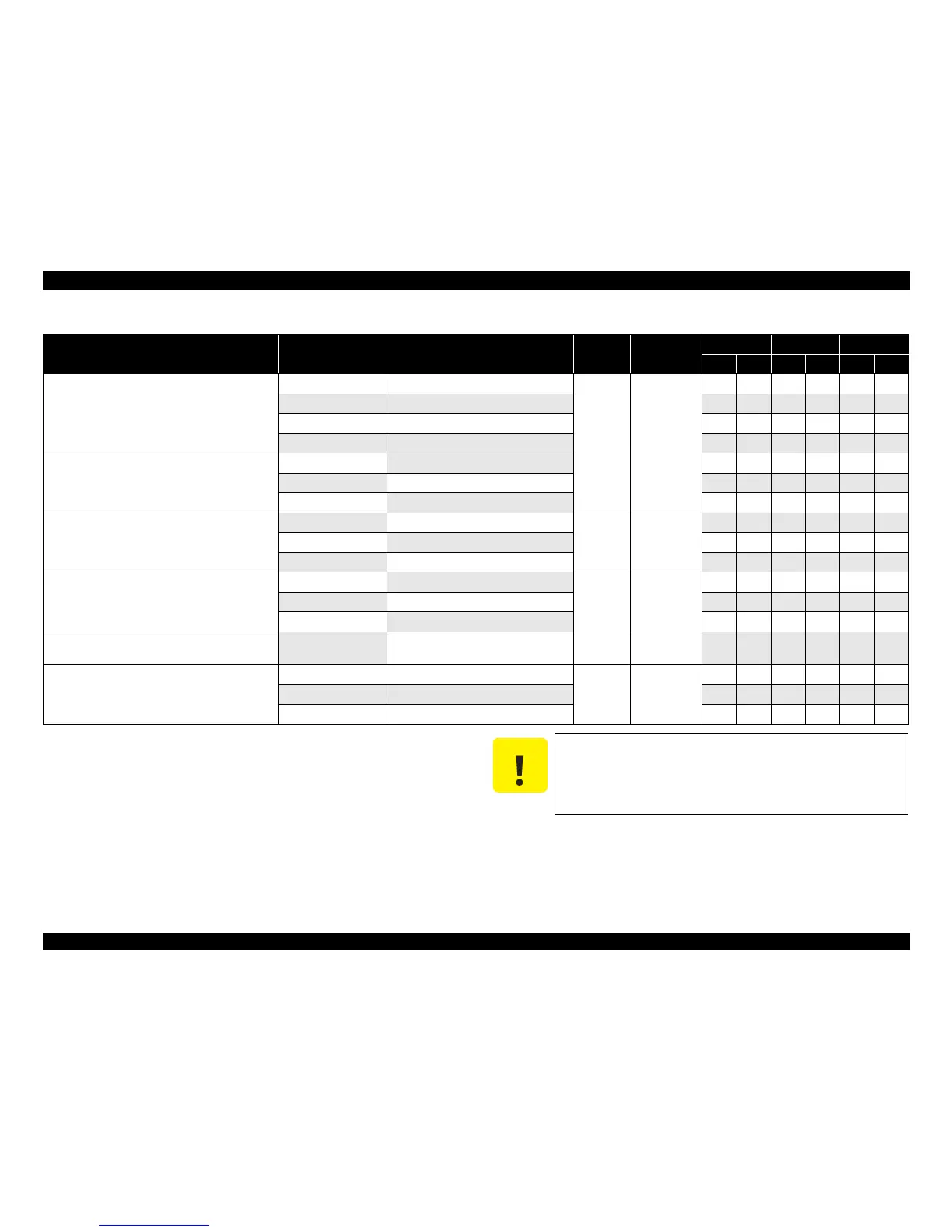
Table 1-6. Supported Paper
Paper Name Paper Size
Thickness
(mm)
Weight
EAI EUR Asia
P
*1
B
*2
P
*1
B
*2
P
*1
B
*2
Note *1 : “Y” in the “P” column stands for “the paper type/size is Supported”.
*2 : “Y” in the “B” column stands for “Borderless printing is available”.
*3 : In case of the printer driver for Euro/Asia, select settings of “Matte Paper Heavy-
weight (EPSON Matte)” instead of “Photo Quality Inkjet Paper”.
Make sure the paper is not wrinkled, fluffed, torn, or folded.
The curve of paper must be 5 mm or below.
When printing on an envelope, be sure the flap is folded neatly.
Do not use the adhesive envelopes.
Do not use double envelopes and cellophane window envelopes.













 To Next Page