EPSON WorkForce 600/EPSON Stylus OFFICE TX600FW/BX600FW/EPSON Stylus SX600FW/ME OFFICE 700FW Revision A
TROUBLESHOOTING Error Indications and Fault Occurrence Causes 63
Confidential
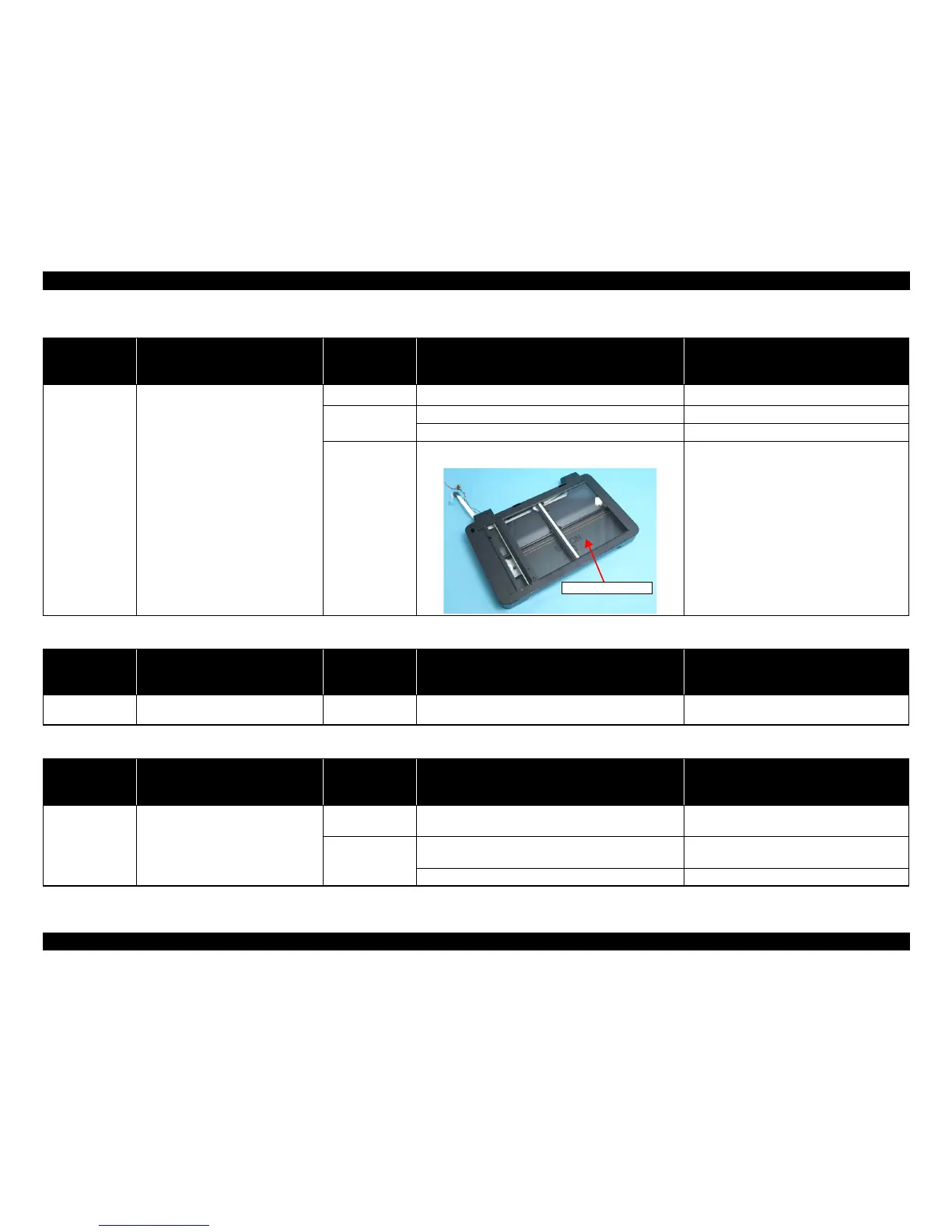
Table 3-13. Check point for Index Sheet 1 error (No index Sheet) according to each phenomenon
Occurrence
timing
CR position
Detailed phenomenon
Defective
unit/part name
Check point Remedy
• Operation
•–
This error occurs when attempting to
print using the Index Sheet.
Document Cover 1. Check if the Document Cover is open. 1. Close the Document Cover.
Index Sheet
1. Check if the Index Sheet is set in the wrong way. 1. Set the Index Sheet correctly.
2. Check if the Index Sheet’s standard position is clean. 2. Reprint the Index Sheet.
Scanner Housing
Upper
1. Check if the Document Glass is clean. 1. Clean the Document Glass.
Table 3-14. Check point for Index Sheet error 2 (Incorrect marking) according to each phenomenon
Occurrence
timing
CR position
Detailed phenomenon
Defective
unit/part name
Check point Remedy
• Operation
•–
This error occurs when attempting to
print using the Index Sheet.
Index Sheet
1. Check if the mark of the Index Sheet has been properly
marked out.
1. Mark it out properly.
Table 3-15. Check point for Index Sheet error 3 (Incorrect card) according to each phenomenon
Occurrence
timing
CR position
Detailed phenomenon
Defective
unit/part name
Check point Remedy
• Operation
•–
This error occurs when attempting to
print using the Index Sheet.
Index Sheet
1. Check if the Index Sheet was printed from the inserted
Memory Card.
1. Change the Index Sheet to the one printed from
the inserted Memory Card.
Memory Card
1. Check if the Memory Card storing the Index Sheet data is
inserted.
1. Insert Memory Card storing the Index Sheet
data.
2. Check if the Memory Card is damaged. 2. Replace the Memory Card with a new one.













 To Next Page