EPSON WorkForce 600/EPSON Stylus OFFICE TX600FW/BX600FW/EPSON Stylus SX600FW/ME OFFICE 700FW Revision A
TROUBLESHOOTING Error Indications and Fault Occurrence Causes 70
Confidential
Table 3-24. Check point for the ADF’s malfunctions
Occurrence timing
document position
Detailed phenomenon
Defective
unit/part name
Check point Remedy
• At the start of
scanning
• Document support
The document is set on the ADF, but
the scanning operation does not start.
ADF DOC
Sensor
1. Check if the ADF DOC Sensor Lever is damaged. 1. Replace the ADF Frame Assy with a new one.
• At the end of
scanning
• Near the Paper
eject tray
The paper eject operation does not
complete after the scanning, and the
document is not ejected completely.
ADF EJ Roller
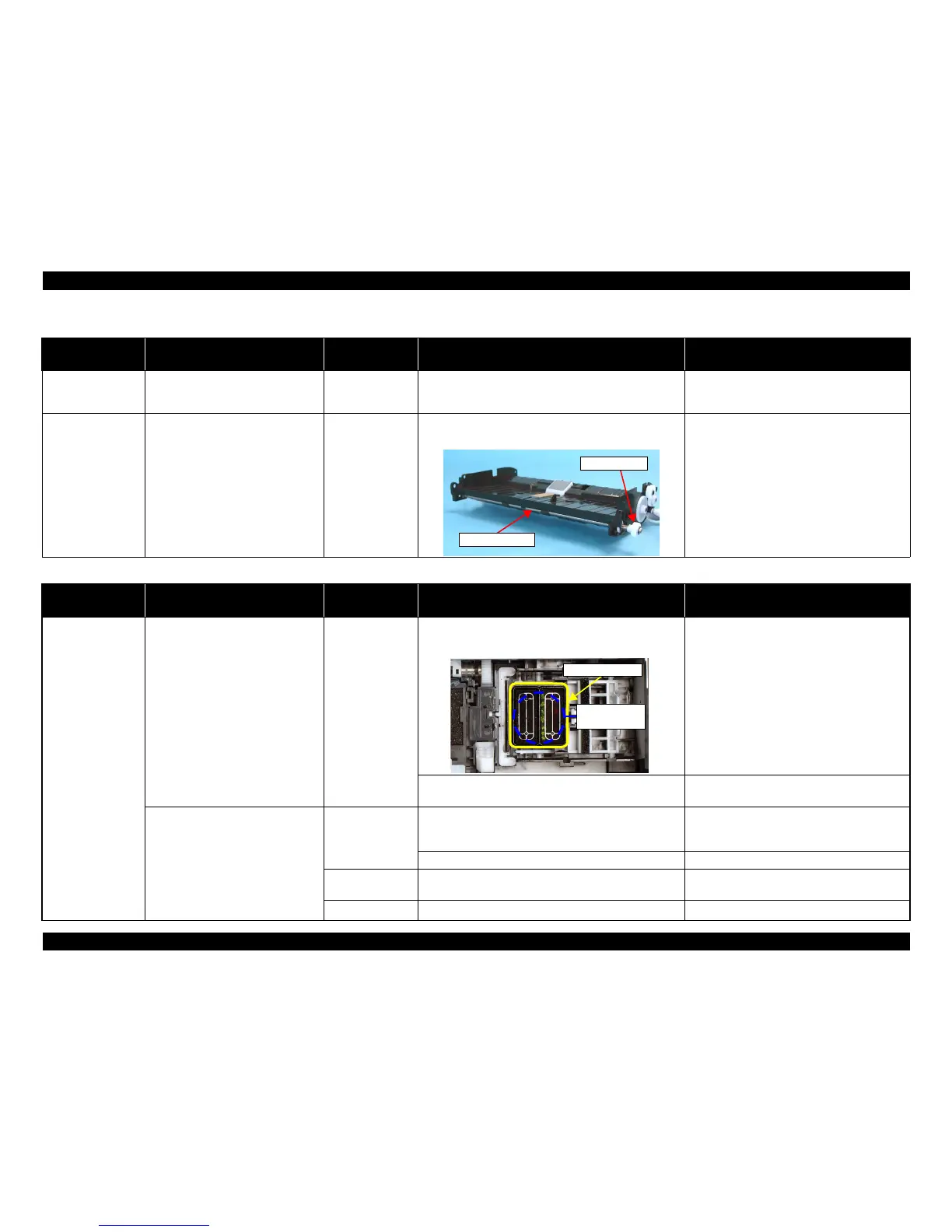
1. Check if the Spur Gear 9.2 is properly installed to the
ADF EJ Roller.
1. Install the Spur Gear 9.2 properly.
Table 3-25. Check point for the defective printing quality
Print Quality State Detailed phenomenon
Defective
unit/part name
Check point Remedy
• Dot missing and
mixed colors
Ink is scarcely ejected to the Cap from
the Printhead.
Ink System Unit
(Cap Unit)
1. Check if there is not any foreign material/damage around
the seal rubber part on the Cap Unit.
1. Remove the foreign material around the seal
rubber parts carefully.
2. Check if the Compression Spring 2.7 is correctly
mounted on the Cap Unit.
2. Replace the Ink System Unit with a new one.
Ink is ejected to the Cap from the Print
Head, but the printer does not recover
from the error after cleaning or ink
change.
Print Head
1. Check if it returns to normal by performing CL operation
or replacing the Ink Cartridge.
1. Perform CL operation and the Ink Cartridge
replacement specified times. If it doesn’t work,
change the Print Head with a new one.
2. Check if the Print Head is not damaged. 2. Replace the Print Head with a new one.
Cleaner Blade
1. Check if the Cleaner Blade does not have paper dust or
bending.
1. Replace the Ink System Unit with a new one.
Main Board 1. Check if the Main Board is not damaged. 1. Replace the Main Board with a new one.













 To Next Page