8 CONFIGURATION MENU
0460 949 274
- 43 -
© ESAB AB 2015
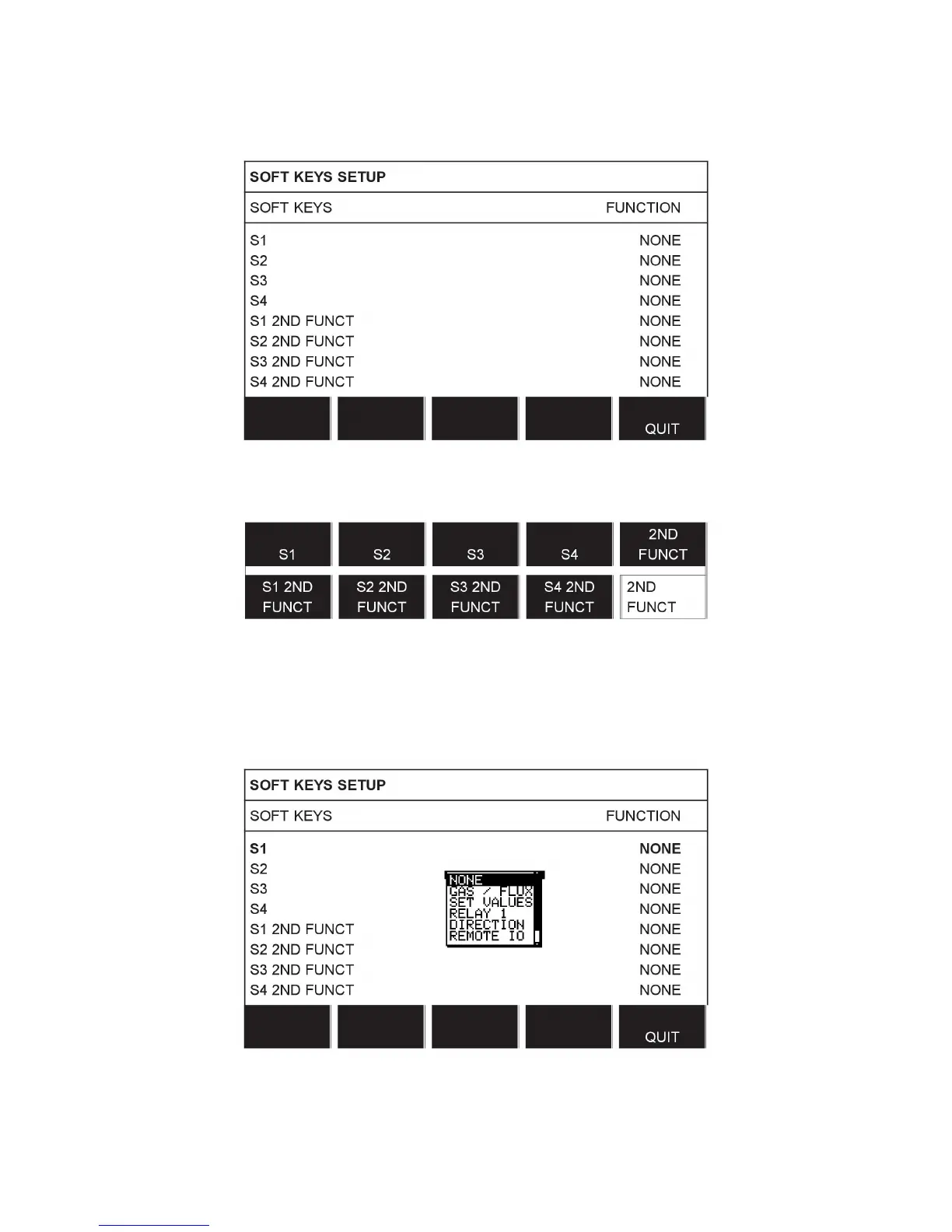
In the display screen there are two columns; one for SOFT KEYS and one for FUNCTION.
When you allocate functions to these keys, they are numbered from the left as follows:
To allocate a new function to a soft key, proceed as follows:
Position the cursor on the row with the soft key number you wish to use and press ENTER.
A pop-up menu shows the function selections. Select using the positioning knob and press
ENTER.
You can allocate new functions to the other keys in the same way, by pairing a key number in
the left-hand column with a function in the right-hand column.



 To Next Page