8 CONFIGURATION MENU
0460 949 274
- 42 -
© ESAB AB 2015
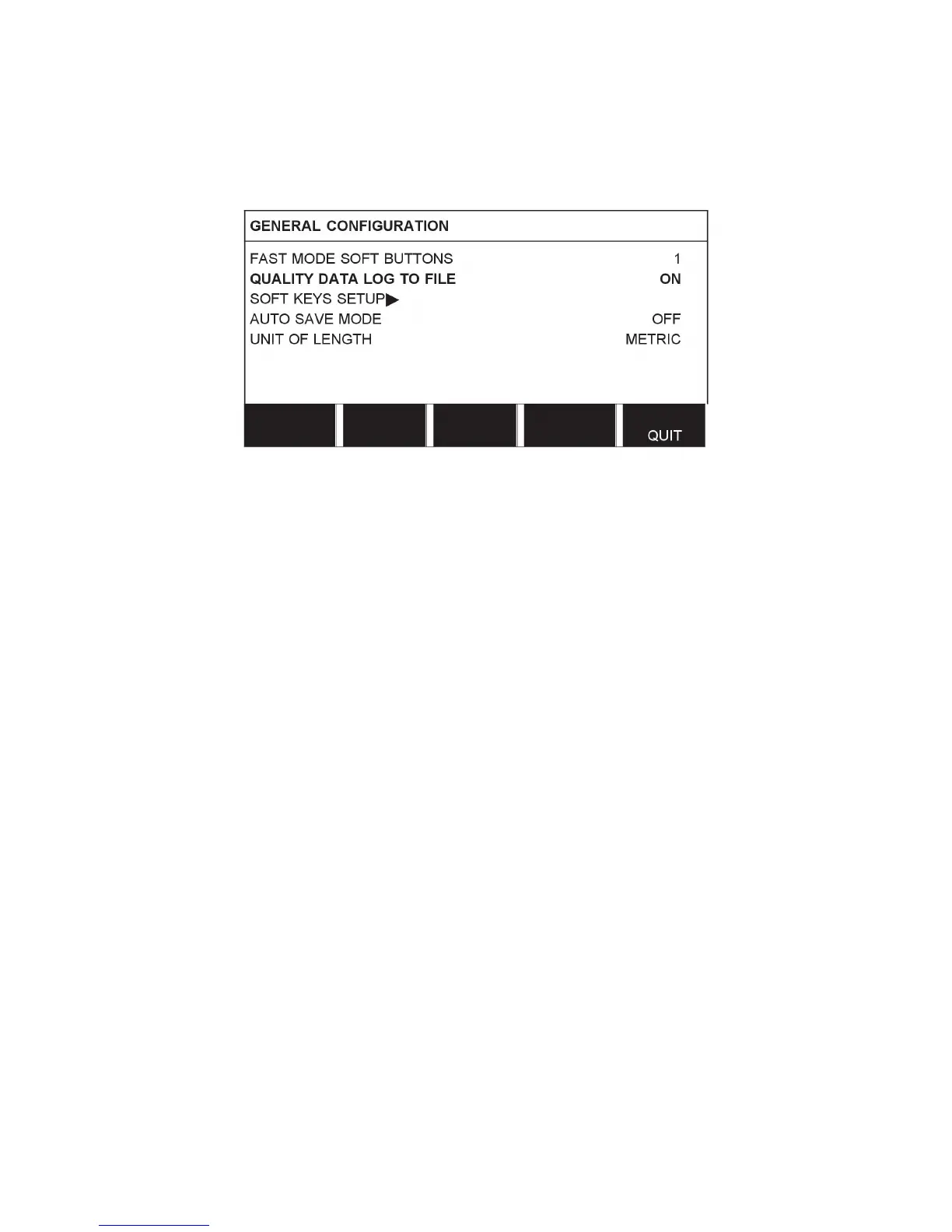
8.2.2 Quality data log to file
In the QUALITY DATA LOG TO FILE menu it is possible to activate it with ON.
Read more about settings for the quality function in “Quality functions”, page65.
8.2.3 Soft key configuration
We have previously described the control panel's “soft” keys. For Submerged Arc Welding
(SAW) and for Gas Metal Arc Welding (GMAW) welding, the user has the possibility of
setting the function of these keys by selecting from a list of set options. There are eight soft
keys that can be allocated a function.
It is possible to choose between the following options:
• None
• Gas / Flux
• Set values
Set reference values are displayed instead of the measured values in the measurements
menu.
• Relay 2
Sets relay output no.2 on the motor circuit board, which can be used for any function by
the customer.
• Direction
• Remote I/O
Used when you want to control PEK and a welding power source via an external I/O unit.
• External axis
To be activated when there is an external I/O unit for controlling a roller bed, for example.
• Tandem
Used when welding with two welding heads.
• Cold wire (ICE)
Used when a non-live wire is fed into the weld pool and the cold wire speed is to be
shown in the display.



 To Next Page