9 TOOLS
0460 949 274
- 62 -
© ESAB AB 2015
A keyboard appears in the display. Use the positioning knob to change row and the arrows to
move left and right. Select the character/function that is to be used and press ENTER.
9.3.3 Create new folder
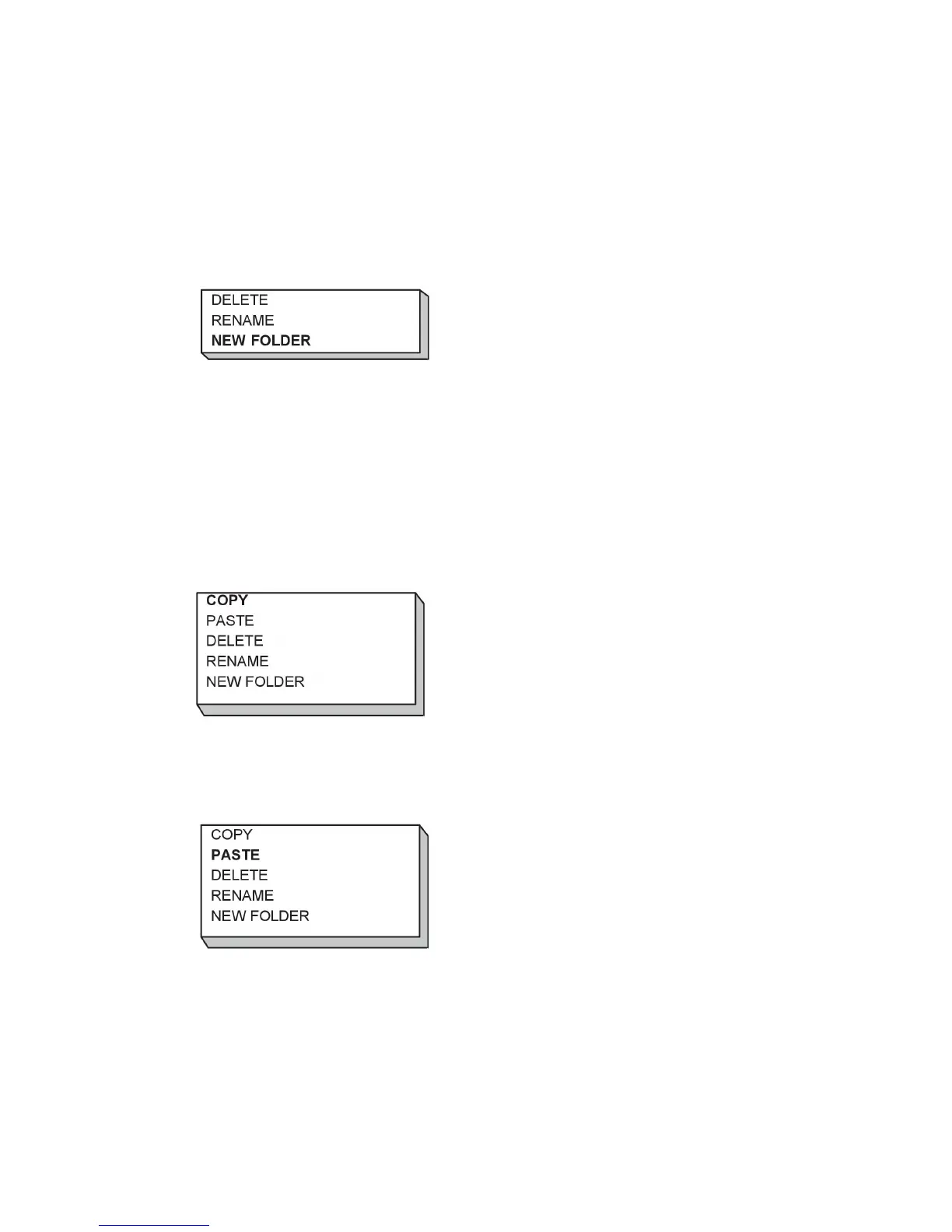
Select where the new folder is to be located and press ALT.
Select NEW FOLDER and press ENTER.
A keyboard then appears in the display. Use the positioning knob to change row and the
arrows to move left and right. Select the character/function that is to be used and press
ENTER.
9.3.4 Copy and paste files
Select the file that is to be copied and press ALT.
Select COPY and press ENTER.
Position the cursor in the folder in which the copied file is to be located and press ALT.
Select PASTE and press ENTER.
The copy is saved as Copy of plus the original name, e.g. Copy of WeldData.awd.



 To Next Page