IP Series IP Feature Phone operation
A.35
5 Password
1 Enter new password
Your password may consist of 2–8 digits followed by # (0 cannot be the first digit).
Entering only 0 as the password will turn off the password requirement.
2 Delete current password
Resets the password to the default password.
3 Hear current password
Displays and plays back the current password.
4 Password security level
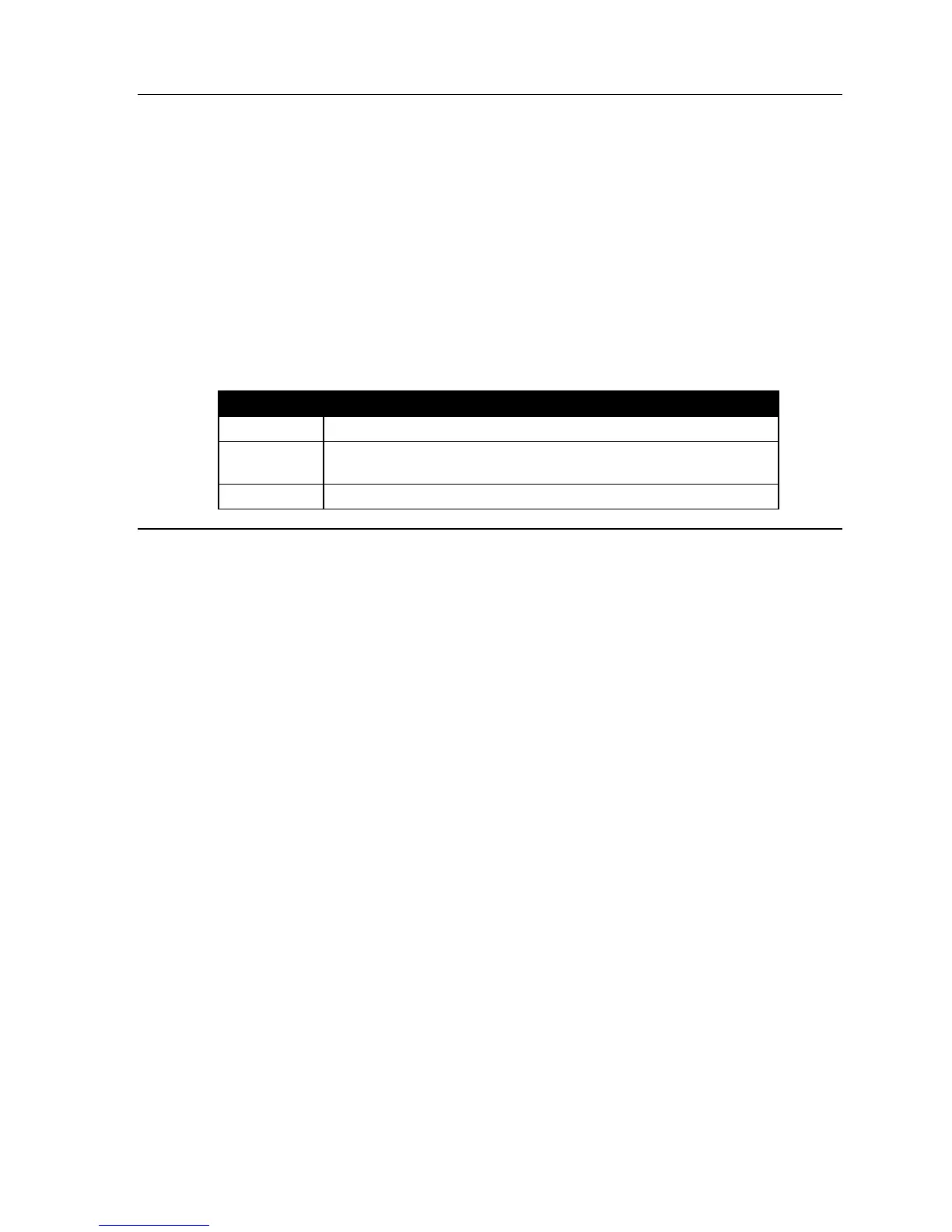
Selection Result
0
No password required for access from any phone
1
Password required only for remote access, either off-premises or
from other stations within the system
2
Password always required
6 External message notification
1 Delivery options
1 Delivery to phone number only
2 Notify pager only
3 Call phone first, then page
4 Call and page at the same time
0 No off-premises delivery
2 Phone delivery
1 Enter phone number
Enter the phone number (24 digits, maximum) followed by #. Do not include a CO line
access code (i.e., don’t add 9, 8 or 71–76) before the number. To insert a “*”to be
dialed, press REDIAL. To insert a “#”to be dialed, press MUTE/DND. To insert a two-
second pause, press CONF.
2 Delete phone number
Deletes the currently programmed phone number.
3 Display current phone number
Displays the currently programmed phone number.



 To Next Page