5 Layers and Instruments | 59
To add another strip
1. Open the context menu of an existing strip.
2. Select Add Strip.
Depending from the strip the action was triggered, an analog or a Boolean
strip is added. The new strip is displayed below the current strip.
This is not the case for the Event strip, as only one Event strip is available
for all events.
When you add signals to the oscilloscope, the selection wheel appears,
which allows to create a new strip for the signals. For more information, see
"To assign signals using the selection wheel" on the next page.
To reorder strips
1. Click on the strip.
A blue bar occurs on the left and right edge of the strip.
2. To move the selected strip, do one of the following:
l
To move the strip up, press ALT+PAGE UP.
To move the strip down, press ALT+PAGE DOWN.
or
l
Click on one of those bars and pull it up or down to the desired position.
The new position of the floating strip is indicated by a small blue rect-
angle.
This action is not possible for the Event strip, as there is only one event
strip always located at the bottom of the strip area.
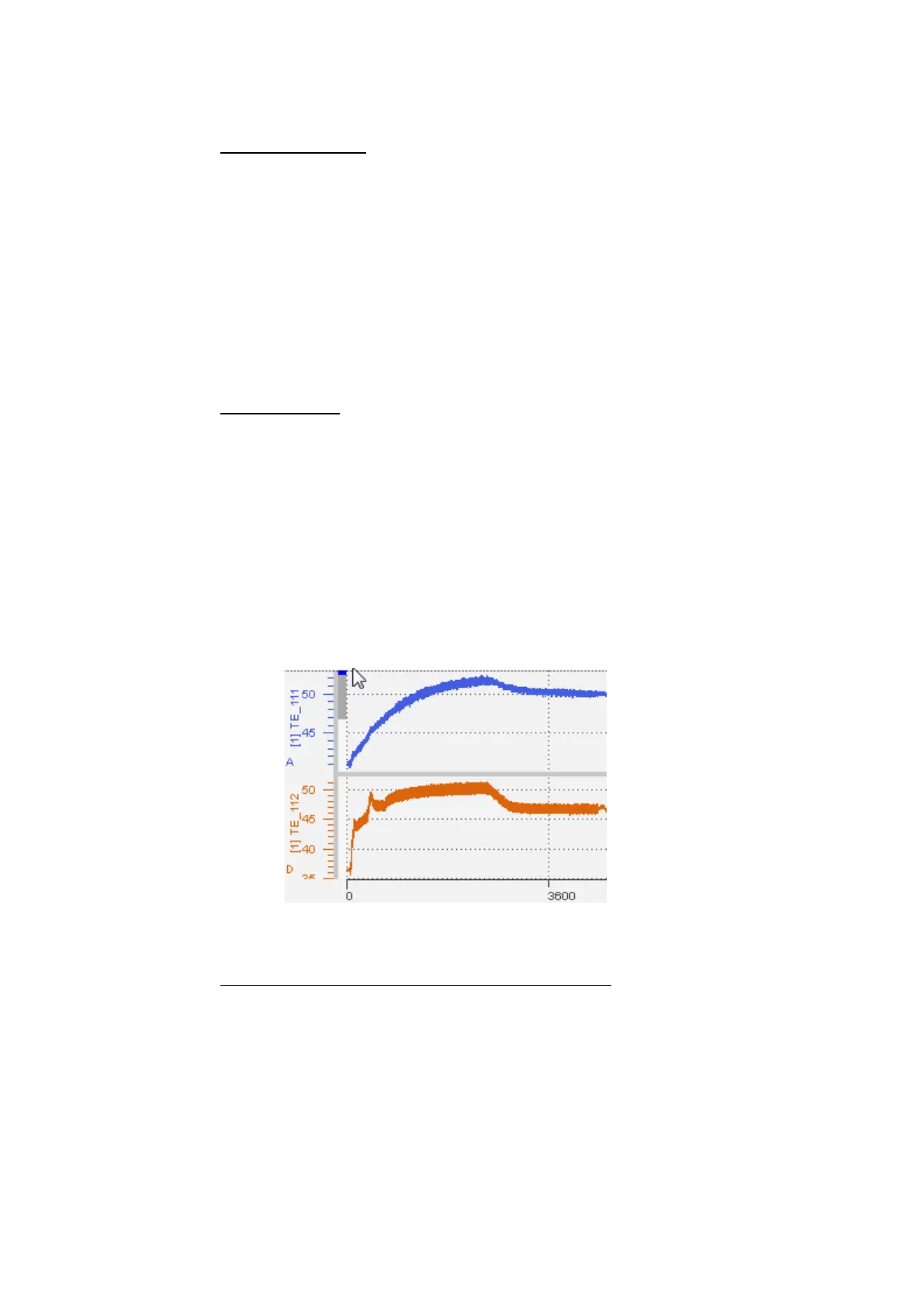
To move analog signals to a common or individual strip
To use the selection wheel for this operation, see "To assign signals using the
selection wheel" on the next page.
Alternatively, use the context menu as follows:
1. To merge signals to one strip, right-click the desired signals from different
strips.
2. Click Move to New Strip.
or
MDA V8 | User Guide



 To Next Page