110 Ion Operations Manual
Note: When using {Search}, the number of cells for a multicell fixture will also be displayed.
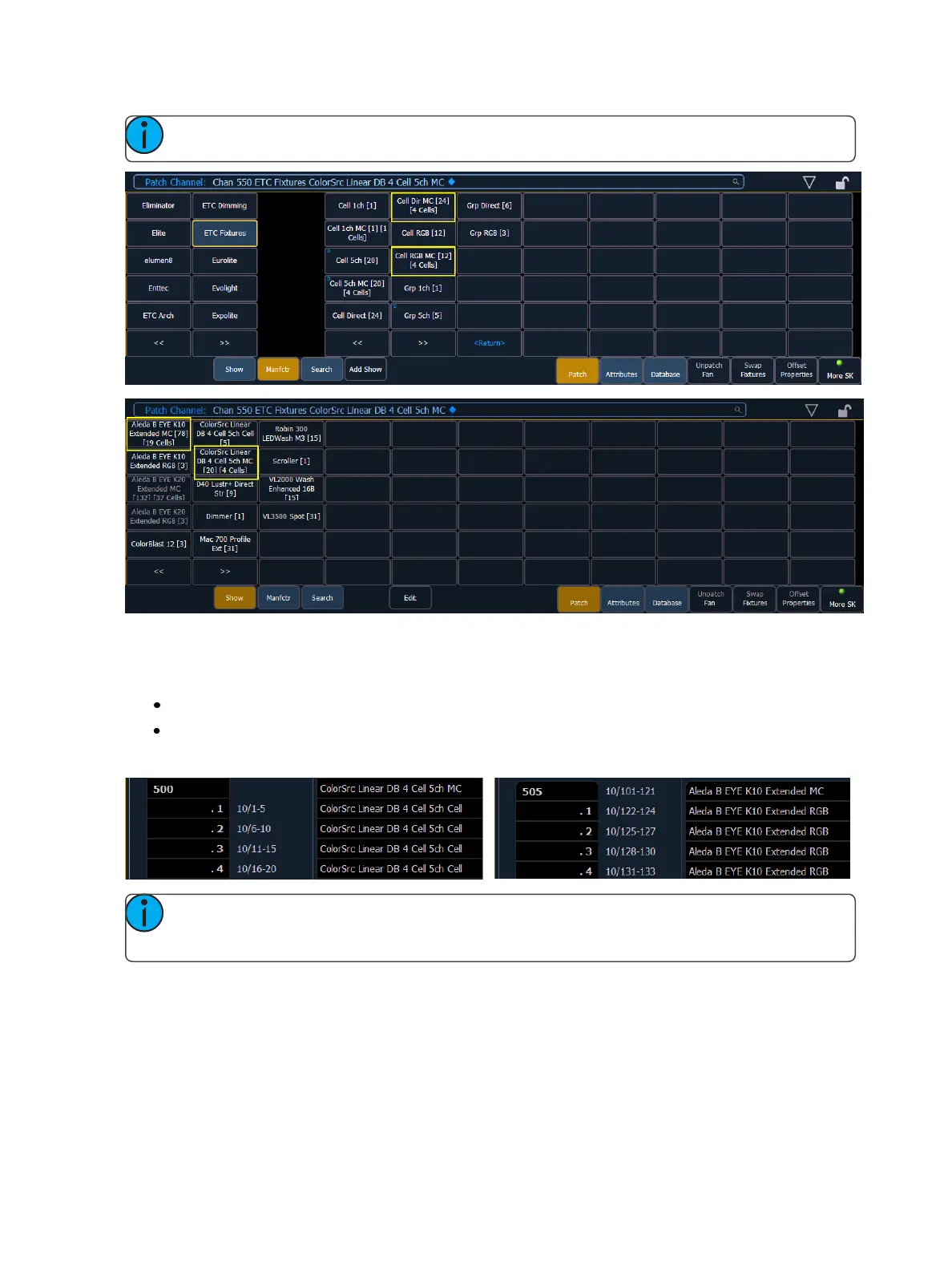
When these devices are patched, they will patch a master channel with a whole number for a chan-
nel number and the appropriate number of additional cells, which will have point numbers for their
channel numbers.
[1][0] [At] [5] [Enter] - patches channel 10 and all of its cells starting at address 5.
[1][0] [.] [1][2] [Thru] [1] [At] [5] [Enter] - patches channel 10's cells 12 through 1 starting with
cell 12's address beginning with address 5.
Note: If the master channel has only a virtual intensity over the cells, an address will not be
displayed, as that is a virtual parameter.
Labeling
To label a channel or address, press the [Label] key with the channel or address selected on the com-
mand line. You can use the virtual alphanumeric keyboard or an external keyboard to enter the
desired label text.



 To Next Page