466 Ion Operations Manual
{Import} allows you to import a RPU/RVI button configuration file. {Export} allows you to export a
RPU/RVI button configuration file. {Restore Defaults} will restore the factory defaults for the RPU/RVI
buttons.
For more information, please see the Setup Guide for your RPU. Setup Guides can be downloaded
from the ETC website, www.etcconnect.com.
Face Panel Buttons
This area is for configuring the buttons the customizable hardkeys on the Eos Ti, Gio, and Gio @ 5
facepanels.
Clicking on a button will open a dialog window for selecting what type of button, macro, hardkey, or
none, you wish to assign.
If hardkey is selected, a list of the various hardkeys on your console will be available to select from. If
macro is selected, a list of available macros will display. Selecting none will assign no action to the
selected button.
{Import} allows you to import a button configuration file. {Export} allows you to export a button con-
figuration file. {RestoreDefaults} will restore the factory defaults for the buttons
See Customizable Hardkeys (page 1) for more information.
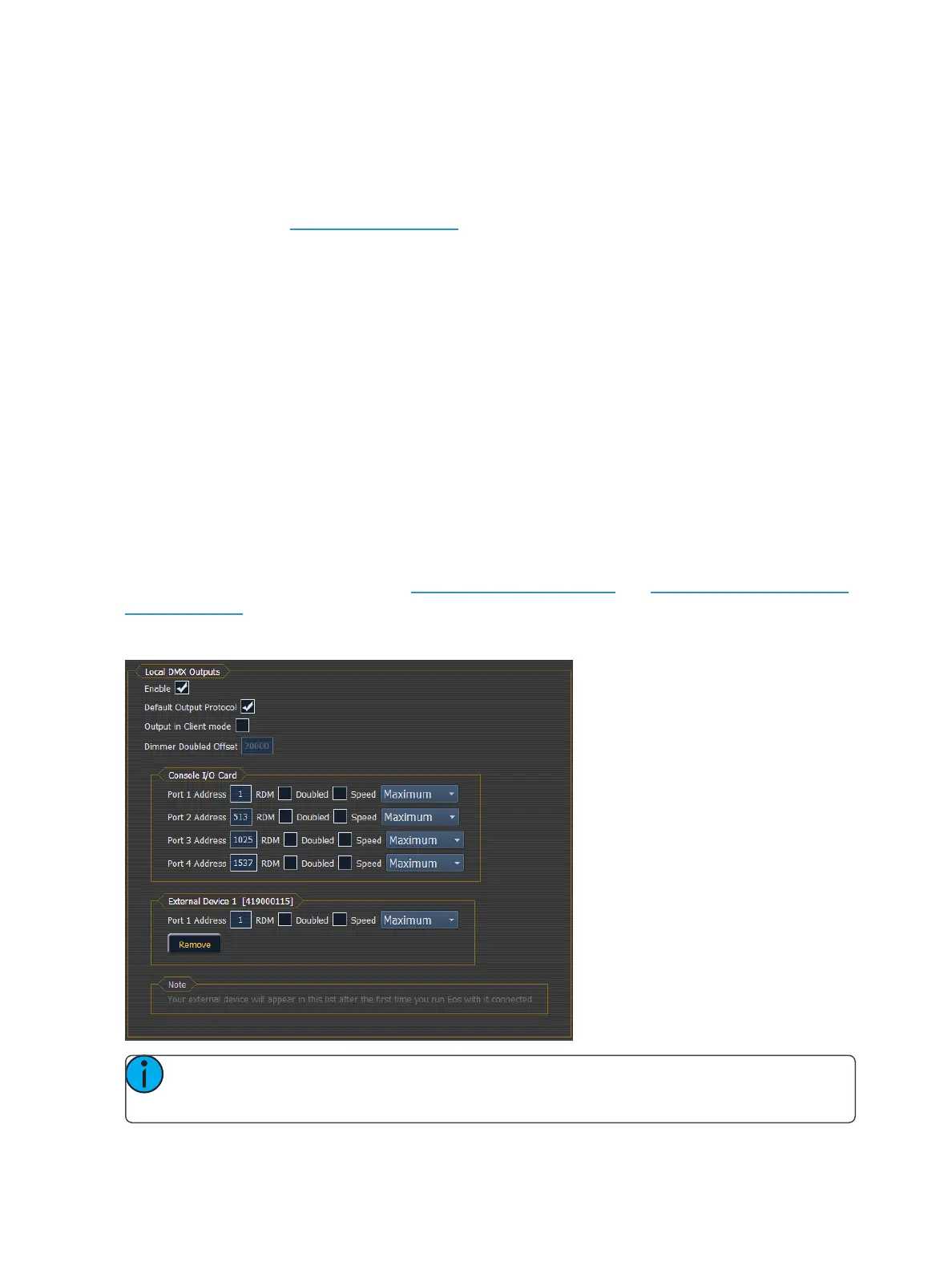
Local I/O
This screen allows you to configure the Local DMX Outputs (below) and Show Control Outputs (on
the facing page) on the back of your device.
Local DMX Outputs
Note: If you have an external device that has an I/Ocard, such as a Gadget 2, you can con-
figure its ports from this display.



 To Next Page