Eos Configuration Utility 467
The following settings are available:
Enable - enables DMX output from the local DMX ports.
Default Output Protocol - enables DMX as a default output.
Output in Client Mode - allows for output in offline mode for use with a visualization pro-
gram.
Dimmer Doubled Offset - this offset matches the default offset in CEM+ / CEM3 when con-
figuring your Sensor dimmer rack for dimmer doubling. The default offset is 20,000. Sensor
Classic racks should be set to an offset of 256.
Ports - the settings for the DMX ports:
Address - sets the starting address for the port.
RDM - enables RDM on the port.
Doubled - enables dimmer doubling on the port.
Speed - sets the speed for the ports. Options are: maximum, fast, medium, and slow.
The speed may need to be adjusted for certain devices. The default speed is maximum.
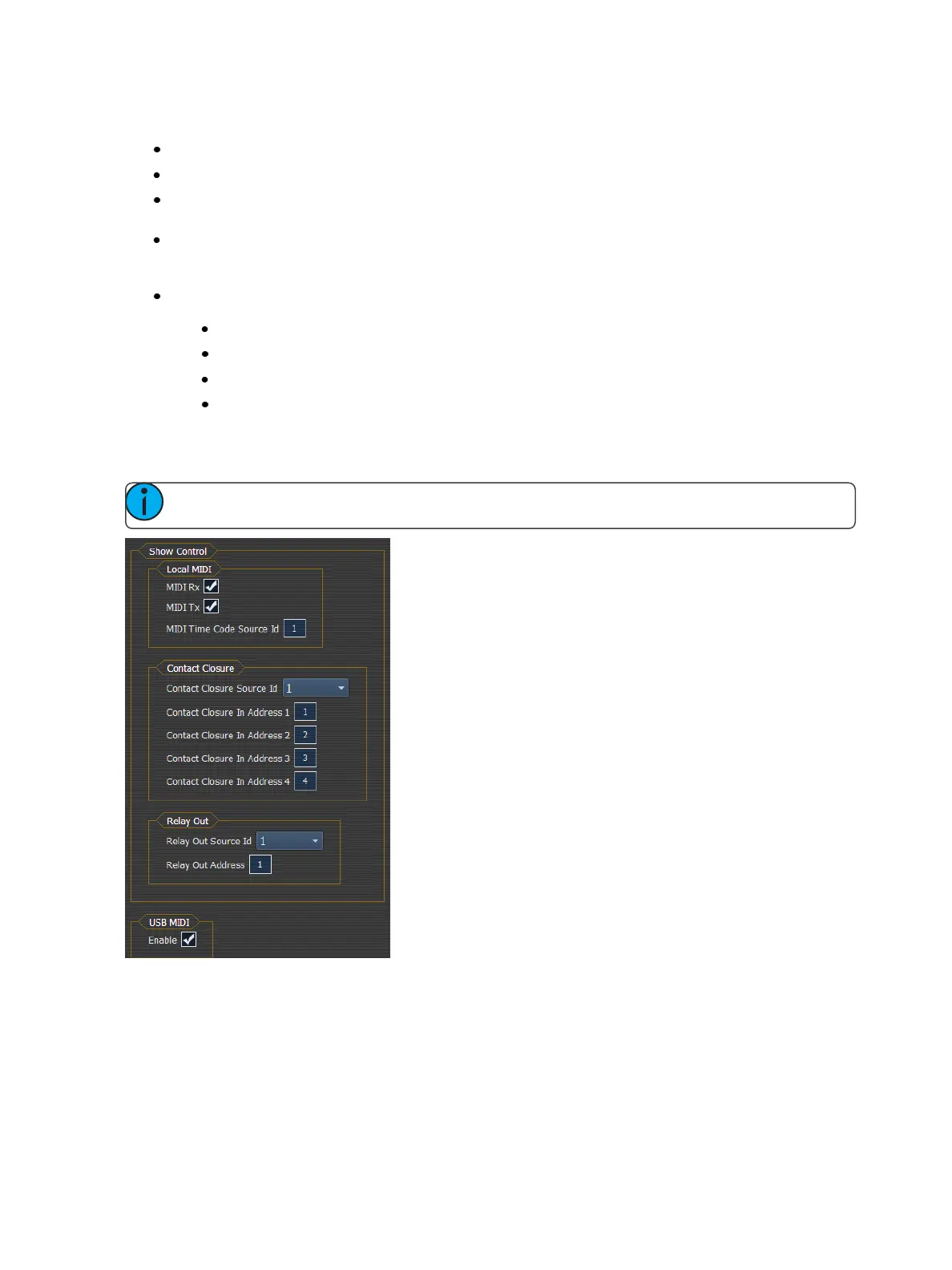
Show Control Outputs
Note: To input RS-232 into Ion, you will need to use a Net3 I/O Gateway.
Local MIDI
Allows you to set the group number for the MIDI In and MIDI Out ports. Group numbers can be from
1-32. Default for both ports is 1.



 To Next Page