176 Ion Operations Manual
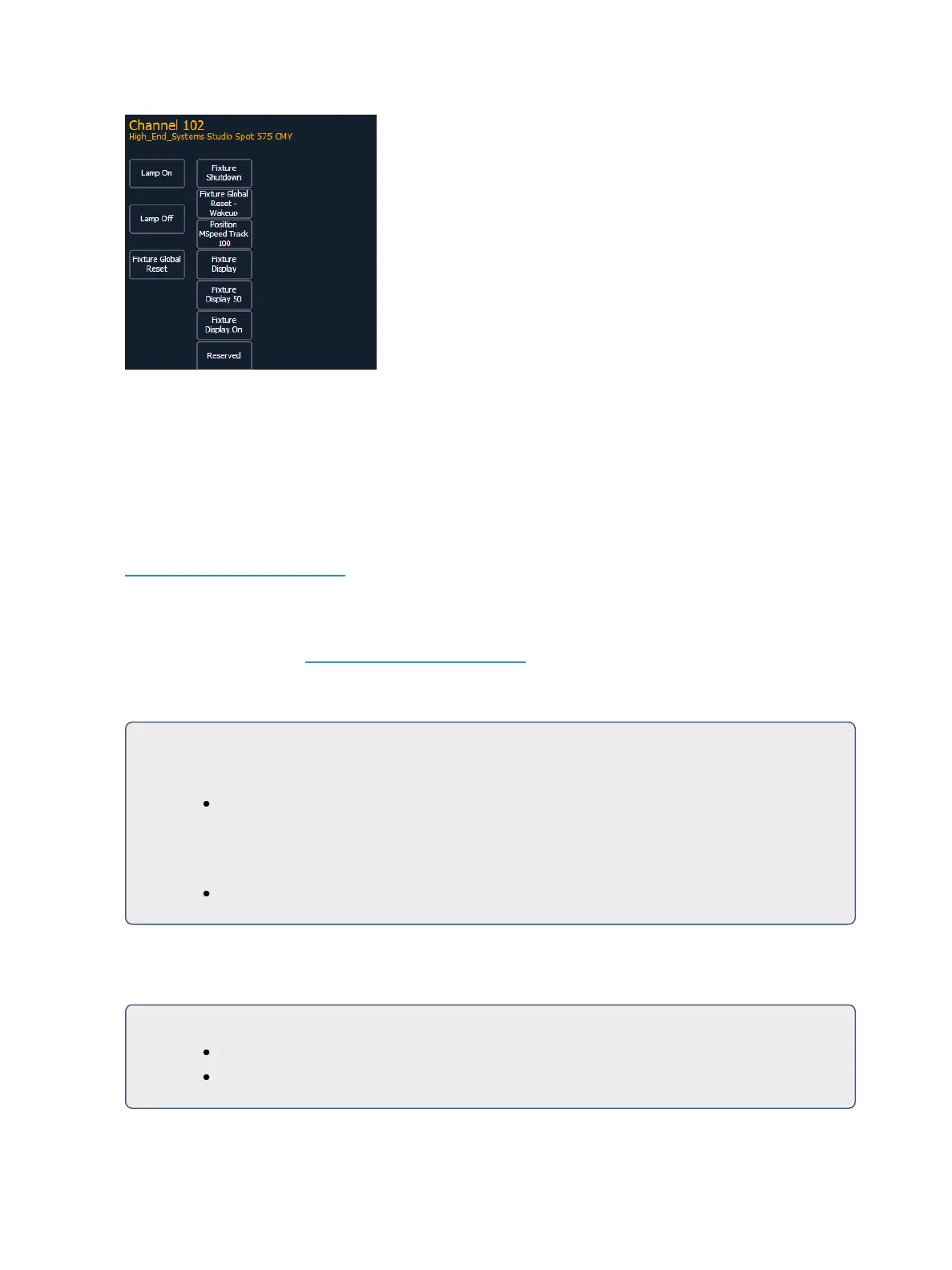
Pressing any of these parameter controls buttons will affect the selected channel after a con-
firmation.
Exit the lamp controls display by pressing [Displays].
Using [+%] and [-%]
Use [+%] and [-%] keys to incrementally change parameter values.
By default, the [+%] and [-%] keys are assigned a value of 10. This can be changed in Setup. See
Manual Control (on page144) for more information.
Channel Intensity
When channels are selected, pressing [+%] increments the intensity level by 10 (or by the value
established in Setup, see Manual Control (on page144). Alternatively, you may press [-%] to decre-
ment the intensity level by 10. You may use these keys consecutively to “add to” or “subtract from”
the intensity level.
For Example:
Select channels 1 through 10 and set them to an intensity level of 45% from the keypad.
[1] [Thru] [1] [0] [At] [4] [5] [Enter]
Change the intensity level to 65% using the [+%] key, which is set to its default value of
10% in the setup menu.
[+%] [+%]
Non-intensity Parameters
The [+%] and [-%] keys may be used to incrementally adjust non-intensity parameters as well.
For Example:
[1] {Iris} [+%] [+%]
{Zoom} [-%] [-%]



 To Next Page