468 Ion Operations Manual
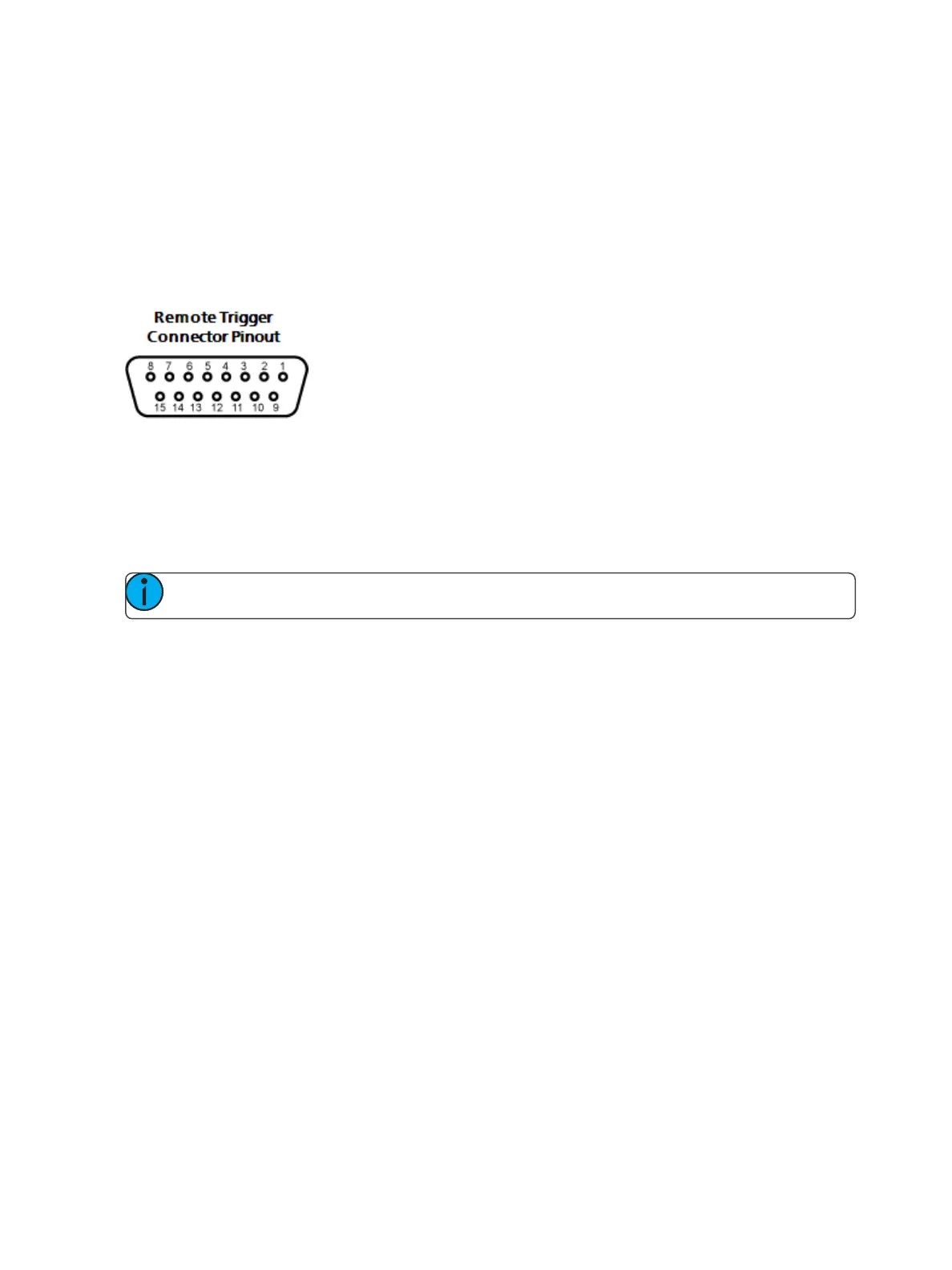
Contact Closure (remote trigger connector)
Allows you to set the Group and Address In values for the remote trigger input on the back of your
console.
Relay Out
Allows you to set the Group and Address In values for the remote trigger port on the back of your
console.
USB MIDI
You can use third party MIDIover USBdevices. Before use, you will need to enable them here.
RFR
This screen is used for setting up the Radio Focus Remote (RFR) to work with Ion.
Note: These settings need to match between the desk and the RFR.
High Frequency Channel
The frequency that the RFR is using. There are 1-12 channels.
Network ID
The Network ID is a separate digital channel on a single high frequency (HF) setting. There are 1-99
IDs available.



 To Next Page