Eos Configuration Utility 465
Shared Folders
{Shared Folders...} allows you to see if any folders are currently being shared by the desk. You can
select the folder and click {Don’t Share} if you no longer want to share the folder. By selecting {Don’t
Share} here, you will also uncheck the box for Share Show Archive(on page450) in the General tab.
Log Off
This will log off the current user. This should only be done under the direction of ETC Technical Ser-
vices for administrative purposes.
Firmware Update
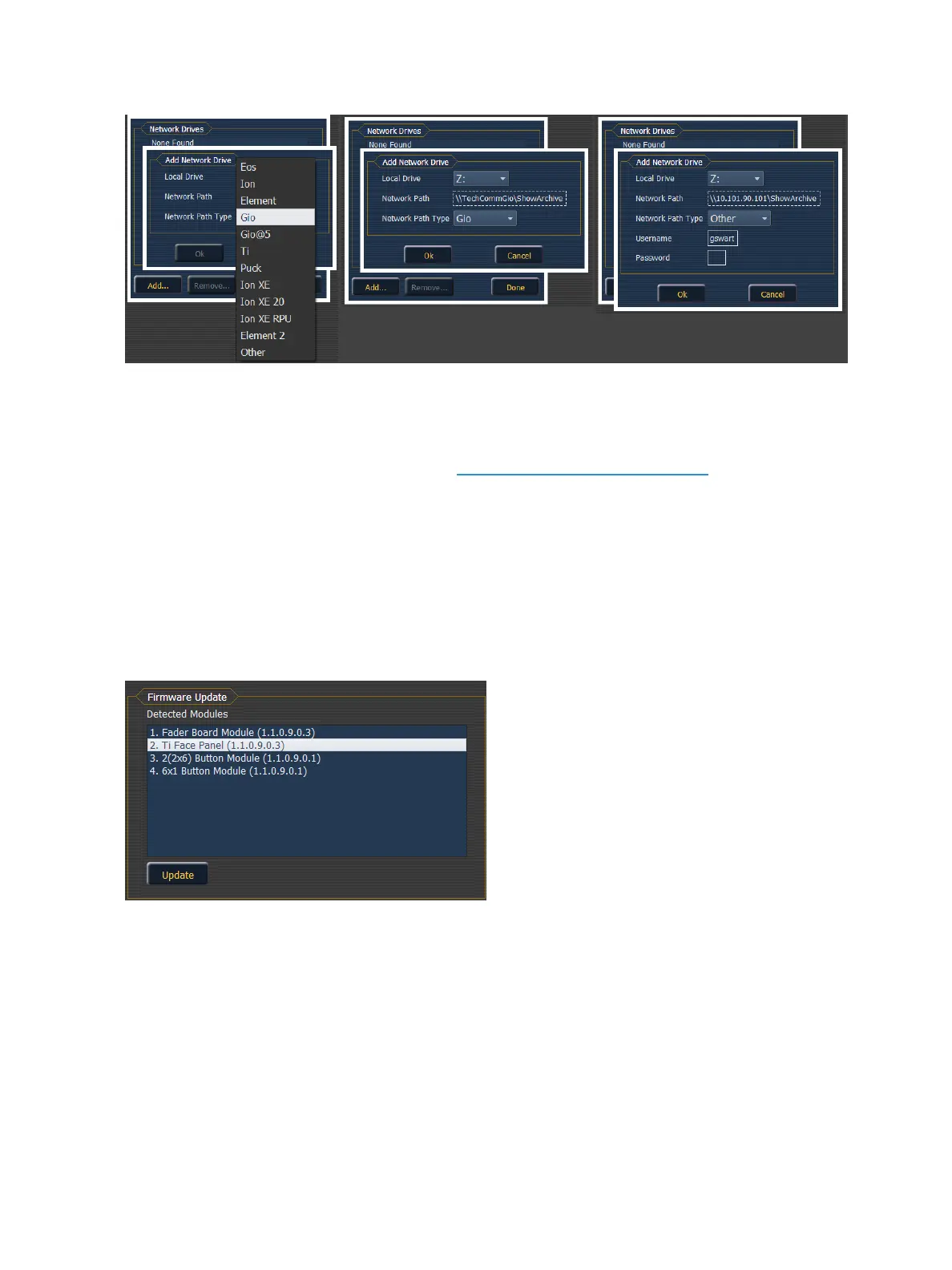
The firmware update window will display any detected devices that use firmware and may require an
update. With the device selected, if an update is available, the {Update} button will be highlighted in
yellow. If the button is grayed out, an update is not available.
Buttons
RPU Face Panel Buttons
This area is for configuring the buttons on the front of a RPU or RVI. Clicking on a button will open a
dialog window for selecting what type of button, macro, hardkey, or none, you wish to assign.
If hardkey is selected, a list of the various hardkeys on your desk will be available to select from. If
macro is selected, a list of available macros will display. Selecting none will assign no action to the
selected button.



 To Next Page