Show Control 499
String Interface
RS232, UDP serial strings, ACN EPI strings, and OSC commands can be sent and received from the
console.
Enabling Serial
You can configure sending and receiving the various serial protocols supported by the desk in Setup,
see Show Control Settings (on page471). Most string protocols are disabled by default.
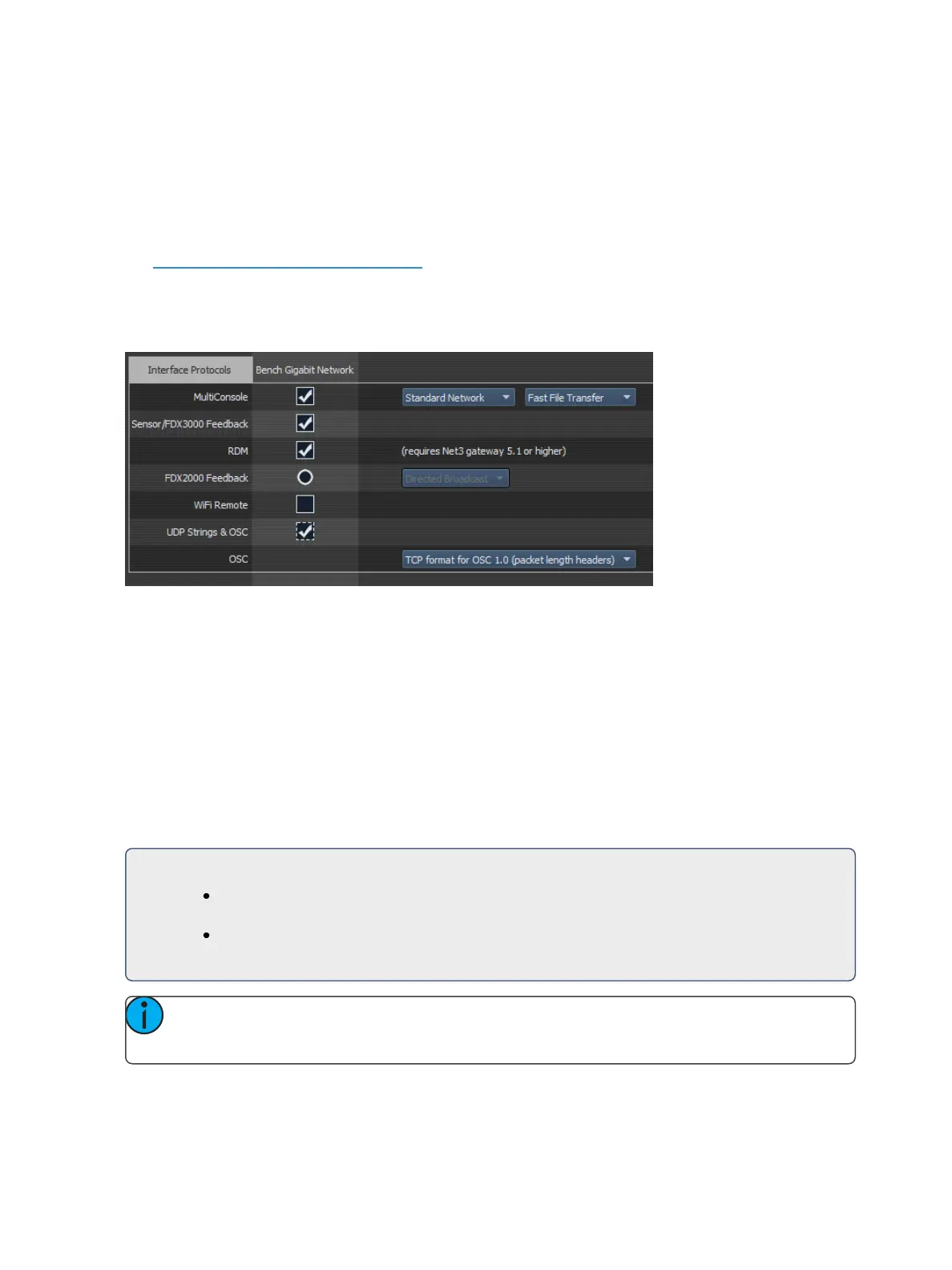
The Eos Configuration Utility, or ECU, also contains settings that control which network interface is
allowed to send and receive UDP, ACN Strings, and OSC messages. See ECU>Set-
tings>Network>InterfaceProtocols for more information.
Receiving Eos Serial Commands – RS232, UDP, and ACN EPI Strings
All text will be queued up until either a carriage return (hex 0D), a “\r”, or a “#”, is encountered in
the string to show the end of the command.
Command Line
If the text begins with a “$”, the text that follows until the carriage return (hex 0D), a “\r”, or a “#”
will be sent to the command line for user 0 and processed as if that user had typed it. Commands
can be directed to a specific user command line by adding <UX> at the beginning of the string,
where X is replaced by the intended user number. The carriage return (hex 0D), a “\r”, or a “#” will
also act as the [Enter] key for the command line.
For Example:
$ Chan 1 Color Palette 1# - puts channel 1 into color palette 1 on the background
user (User 0).
<U2> $ Chan 1 Thru 10 At Full /r - sets channels 1 through 10 to full manually on
User 2’s command line.
Note: It is best practice to place spaces after both the <UX> and the $ symbol to ensure
the command is interpreted properly.



 To Next Page