130 Ion Operations Manual
Note: For 16b parameters, LDMX or “low-DMX” is the DMX address for the second half
of any 16-bit channel. If used in Coarse/ Fine determination, the DMX channel defines the
“Coarse” adjustment and the LDMX defines the “Fine” adjustment. Do not count 16-bit
parameters as two parameters, this will be done in a later step.
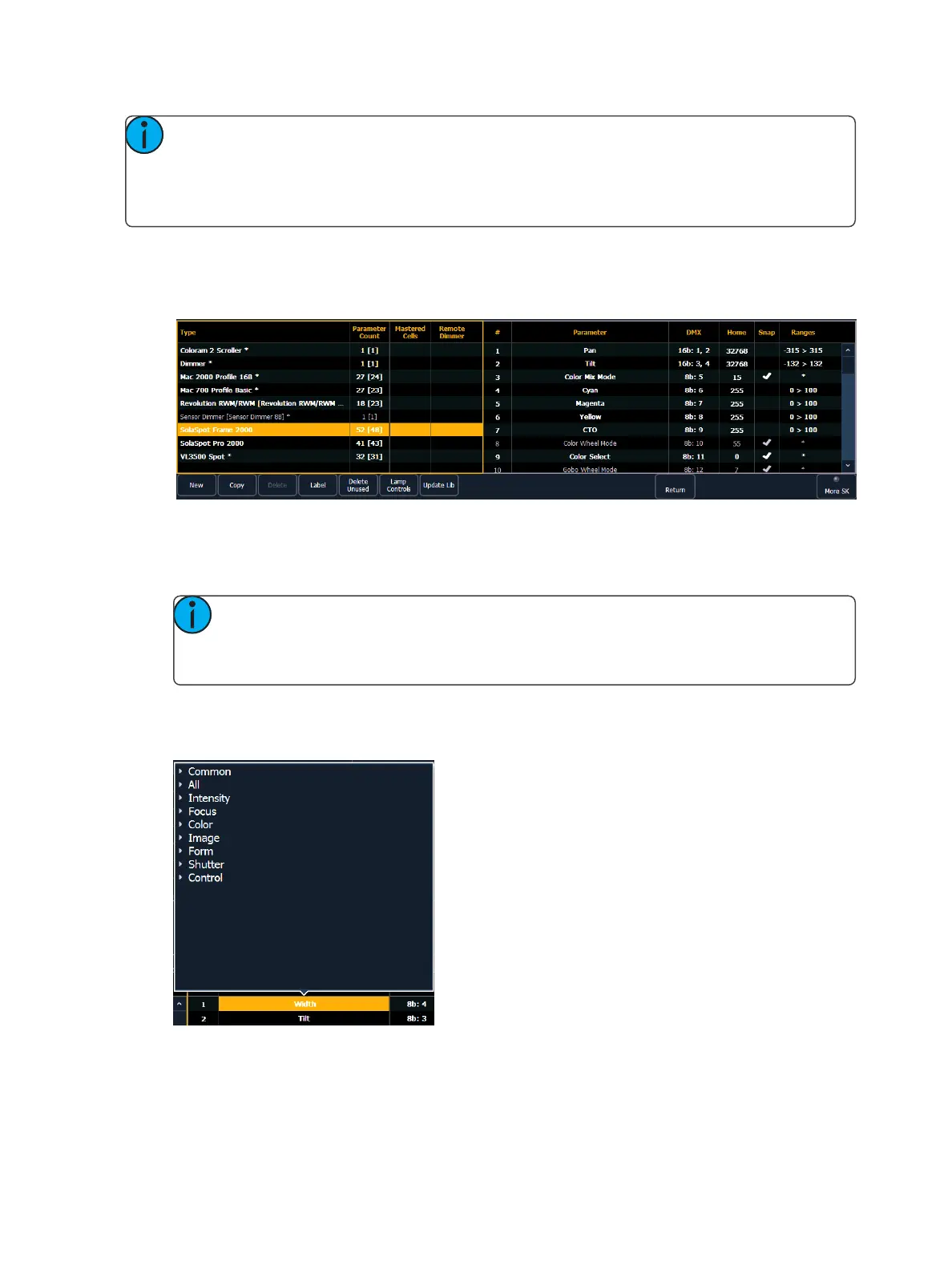
To add parameters to anew fixture:
1. Use the [Page] keys, mouse, or touchscreen to select the new fixture.
2. Select the parameter list by clicking on it or touching it.
3. Determine the total number of parameters that your fixture has. Do not count 16-bit para-
meters as two parameters, this will be done in a later step.
4. Press {New} to add parameter slots. Repeat this step until you have as many slots as are
required by the number determined in step 3.
Note: When {New} is pressed, the parameter slot will appear in the list with a default
name in the “Parameter” column. You may disregard these default parameters as
you will redefine the designations in a later step.
5. Use the [Page] keys, mouse, or touchscreen to navigate to any parameter slots that you wish
to alter the default parameter designations for.
6. Click on the slot to open a dropdown list of available parameters.
Click on a category to open the dropdown list to see the parameters.
7. Press the desired parameter to assign it.



 To Next Page