Basic Manual Control 159
parameters relevant to the selected channels.
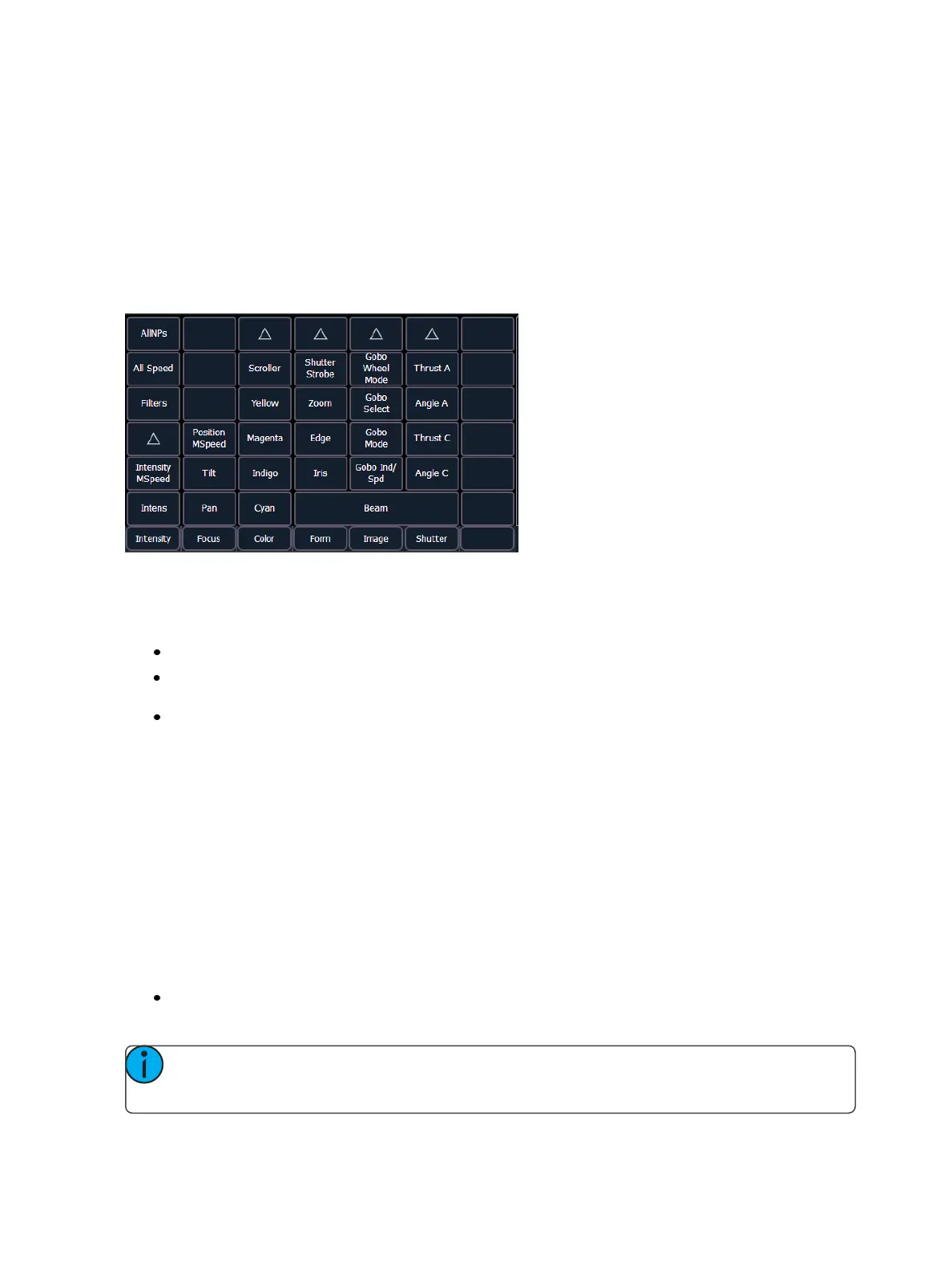
The parameters are divided into the following categories: Intensity, Focus, Color and Beam. Each
parameter category is represented with buttons in the parameter tiles. These buttons allow you to
select the entire collection of all parameters within that category. You can also select a single para-
meter from a category using that parameter’s button in the parameter display.
Beam has three subcategories which correspond to the way the encoders are mapped. They are
{Form}, {Image}, and {Shutter}. These subcategories are represented with buttons in the CIA. Pressing
these buttons allows you to select all parameters within those subcategories.
Within the CIA, in the upper left corner, notice the {All NPs}button. When pressed, this collects all
non-intensity parameters for further editing.
Some examples of using parameter touchbuttons are:
[1] {Iris} [5] [Enter] - Places the iris parameter of channel 1at 50%.
[Group] [4] {Zoom} {Edge} [Out] [Enter] - Sends any zoom and edge values for all fixtures in
group 4 to 0%.
[1] [Thru] [3] {All Speed} [At] [2][5][Enter] - Sets all the available speed parameters for channels
1 through 3 to 25.
Setting Parameters with the Keypad
When the CIA is placed in parameter mode, all parameters of selected channels may be given
numeric values through the keypad.
When no channels are selected, the CIA shows all of the parameters that are available in the lighting
system. When channels are selected, the CIA condenses to show only the parameters that are appro-
priate to the selection set. If channels are selected that have different device types, such as spot and
wash lights, the CIA will show all of the available parameters. Parameters that are not available to all
channels are grayed out.
The following examples illustrate how to set parameter values with the keypad:
[5] {Iris} [5] {Zoom} [6] [5] {Edge} [5] [Enter] - sets channel 5 to an iris value of 50%, a zoom
value of 65%, and an edge value of 50%.
Note: Pressing [Shift] & [Encoder Paging Key] will place the associated parameter onto the
command line for numeric entry



 To Next Page