174 Ion Operations Manual
information.
Multicell fixtures have a master channel with a whole number for a channel number and the appro-
priate number of additional cells, which will have point numbers for their channel numbers.
To control the whole fixture, select the master channel.
To control individual cells, use [.] to put cell only on the command line.
To control just the master, use [Shift] & [.] to put minus cells on the command line.
For Example:
Channel 1 is a multicell fixture with four cells.
[1] [At] [Full] [Enter]
Sets the intensity of the master channel to full. Note that the intensity parameter for cells
defaults to full.
[1] [.] [1] [At] [5] [0] [Enter]
Sets only cell one at 50% of the intensity of the master. Cells are a percentage of the master
level. [.] puts cell on the command line.
This can be especially useful when applying effects or palettes.
For Example:
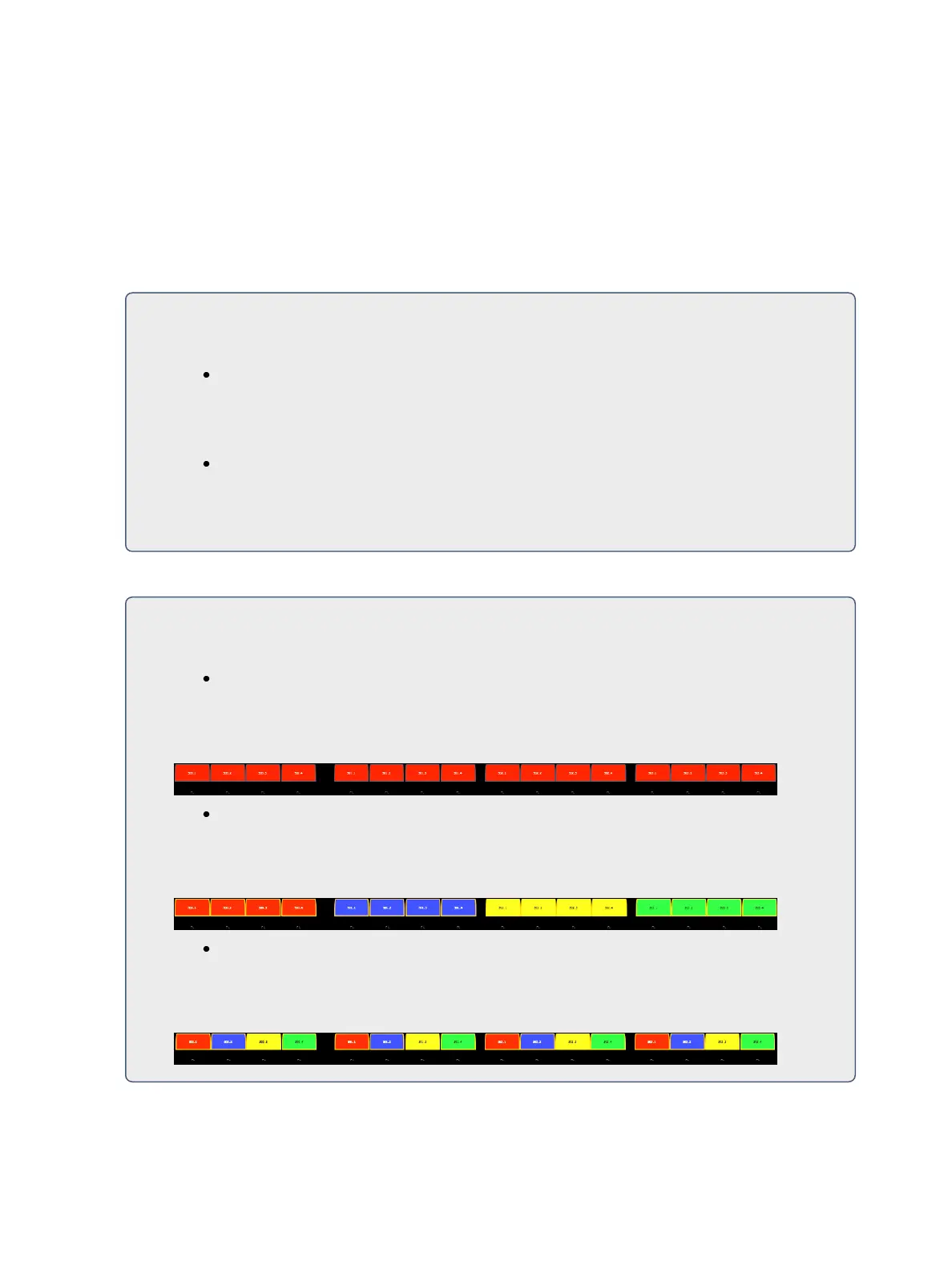
Channel 1 through 4 are multicell fixtures with four cells.
[1] [Thru] [4] [Color Palette] [1] [Enter]
Sets channels 1 through 4 to color palette 1. All four cells of each fixture are set to color
palette 1, which is red.
[1] [Thru] [4] [Color Palette] [1] Thru] [4] [Enter]
Channel 1 with its four cells will be set to color palette 1, channel 2 will be set to color
palette 2, and so on.
[1] [Thru] [4] [.] [Color Palette] [1] Thru] [4] [Enter]
For each of the channels, cell 1 will be in color palette 1, cell 2 in color palette 2, cell 3 in
color palette 3, and cell 4 in color palette 4.



 To Next Page