32 Ion Operations Manual
Note: Previous versions of a showfile will be displayed in dark gray text. To see previous ver-
sions of a showfile, you must click on the arrow to the left of the showfile name or use
[Page u] .
Note: The [Select] key can be used to confirm a choice in the browser.
Browser Color Coding
The following color coding for selected items is used in the browser:
Save - green
Save As - green
Open - red
Merge - yellow
New -red
Clear -red
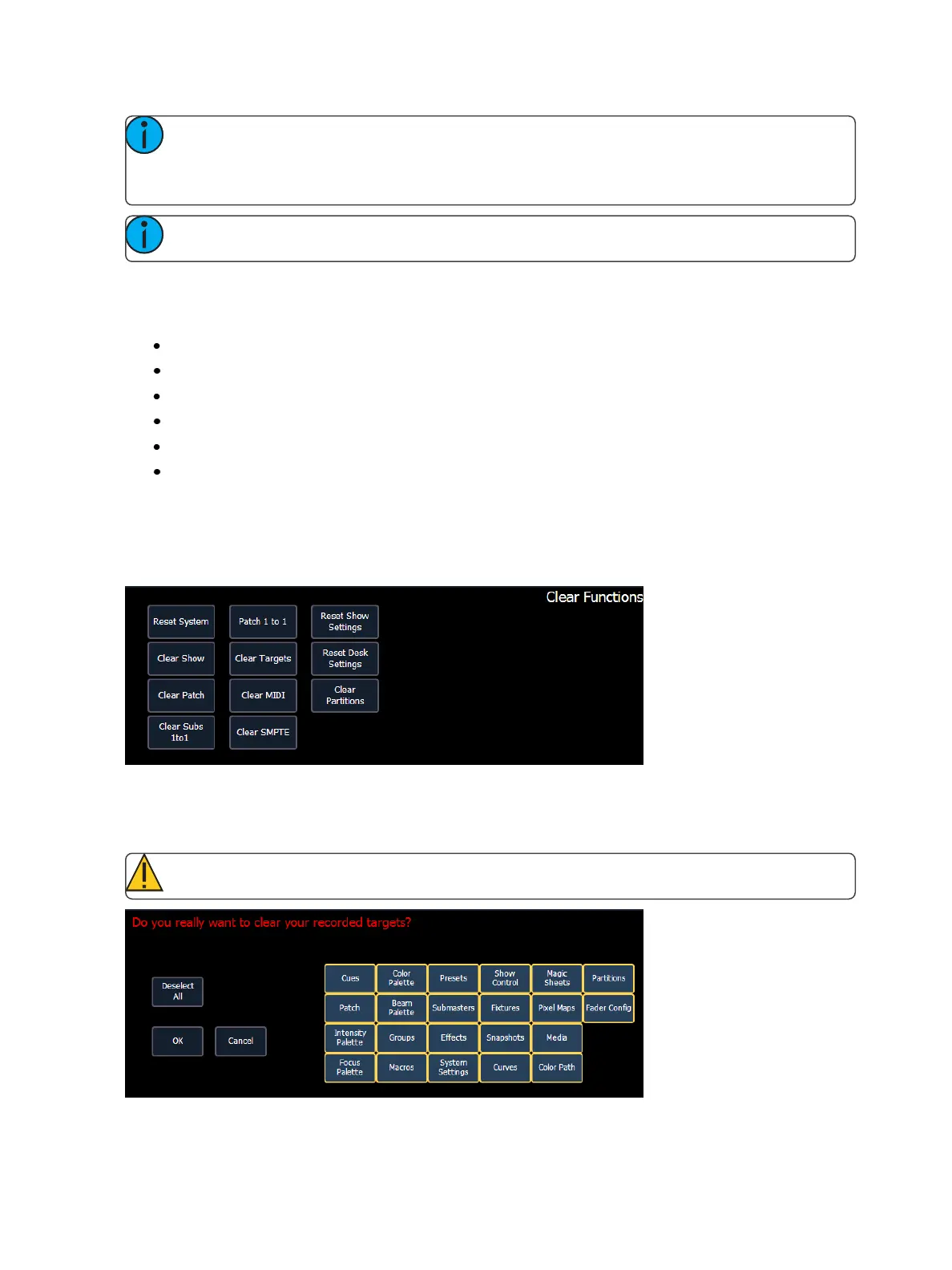
Clear Functions
You can access the various clear options from the browser by selecting {Clear} from the main
browser menu. The clear functions window will open in the CIA.
From this menu you can select one of the available clear options by clicking on the desired button in
the CIA. Ion will ask you for a confirmation before performing the selected clear. For {Clear Targets},
Ion will allow you to choose which record targets you want to clear.
CAUTION: Clear functions cannot be undone by using the Undo option.



 To Next Page