346 Ion Operations Manual
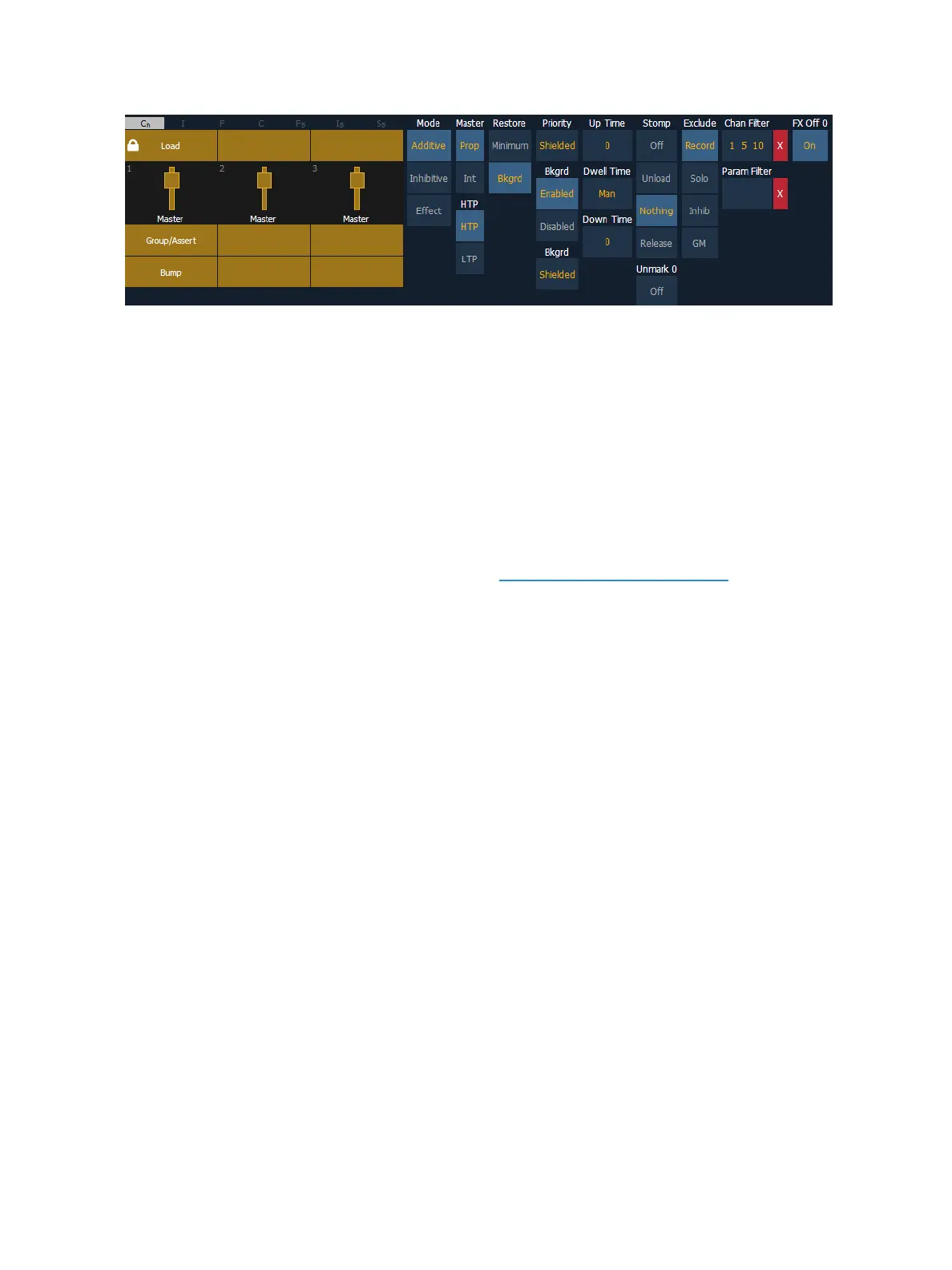
The following options are available when a fader is configured as a submaster:
Mode
You may define your submaster as additive (contributes to the live output), inhibitive (limits live out-
put) or an effect submaster. Ion defaults to submasters being additive.
Additive submasters are indicated by a green LED and a yellow fader icon in the fader ribbon.
Inhibitive submasters display these indicators in red. Channels mastered by an inhibitive submaster
are indicated with an “I” next to the intensity value in the channel display in live. Inhibitive sub-
masters do not provide levels to the stage picture, they limit them (similar to a grandmaster). It is pos-
sible to put non-intensity parameters onto an inhibitive submaster, but it must be done from blind.
For more information about effect submasters, see Effects on Faders (on page332).
Master
A fader can be assigned as a Master. When it is a master, its behavior as a Proportional Master or
Intensity Master (I-Master) is drawn from this setting.
Proportional Master
When a submaster is proportional, the slider will control all contents of the submaster (intensity and
non-intensity parameters) when moved from zero. When a proportional sub is returned toward
zero, channel will be returned to their previous level.
The bump button can be used to bump all values to their recorded levels in the submaster, or, by
assigning timing values, fade the contents of the submaster up or out. Ion defaults to submasters as
proportional.
Intensity master
When set to intensity master, the slider will control intensity only. The bump button can be used to
preset (mark) non-intensity parameters stored to the submaster. If the bump is not pressed before
the slider is moved, the slider will also fade the non-intensity-parameters to their recorded values.
Once the non-intensity-parameters are at their end state, the slider only controls intensity. When
dropped toward zero, controlled intensities will be faded toward zero.
When non-intensity parameters on a intensity master submaster have been marked using the bump
button, the LED on its bump button will blink to tell you that the non-intensity parameters have been
marked.



 To Next Page