Using Magic Sheets 391
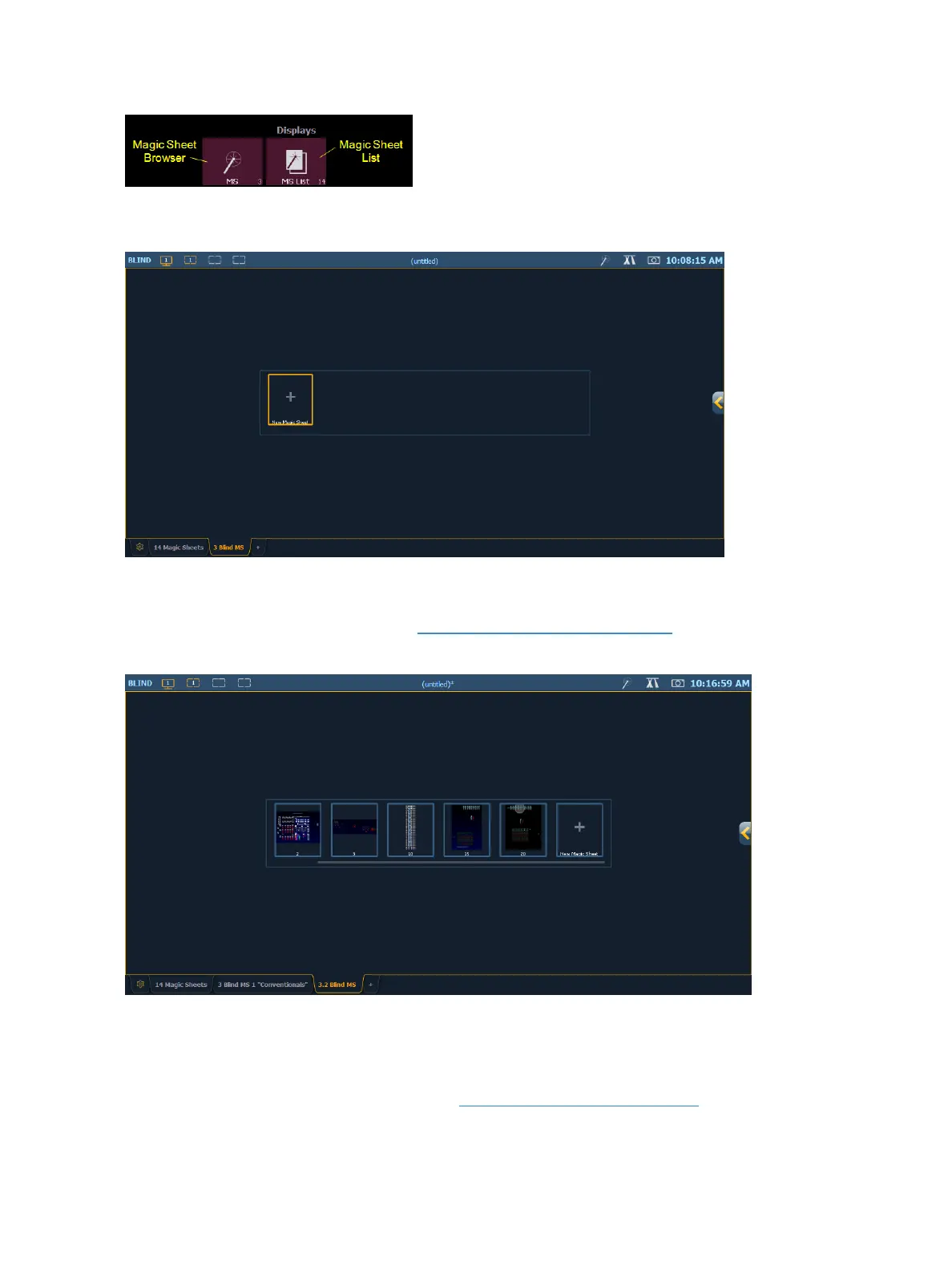
If no magic sheets exist in the show file, the magic sheet browser will be blank except for the New
Magic Sheet icon. Click on the icon to open the magic sheet editor.
After you have created a magic sheet, you can recall a specific magic sheet, by pressing [Displays]
{Magic Sheet} [#] [Enter] or you can navigate to Displays> Record Targets>Magic Sheet and press
[Select] to open the magic sheet list (see Magic Sheet List (on the next page)).
All available magic sheets will also be shown in the magic sheet browser.
Direct Selects
Magic Sheets can also be accessed from the direct selects. Clicking on a magic sheet direct select will
open the Magic Sheet tab and display the selected magic sheet. Pressing a different magic sheet dir-
ect select will change the displayed sheet. See Using Direct Selects (on page65)



 To Next Page