Using Magic Sheets 401
Clock adds a clock.
sACN Input displays the sACNinput values.
Foundation
Motor
Adds a Foundation Motor item
to sync with an actual Found-
ation.
Line
draws a line. Examples of use
could be as a pipe for fixtures
or a divider between buttons.
Truss places truss.
Shapes
draws shapes that can have a
target assigned to them or
could be used to represent set
pieces.
Points
allows for free form creation
of objects.
Fixture Symbols
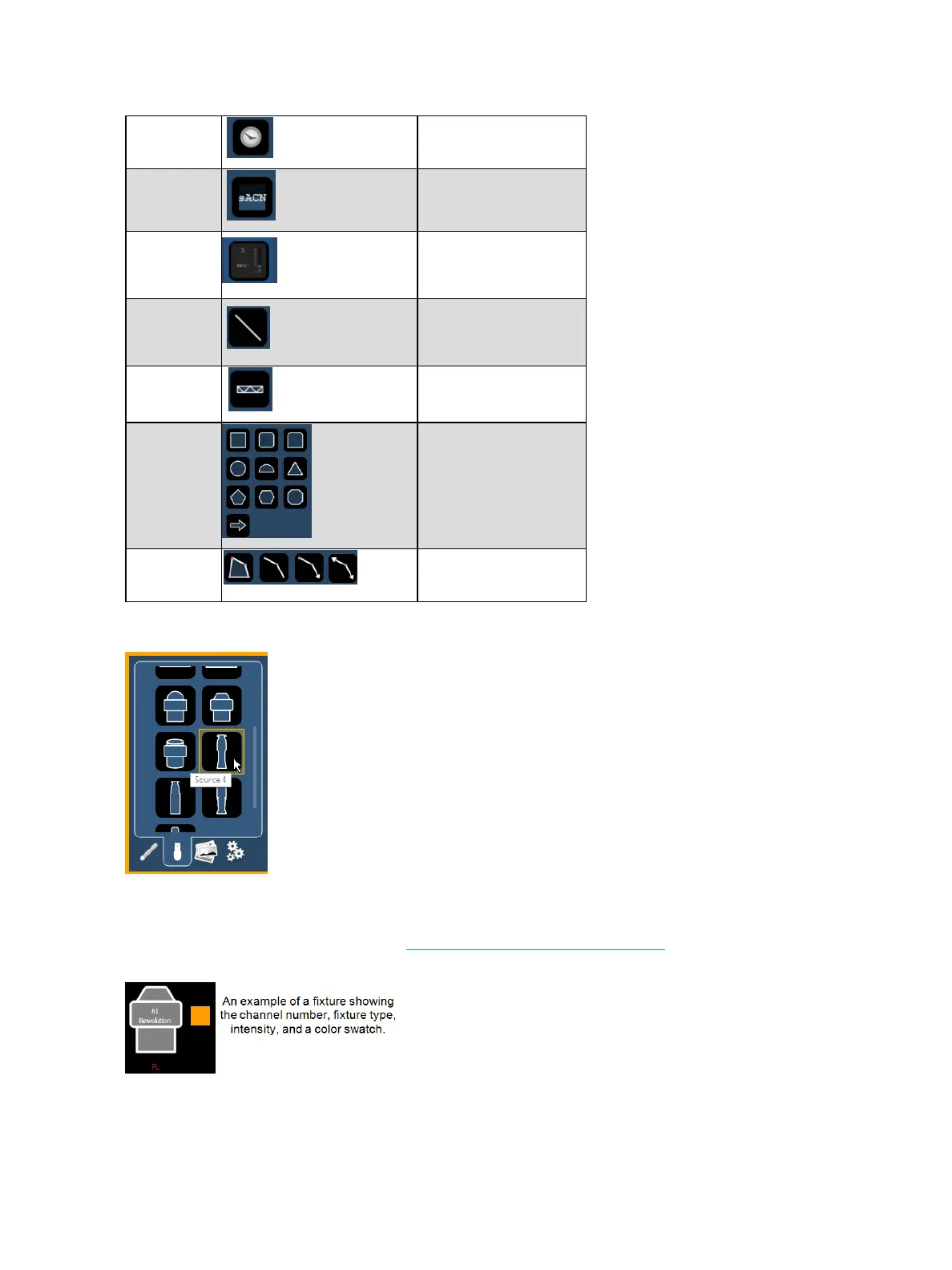
From the second tab, fixture symbols can be placed on a magic sheet. The symbols can be tied to a
channel number. Information about that channel can be displayed with the symbol, such as intens-
ity, FCB data, and error indicators. See MS Object Properties (on page405) for more information on
the customizing options available.



 To Next Page