404 Ion Operations Manual
Live and Blind Backgrounds
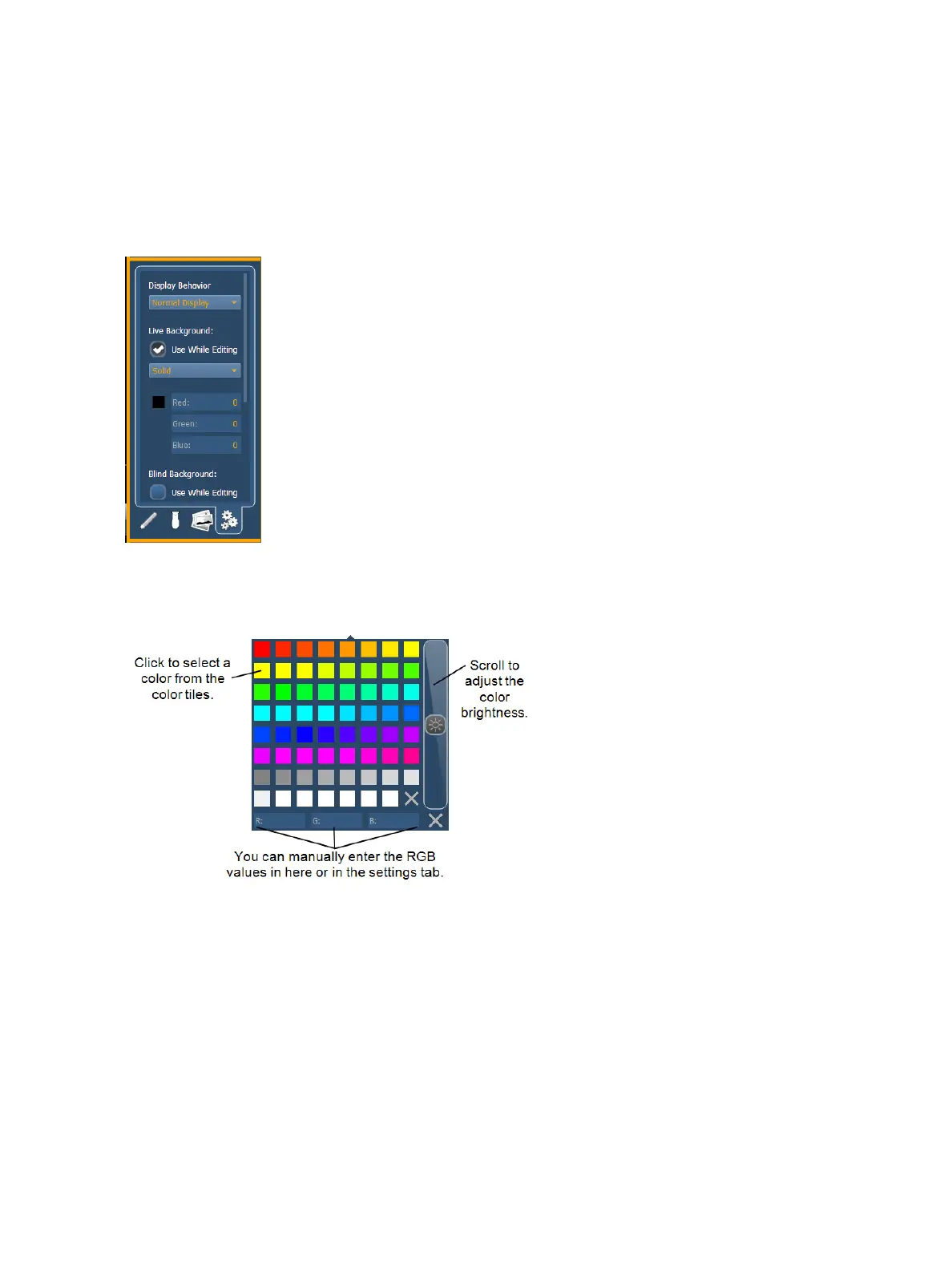
You can select live and blind backgrounds for magic sheets. These backgrounds can either use a
solid color, gradient of two colors, or an image. One of these backgrounds will be used when editing
a magic sheet. Select the {Use While Editing} button to use either the live or blind background.
Solid
When solid is selected, you will have the chance to select a color for the magic sheet background.
You can either click on the color square in the tab, which opens a color selection window, or you can
manually enter the RGB values.
Gradient
When gradient is selected, you will have the chance to select a two color gradient for the magic
sheet background. You can either click on the color squares in the tab, which open a color selection
window, or you can manually enter the RGB values.
Image
With image selected, you can adjust the size, opacity, and invert the colors of the selected back-
ground image.



 To Next Page