Multi-console and Synchronized Backup 441
device in mirror mode pages, it also pages the host.
Mirror mode is intended primarily to allow a designer or assistant to see the exact same displays as a
programmer on the system. It can be used on any device on the network, including the primary pro-
cessor. Any device being mirrored is referred to as the Host.
The is no limit to the number of mirrored devices a host can have. But a console currently in mirror
mode cannot be mirrored.
A device that is currently in mirror mode can select which user number it is mirroring by using the
alphanumeric keyboard shortcut ALT+F1 + # (# being the user number). ALT + F2 can be used to
leave mirror mode.
Note: If a device is not currently in mirror mode, pressing M on an alphanumeric keyboard
will post Mark to the command line.
Using Mirror Mode on a Client without a Dongle
A client without a dongle can connect to the network. When this is done, the client can only operate
in mirror mode, and it will always connect to the primary processor. No other options will be avail-
able.
Configuring Mirror Mode
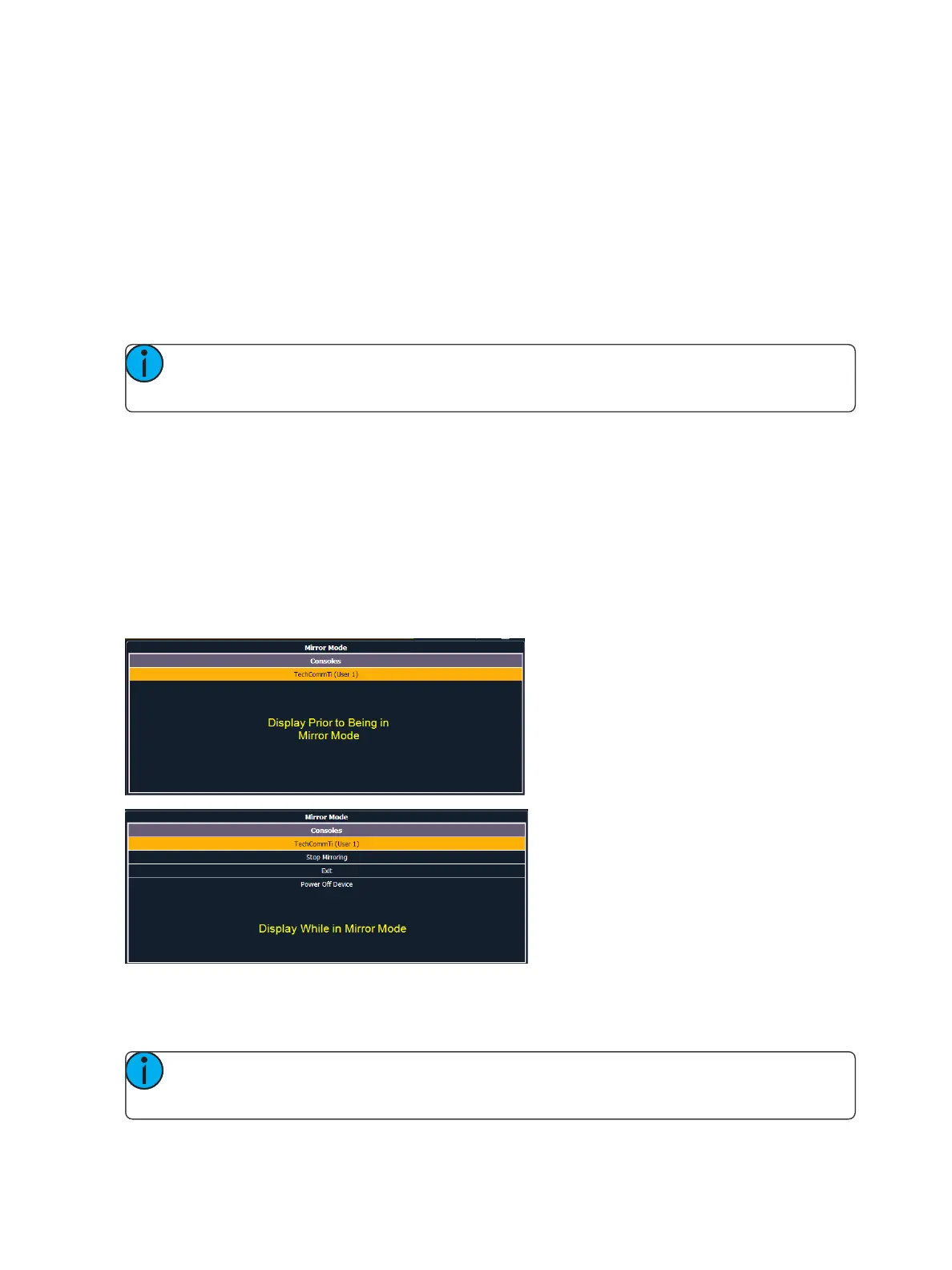
Configuring a device to connect in Mirror mode is done from the Displays menu in the Browser.
When [Displays] is pressed, a {Mirror} softkey will be displayed. Pressing {Mirror} will open up a list of
potential hosts in the CIA.
The mirror display can be navigated using the arrow keys or a mouse. When the required host is high-
lighted, press [Enter] or double click with a mouse to confirm the selection. This display can also be
opened with the keyboard shortcut of ALT + F1.
Note: While in Mirror mode, the display will also have options for exiting and powering off
the device.



 To Next Page