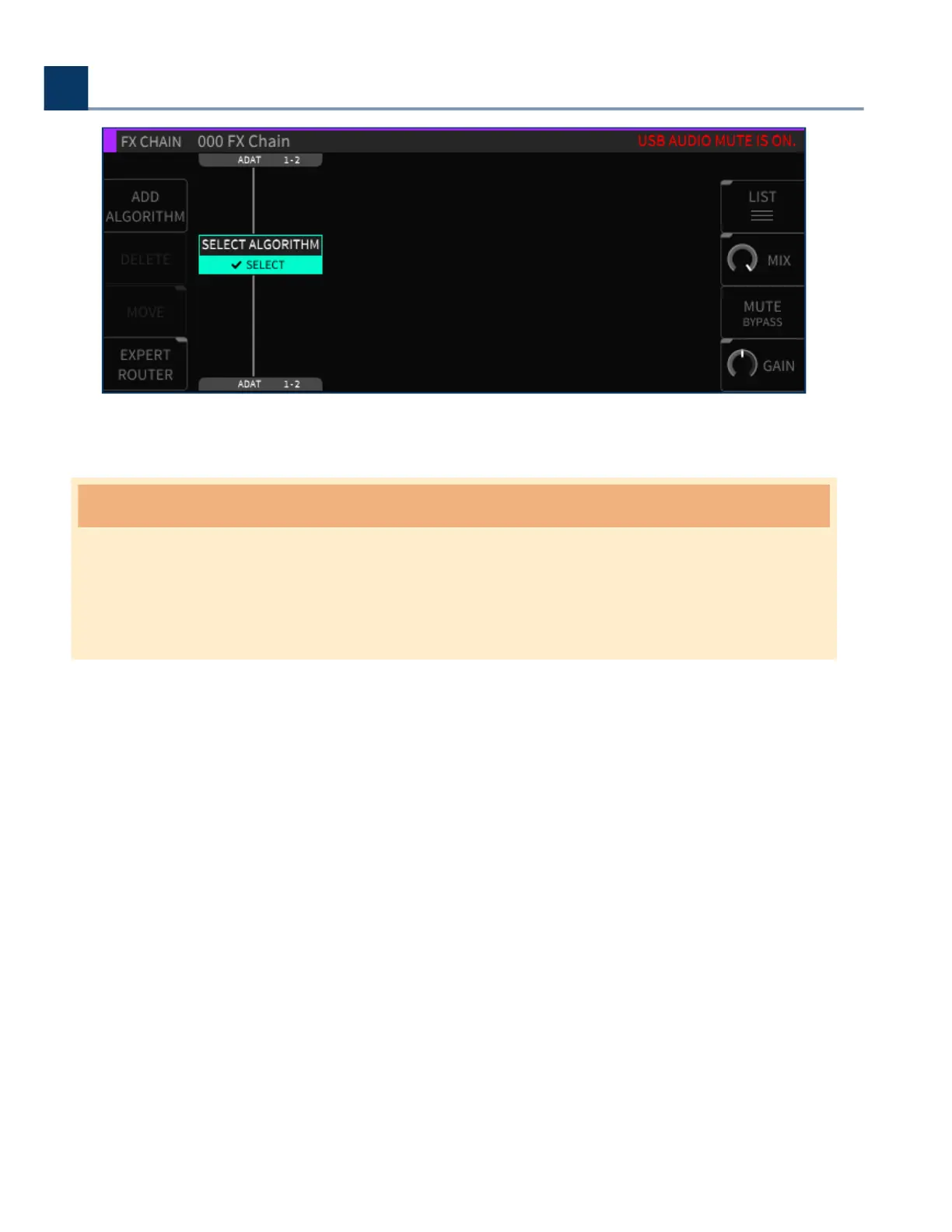
When the sample rates match again, the warning message will be cleared and the audio un-muted.
Warning
If you change the sample rate in the DAW rst, you will have to change it again once the H9000’s
clock is changed to match. This is because the H9000 cannot force the computer to re-sync at
the new rate; the computer has to initiate this process.
6.2. Using the H9000 with macOS
The H9000 works as a “Plug and Play” Core Audio device in macOS, versions 10.11 and higher. Simply
connect a USB cable between the USB B connector on the H9000 and an available USB A port on your
macOS computer. No driver installation required!
The H9000 will now be available to all CoreAudio compatible sotware as a 16-input, 16-output
computer audio device, and can be operated at sample rates between 44.1kHz and 96kHz.
6. Using the H9000 as a Computer Audio Interface
Copyright © 2021, Eventide Inc.



 To Next Page