4.4.3.8.1. Control Map
Press the latching Control Map sot key to view external control mapping options for Gains/Levels.
Please visit the Parameters section of the manual for more information about external controller
mapping.
4.4.3.8.2. Clear Clip
Press the Clear Clip sot key to clear any overloads that are displayed on the I/O meters.
4.4.3.8.3. Group
Press the latching Group sot key to group together the inputs or outputs of the selected FX cchain
input or output level. When the latching sot key is illuminated, adjusting the level of either group’s
fader will adjust the level all faders in each grouping.
4.5. Algorithms
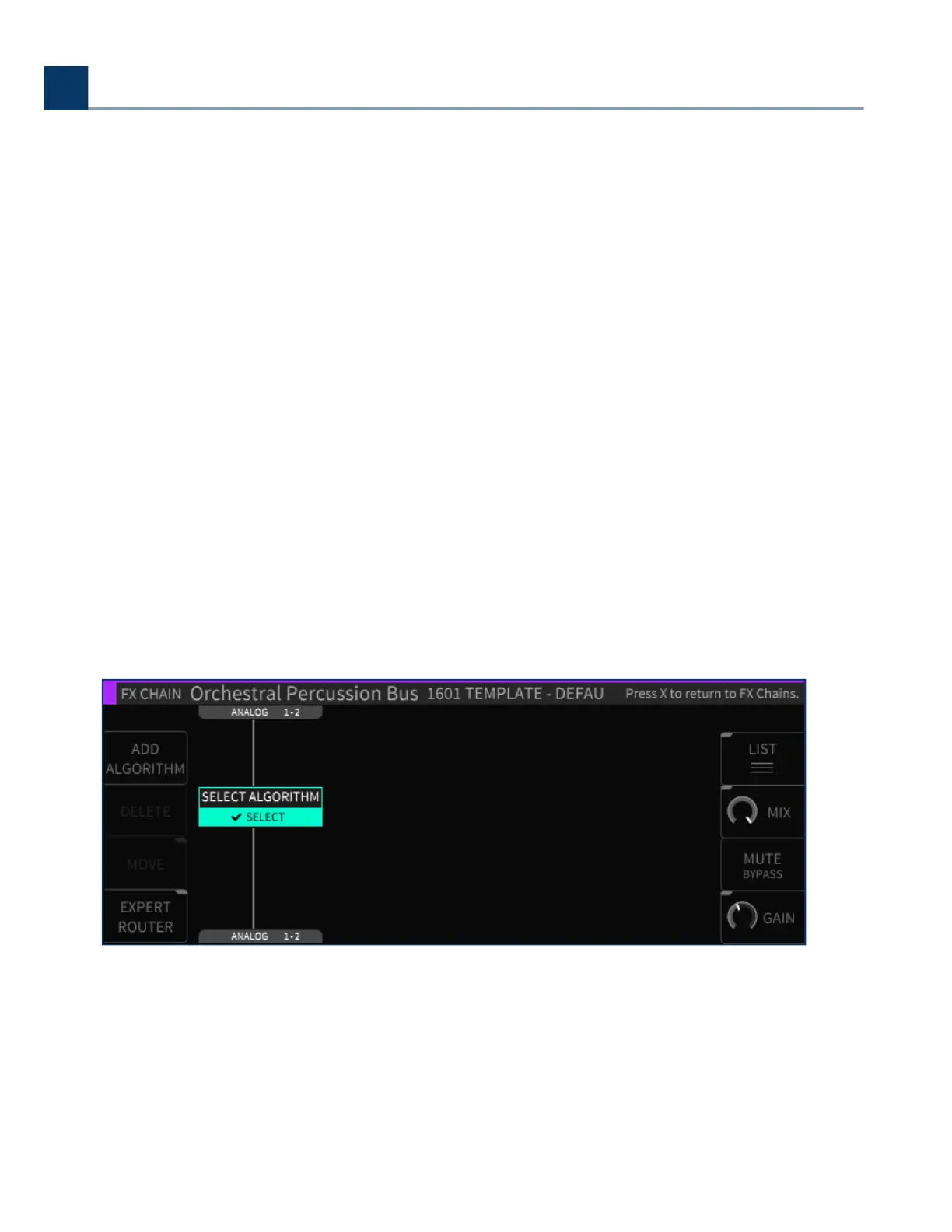
In the H9000, each FX chain can contain up to four separate signal processing algorithms. The
Algorithms screen is where you work with these specic algorithms; you can navigate to it by either:
Pressing the Algorithms button on the front panel, or;•
4. Front Panel Operation
Copyright © 2021, Eventide Inc.



 To Next Page