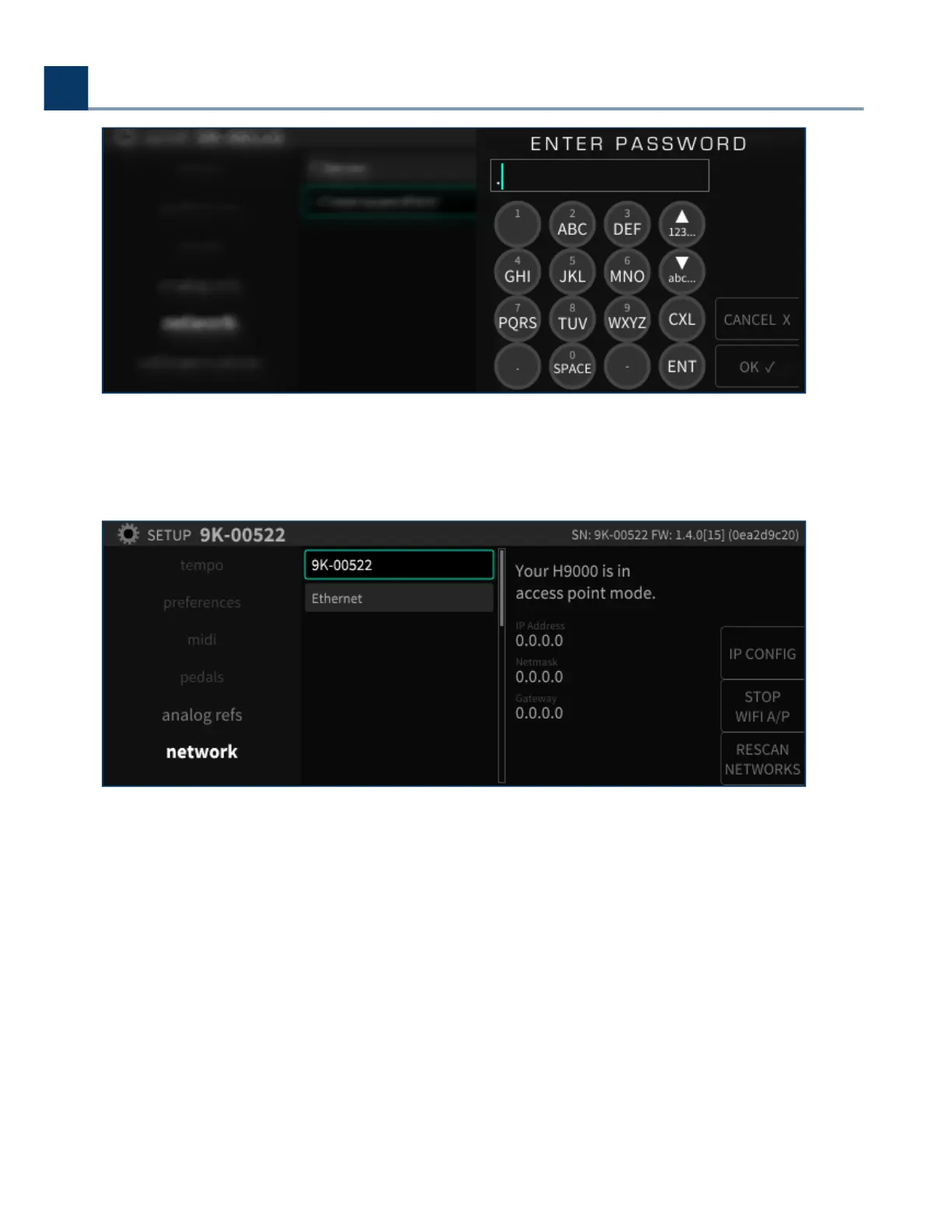
You will then see a message that the Access Point has been created. The Access Point will appear on
your computer or mobile device as a Wi-Fi network with the same name as the H9000.
2.1.11. Updating your H9000 Firmware
2.1.11.1. Firmware Update
Your H9000 must be connected to Emote to update. This can be via a network connection using
ethernet or WIFI, or a direct ethernet connection to your computer. Do not interrupt the network
connection to your H9000 or close Emote during the update process.
2. Setup
Copyright © 2021, Eventide Inc.



 To Next Page