3. Hardware
3.1. H9000 Front Panel
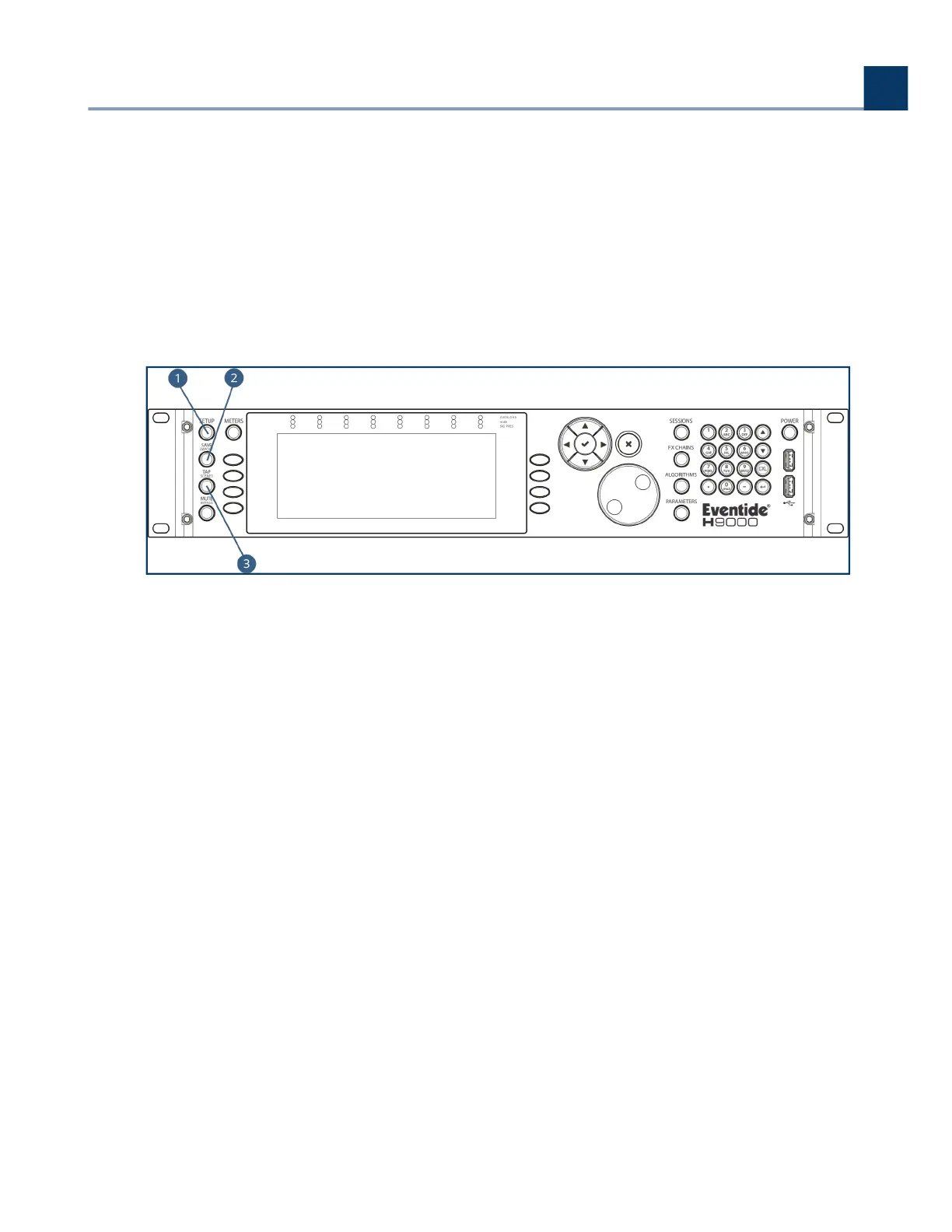
The H9000 front panel contains the following controls:
Setup
Press the Setup button to enter the setup menu, where you can congure preferences for your
device.
Save/Import
Press the Save/Import button to save the dierent types of presets to internal memory, as well
as optionally saving to a user-supplied USB drive.
Long-press the Save/Import button to import saved presets into the H9000. See the section
“Saving and Importing” for more details.
Tap/Scenes
Press the Tap button multiple times to set a BPM tempo (BeatsPerMinute). This tempo setting
will be used as a sync reference for time-based eects such as digital delay.
.
.
.
3. Hardware
Copyright © 2021, Eventide Inc.



 To Next Page