Expansion Cards
Use the cursor buttons or wheel to navigate to the setup screen you wish to adjust. The setup
category will highlight and the right-hand side of the display will show the specic items that can be
adjusted in that section.
2.1.1. Info
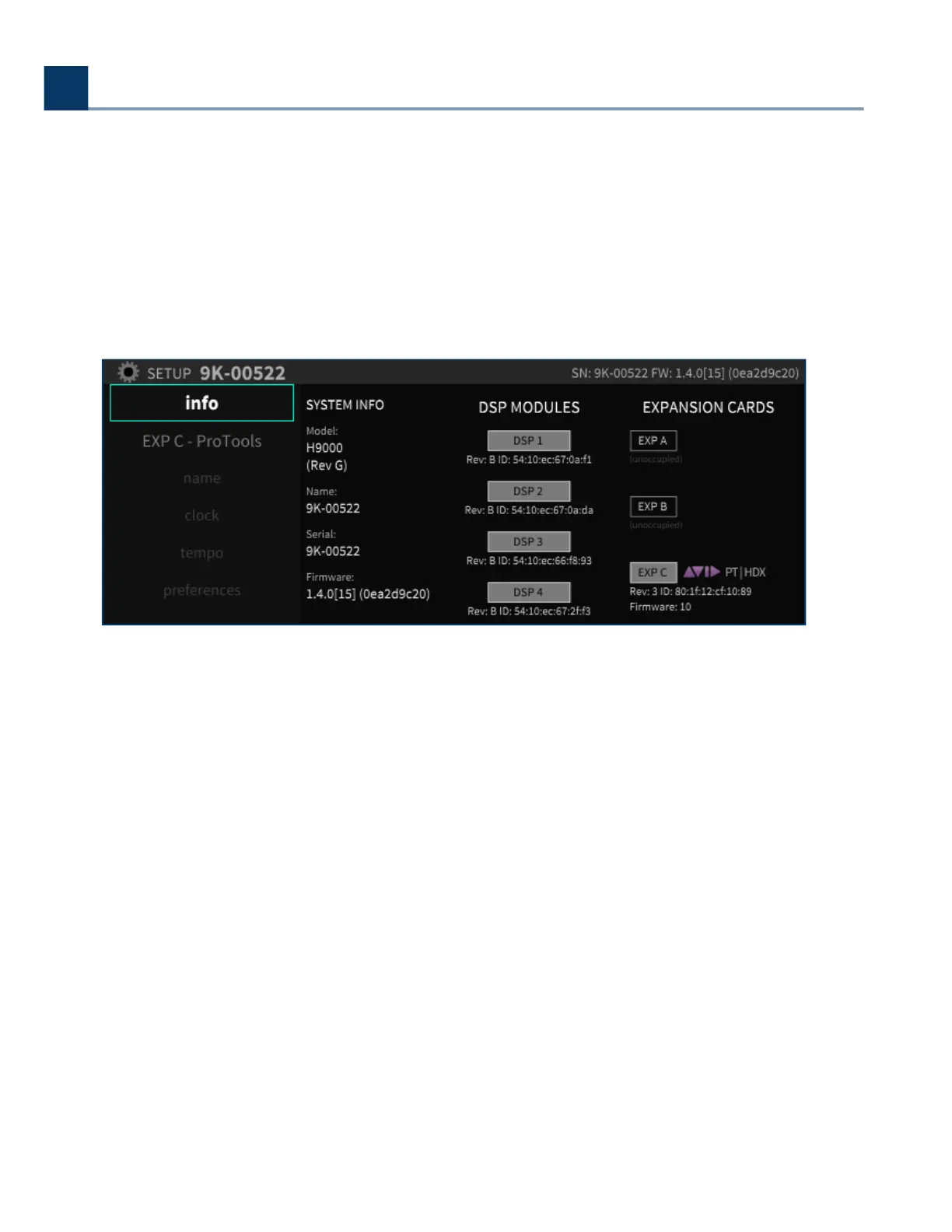
The Info screen is a display only; none of its settings can be adjusted. It provides a high-level
overview of your H9000 unit, with the following information:
2.1.1.1. System Info
This column displays:
Model: (In this case the H9000)
Name: The custom name that you can assign to your unit
Serial Number
Firmware Version
•
•
•
•
•
2. Setup
Copyright © 2021, Eventide Inc.



 To Next Page