4.6. Parameters
On the H9000, each algorithm contains a set of parameters; you adjust these parameters to adjust
the sound of the algorithm you have selected.
For example, a reverb algorithm contains parameters for settings such as room size, decay time, pre-
delay, and so on. The Parameters screen allows you to view and adjust these parameters.
To switch to the Parameters screen:
When the Edit label is highlighted, press the Enter key when an algorithm is highlighted. You
will be taken to the Parameters screen for that algorithm.
Alternatively, press the front panel Parameters button.
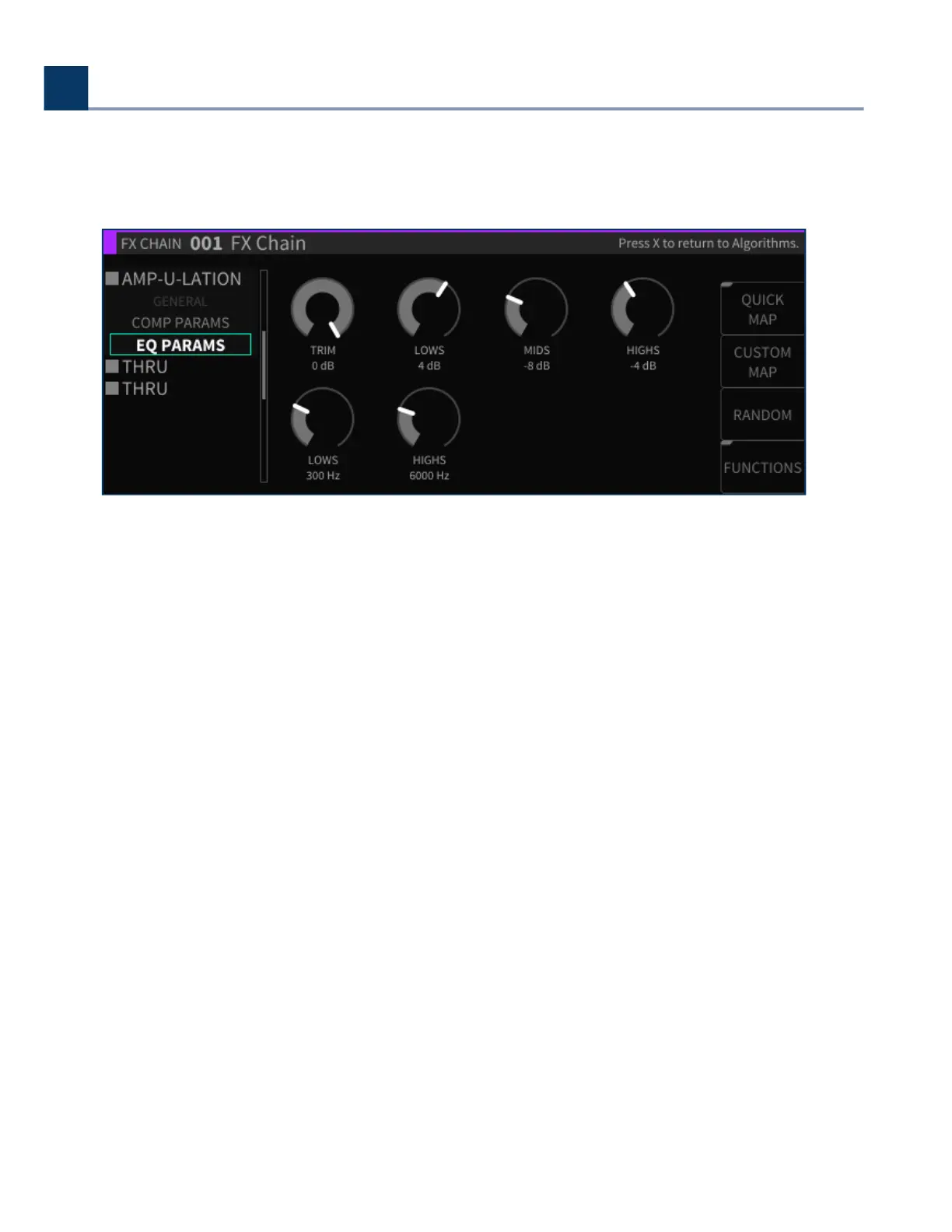
The Parameters view page oers a handy list on the let-hand side of the screen, which displays:
The general parameters for the current FX chain container
The algorithms currently loaded in the selected FX chain
The parameter categories within each algorithm
Use the cursor keys to highlight the parameter category you wish to view the parameters for. The
screen will then display the parameters for only that category. Many algorithms contain a lot of
parameters, and a single list could be cumbersome.
•
•
•
•
•
4. Front Panel Operation
Copyright © 2021, Eventide Inc.



 To Next Page