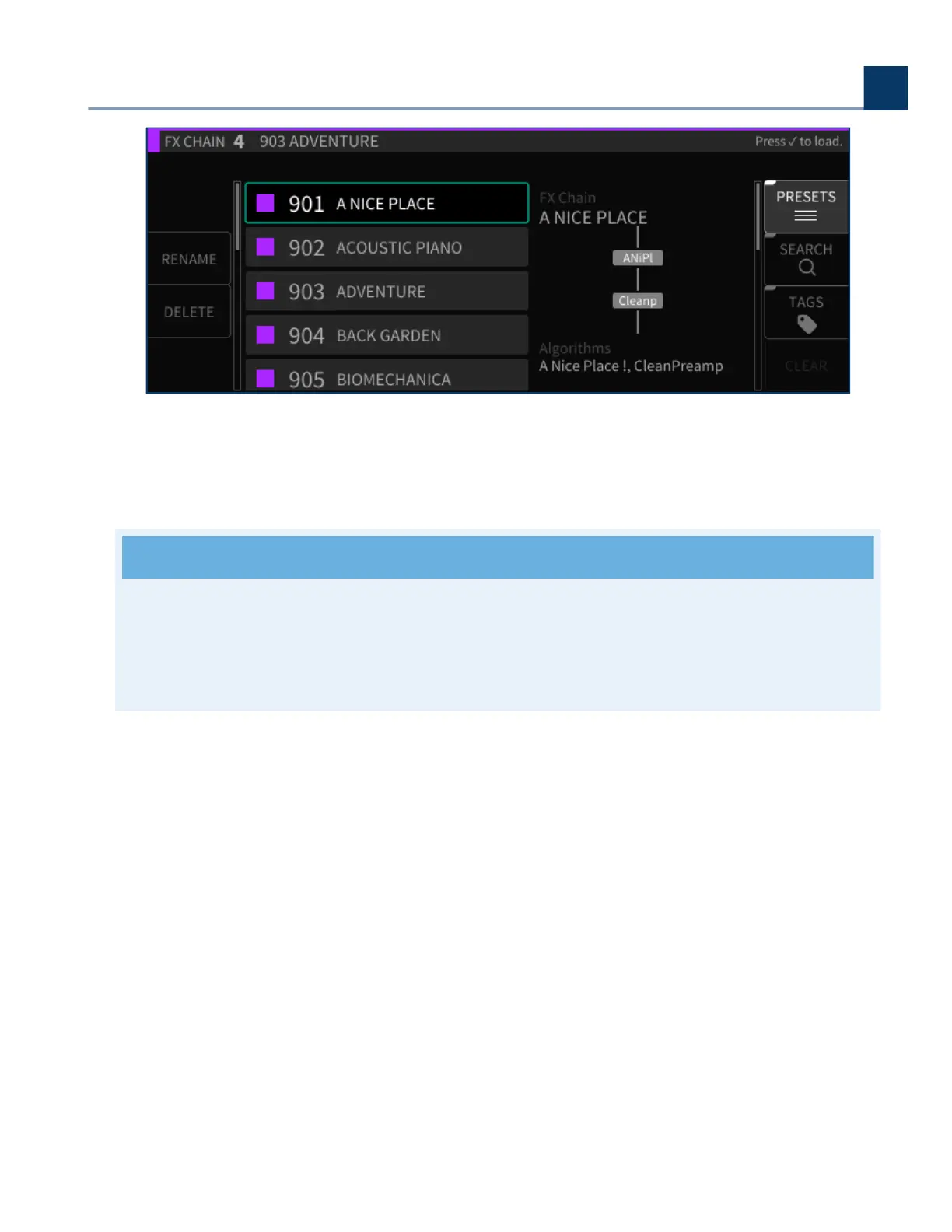
At any time, you can press the Cancel button to back out of the current screen state and return to the
previous state. Pressing the Cancel button a nal time will exit the FX Chains screen and return you
to the Sessions screen.
Note
You can always return to the Sessions screen by pressing the Cancel button once for each
iteration of menus you have entered. In other words, if you’re in too deep and need to reset,
press the Cancel button to get back home.
4.4.3. FX Chain Sot Keys
The FX Chains screen contains eight sot keys that oer the following functions:
Add FX Chain
Delete
Rename
Direct I/O
Presets
Mix
•
•
•
•
•
•
4. Front Panel Operation
Copyright © 2021, Eventide Inc.



 To Next Page