To remove tags, simply click on your previously selected tags to un-highlight these selections.
Clicking ‘Sort By’ allows you to sort algorithms by ID ascending, ID descending, name, most used,
and last used.
5.2.3. Main Screen
5.2.3.1. Devices View
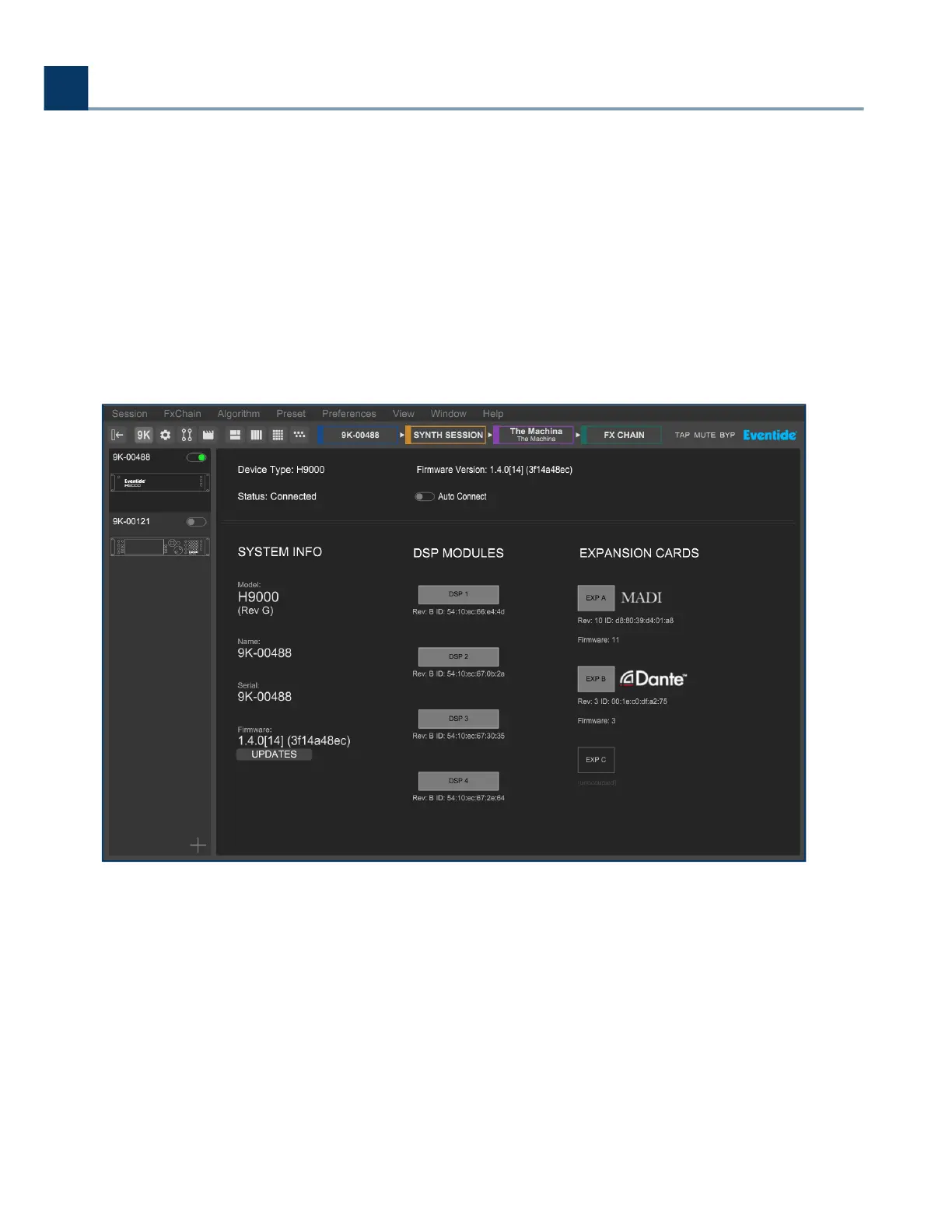
Devices View shows information for the currently selected H9000 you are controlling, such as
rmware version, number of installed DSP modules, types of expansion cards and their rmware
versions, etc.
In Devices View, the Browser window displays the available H9000s present on the local area
network.
Click the Connect toggle above the H9000 icon to connect to the desired H9000. Emote allows you to
connect to multiple H9000 units at once. You can then click in the Browser on the specic unit that
•
•
5. Emote
Copyright © 2021, Eventide Inc.



 To Next Page