4.9.2. Working with Scenes
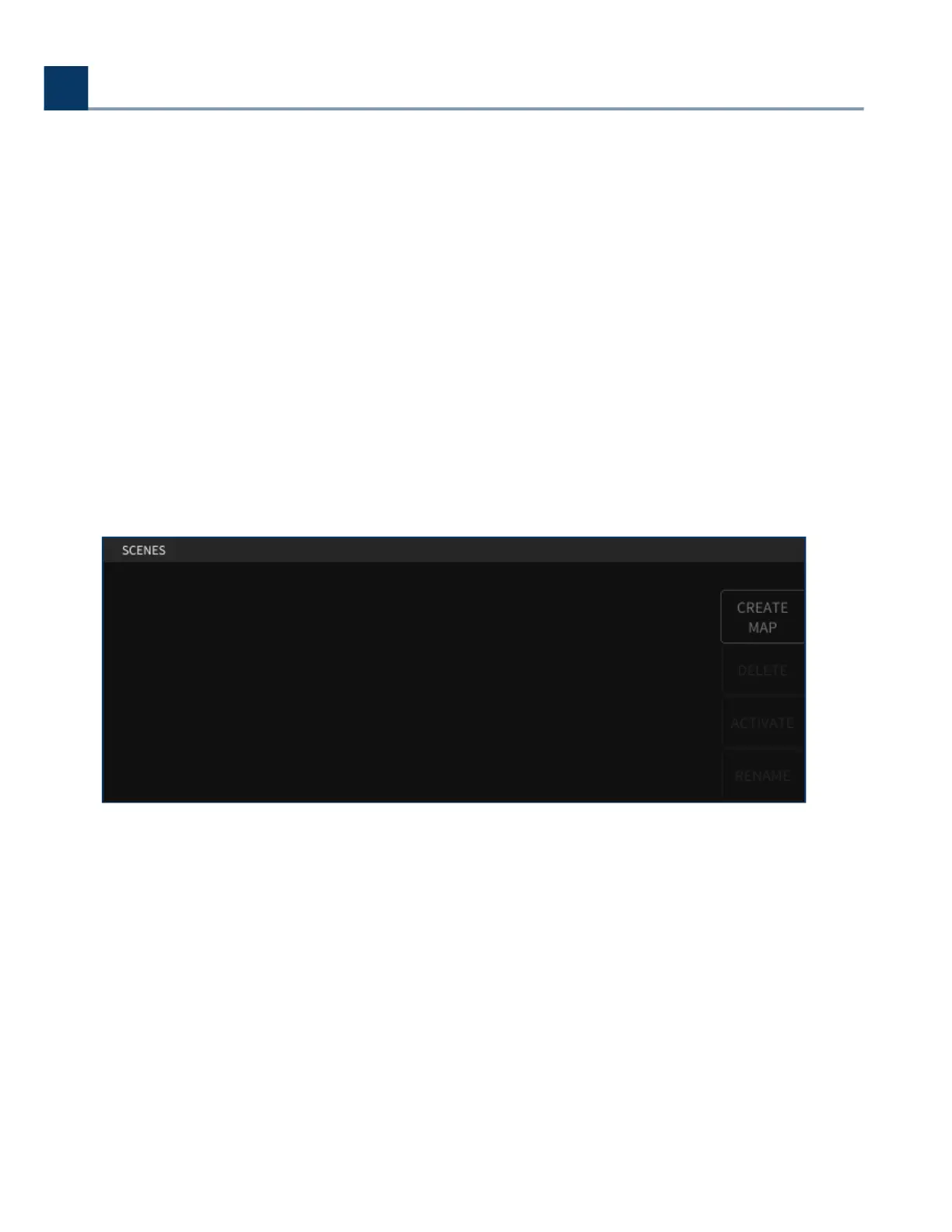
The right side of the screen displays the 128 available scenes, while the let side of the screen
displays a list of Scenes Maps you have created.
4.9.2.1. Scene Maps
When entering SCENES mode, the following sot keys are available for Scene Maps:
4.9.2.1.1. Create Map
Press this sot key to create a new Scene Map.
You will be prompted to name the Scene Map, at which point it will be added to the list of created
Scene Maps on the let.
4. Front Panel Operation
Copyright © 2021, Eventide Inc.



 To Next Page