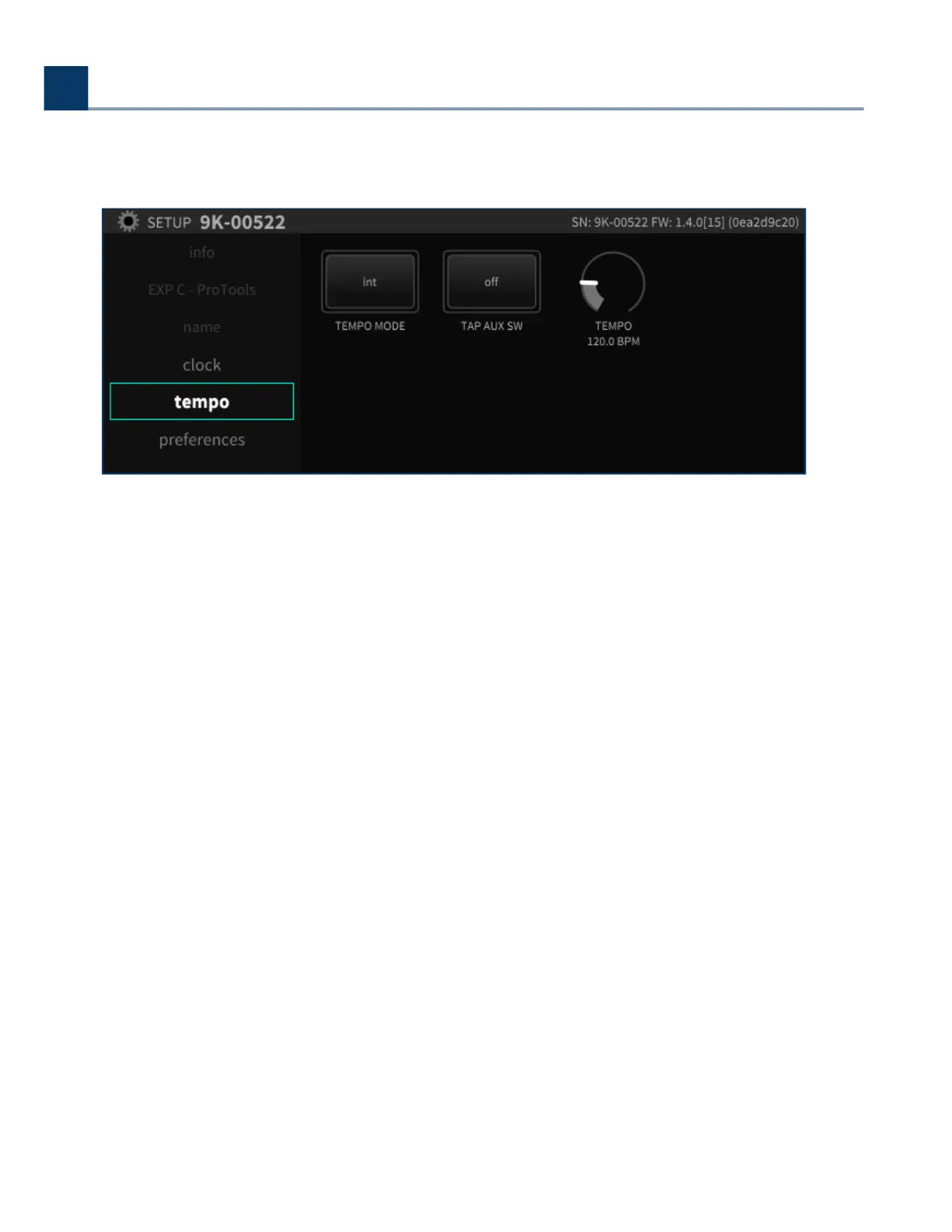
2.1.5. Tempo
The tempo menu provides controls for setting the H9000’s tempo.
The unit’s tempo aects the H9000’s many time-based eects, which can be synchronized to various
clock sources. For example, a delay algorithm’s repeats can be synchronized to an incoming MIDI
clock or your DAW.
2.1.5.1. Tempo Mode
The tempo mode menu includes the following four settings:
2.1.5.1.1. O
In this mode, no MIDI clock data is received from the USB or DIN inputs. Any time-based eects will
not be synchronized to a MIDI clock signal.
2. Setup
Copyright © 2021, Eventide Inc.



 To Next Page