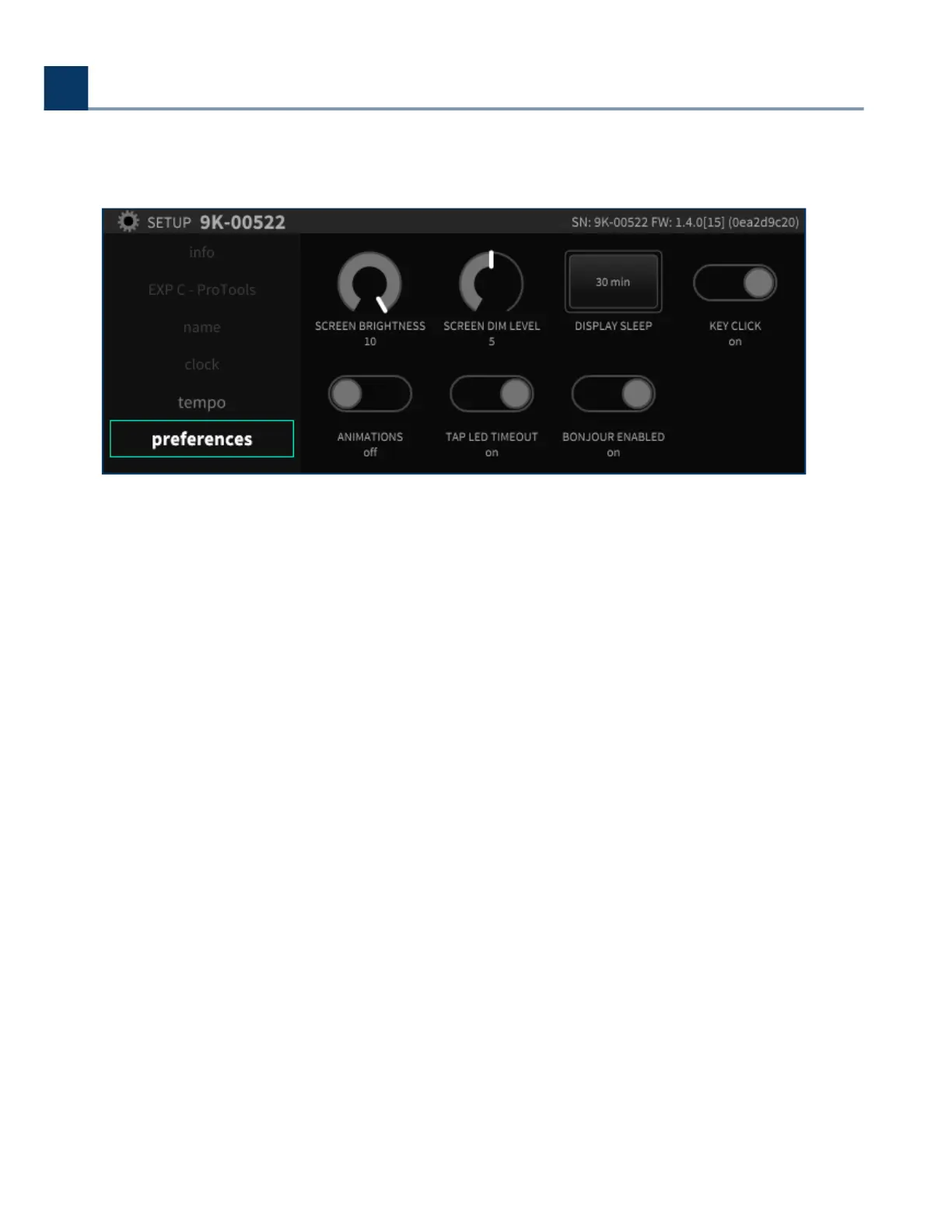
2.1.6. Preferences
The Preferences section controls various aspects of the H9000’s display. Use the cursor keys to
highlight the setting you wish to adjust, then use the Enter key and/or wheel to adjust the setting.
2.1.6.1. Screen Brightness
This control adjusts the brightness of the front panel screen on a scale of 1-10.
2.1.6.2. Screen Dim Level
This setting adjusts the brightness of the screen when it automatically dims ater a selected amount
of time, dubbed display “sleep”.
2.1.6.3. Display Sleep
This controls the amount of time ater which the display will automatically dim.
2. Setup
Copyright © 2021, Eventide Inc.



 To Next Page