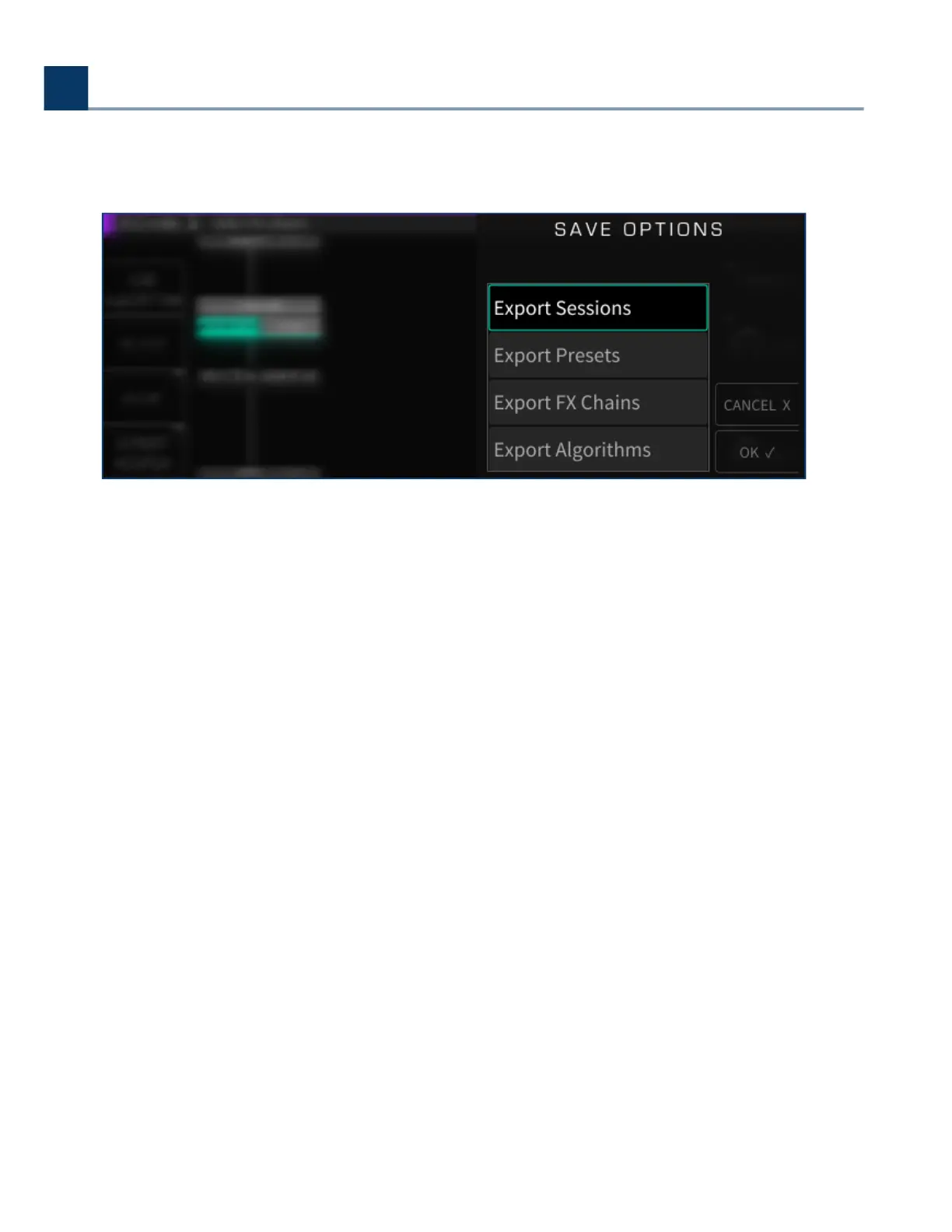
When Saving with a USB stick plugged in, you’ll also be given the option to also export ater the save
is complete.
4.8.3. Importing
Once you have saved H9000 data to a USB drive, that data can be imported to any H9000 unit by
connecting the drive. Importing works as follows:
Attach a USB drive containing H9000 data to a USB port of your H9000.
Long-press the front-panel Save/Import button; the Load Options screen will appear.
Use the cursor up/down buttons or wheel to navigate to the specic type of data you wish to
load, then press the Enter key. Options include:
Sessions
Presets
FX Chains
Algorithms
•
•
•
◦
◦
◦
◦
4. Front Panel Operation
Copyright © 2021, Eventide Inc.



 To Next Page