Any algorithms you load would be sourced from a development environment, such as Eventide’s
“VSig” sotware editor. The VSig sotware is available for download at: https://
www.eventideaudio.com/products/sotware/algorithm-editor/vsig3
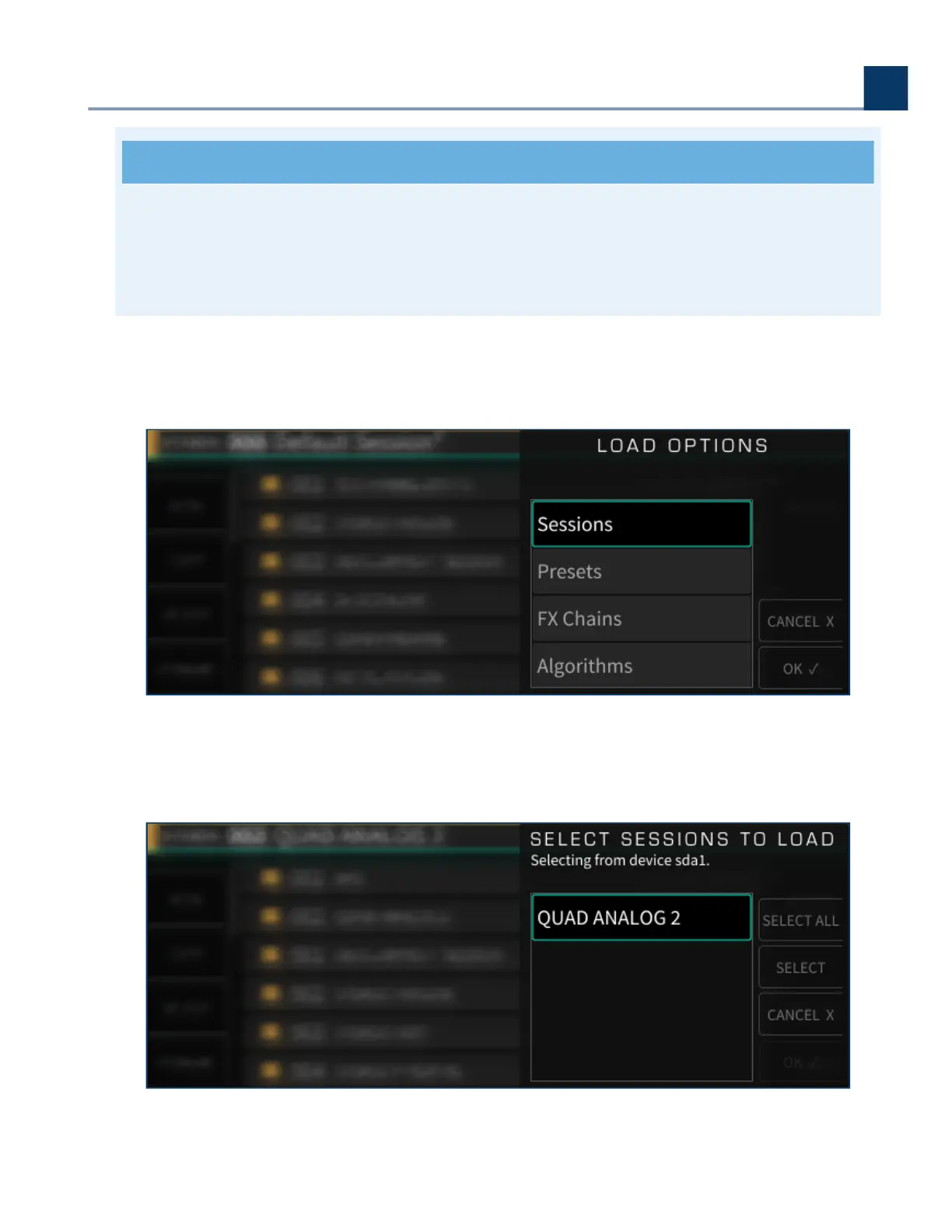
Use the cursor up/down keys or wheel to select the data you wish to load, then press the SELECT key;
the selected data will be loaded into memory.
If you wish to load all of the data in the list, press the SELECT ALL sot key instead, or press the
CANCEL sot key to cancel out of the load operation.
4. Front Panel Operation
Copyright © 2021, Eventide Inc.



 To Next Page