The H9000 stores the authentication settings for the most recently joined network, so if you lose
connection for any reason, you can easily re-join the network without having to enter your
password again.
2.1.10.3. Creating a Local Access Point
The H9000 also has the ability to create and broadcast its own Wi-Fi network, called an “access
point”. You can use the Emote sotware with the H9000 on this private network in environments
where there is no LAN for the H9000 and the computer running Emote to connect to each other.
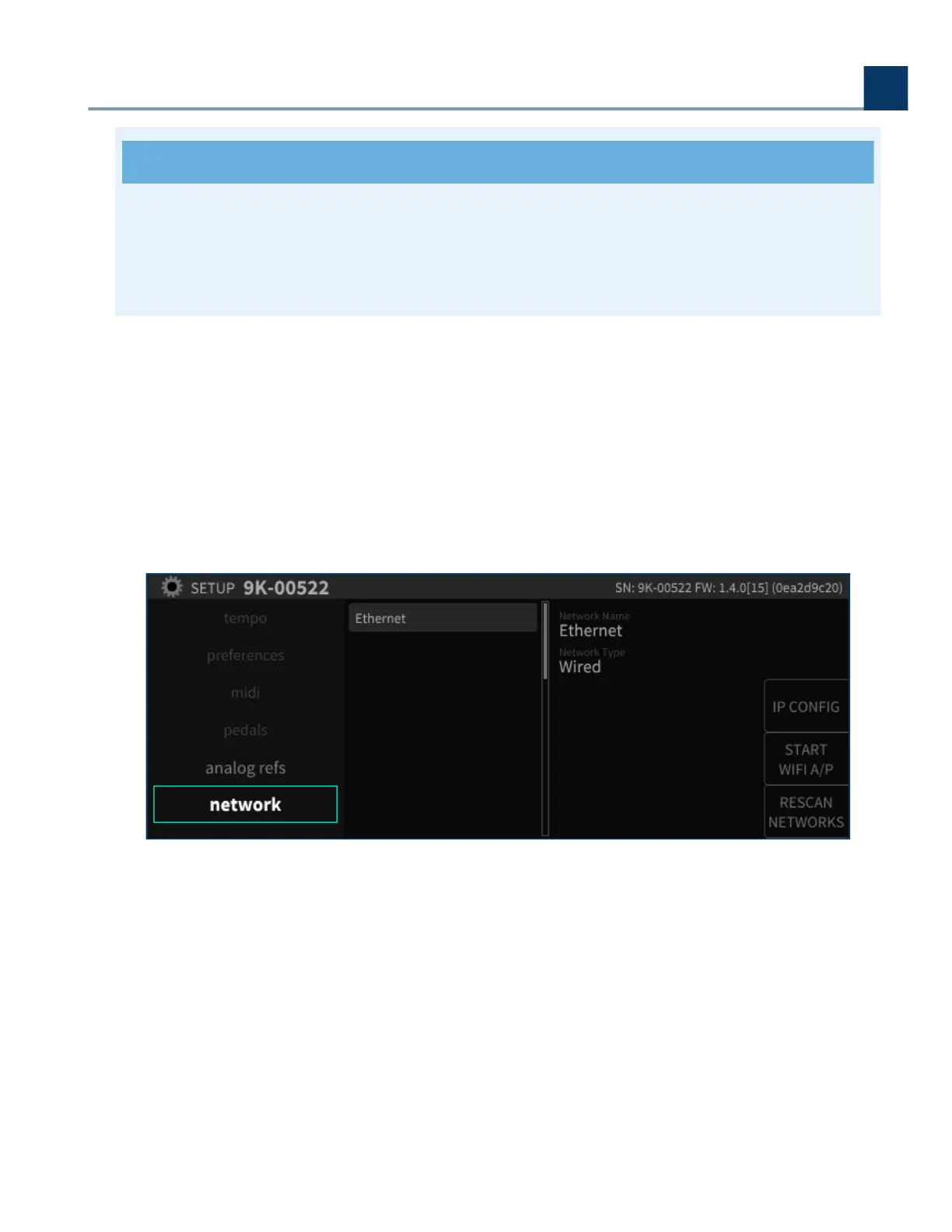
To create an Access Point, press the sot key “START WIFI A/P”.
You can choose to enter a password, or leave the password eld blank to create an unprotected
network.
2. Setup
Copyright © 2021, Eventide Inc.



 To Next Page