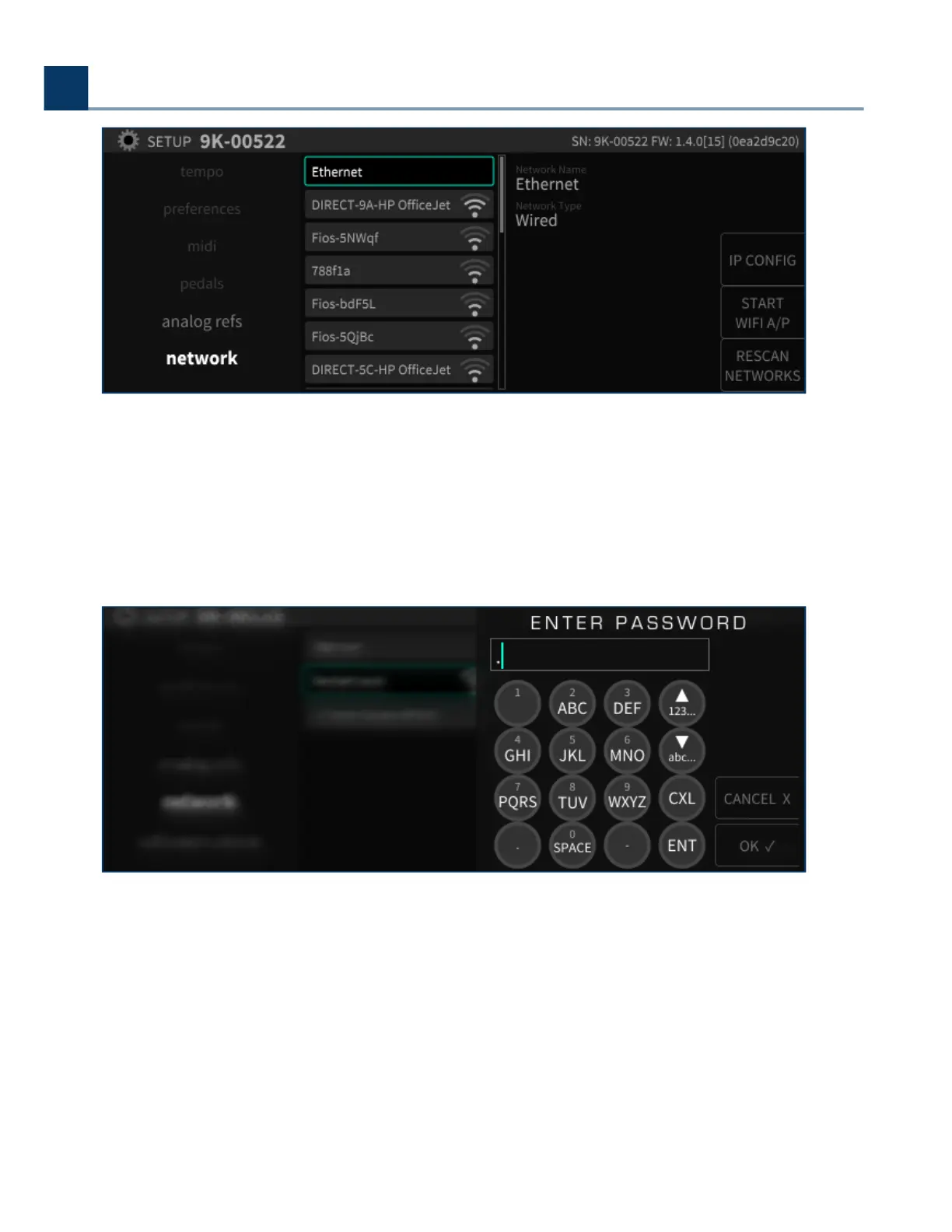
Navigate to the wireless network to which you wish to connect to and press the Enter key.
If the network is not password protected, you will be connected to the wireless network.
If the network is password protected, you will be prompted to enter the appropriate password. Use the
front panel numbers pad to enter the password, then press the OK sot key.
You will then be connected to the Wireless network, and can use the Emote sotware to control the
H9000.
2. Setup
Copyright © 2021, Eventide Inc.



 To Next Page