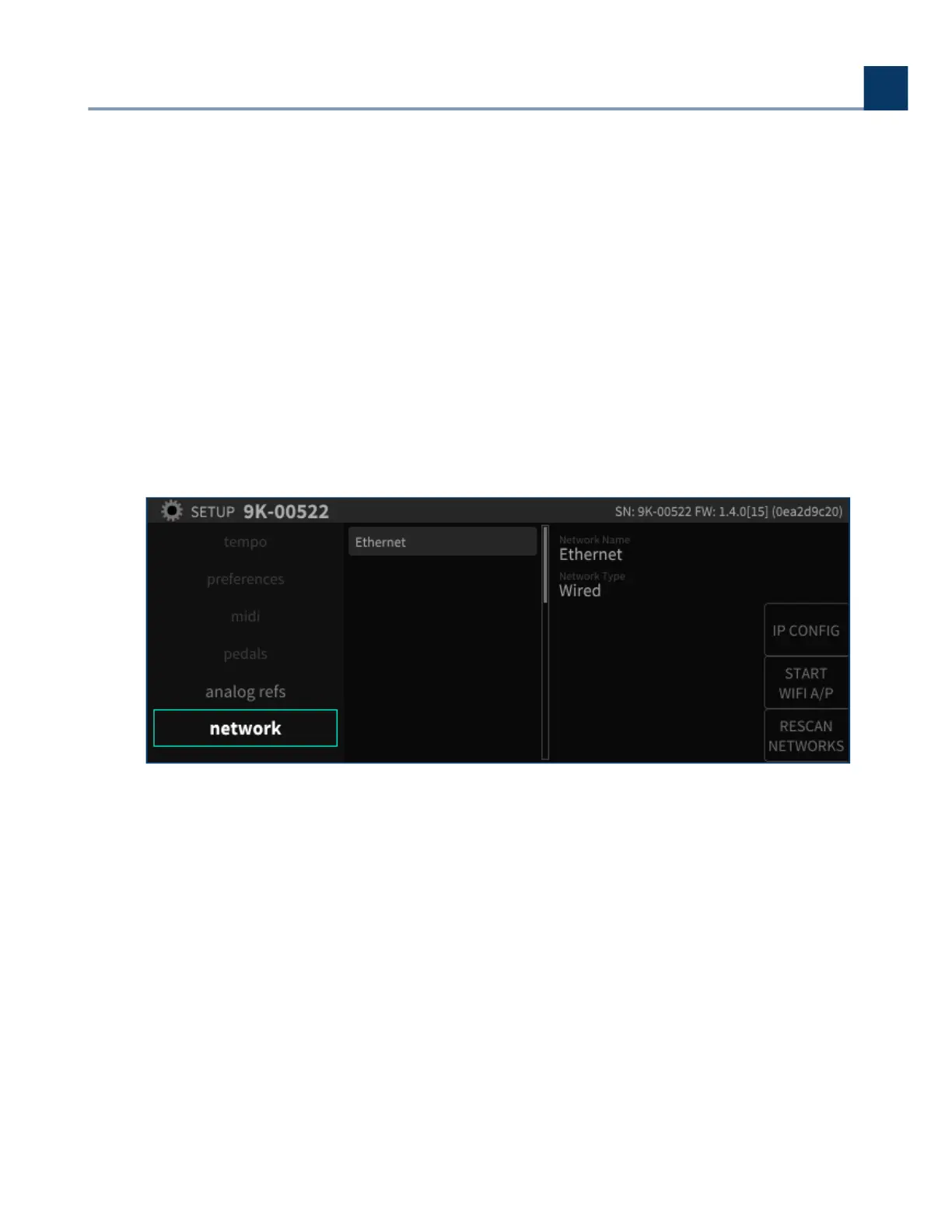
2.1.10.1. Ethernet Setup
Use the cursor buttons to highlight the Ethernet eld in the middle column. The right-hand column
will display the parameters of the network you have joined including:
Network Name
Network Type (Wired or Wireless)
IP Address
Netmask
Gateway
2.1.10.2. Wireless Setup
To connect the H9000 to a wireless network:
Connect the included Wi-Fi dongle to one of the H9000’s four USB ports.
On the network screen, any available wireless networks will be automatically listed beneath the
Ethernet option.
•
•
•
•
•
2. Setup
Copyright © 2021, Eventide Inc.



 To Next Page