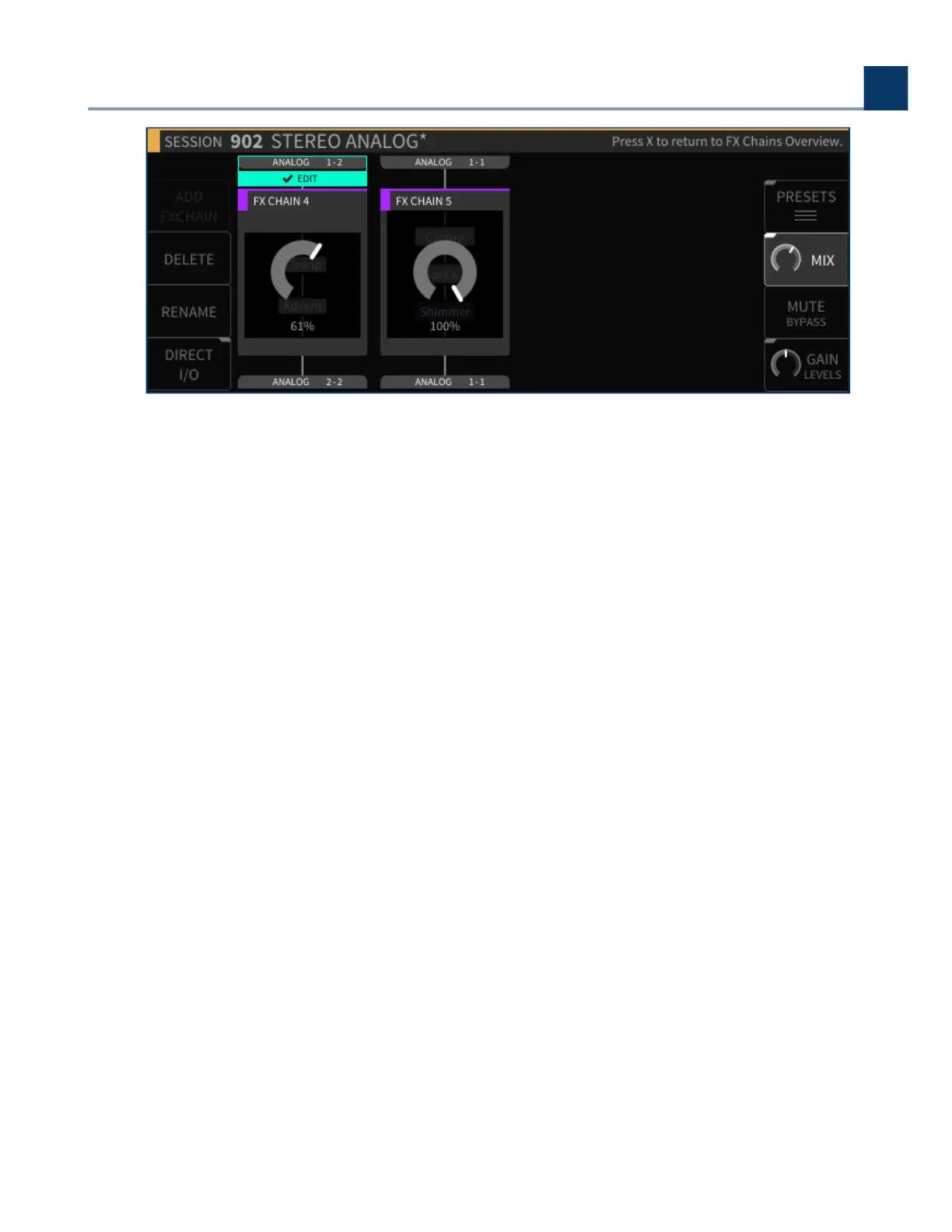
4.4.3.7. Mute/Bypass
Press the Mute/Bypass sot key to mute the currently highlighted FX chain. Press it again to unmute
the FX chain. When muted, a red “FX MUTE” label will appear at the bottom of the FX chain block.
Long-press the Mute/Bypass sot key to bypass the currently highlighted FX chain. Long-press it
again to un-bypass the FX chain. When bypassed, a red “FX BYPASS” label will appear at the bottom of
the FX chain block.
4.4.3.8. Gain/Levels
Short-press the latching Gain/Levels sot key to adjust the output gain levels of the FX chains
present in the currently loaded session.
Similar to the Mix mode, the display will show level controls for each FX chain. Use the cursor keys to
navigate to the FX chain for which you wish to adjust the level, and then use the wheel to adjust the
output gain.
Long-press the latching Gain/Levels sot key to show signal levels for the audio inputs/outputs of the
currently highlighted FX chain.
Three additional sot keys are available in the Gains/Levels screen:
4. Front Panel Operation
Copyright © 2021, Eventide Inc.



 To Next Page