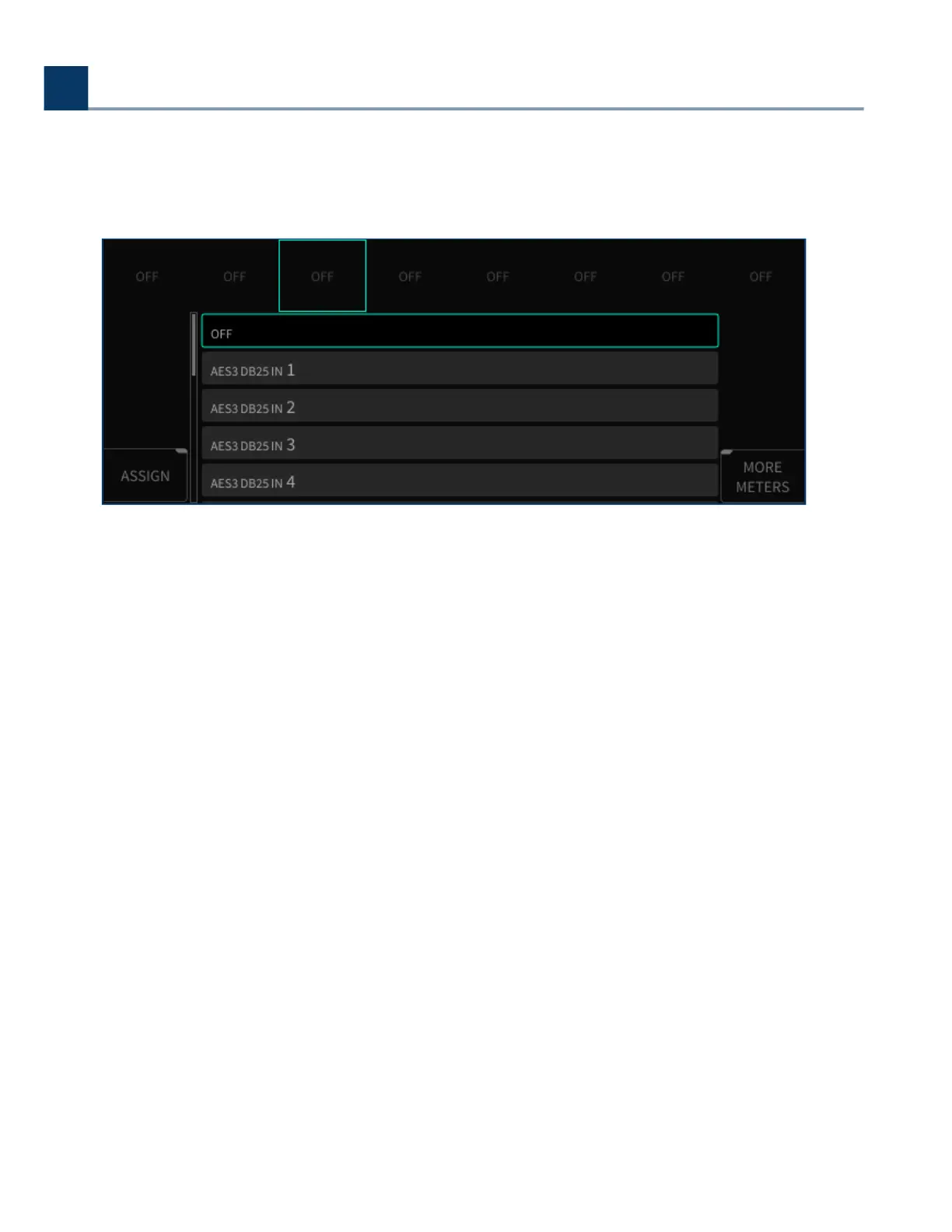
Press the Enter button to accept your choice The selected input/output is now assigned to the
highlighted metering channel, and that channel will now show the assignment above the
channel number.
On a stock H9000 unit with no expansion cards installed, the following single input/output channels
can be assigned to the each meter:
O
Digital Audio Connector In 1-8
Analog In 1-8
USB In 1-16
FX Chain In 1-32 (for however many FX chains are currently running)
Digital Audio Connector Out 1-8
Analog Out 1-8
USB Out 1-16
FX Chain Out 1-32 (for however many FX chains are currently running)
•
•
•
•
•
•
•
•
•
•
4. Front Panel Operation
Copyright © 2021, Eventide Inc.



 To Next Page