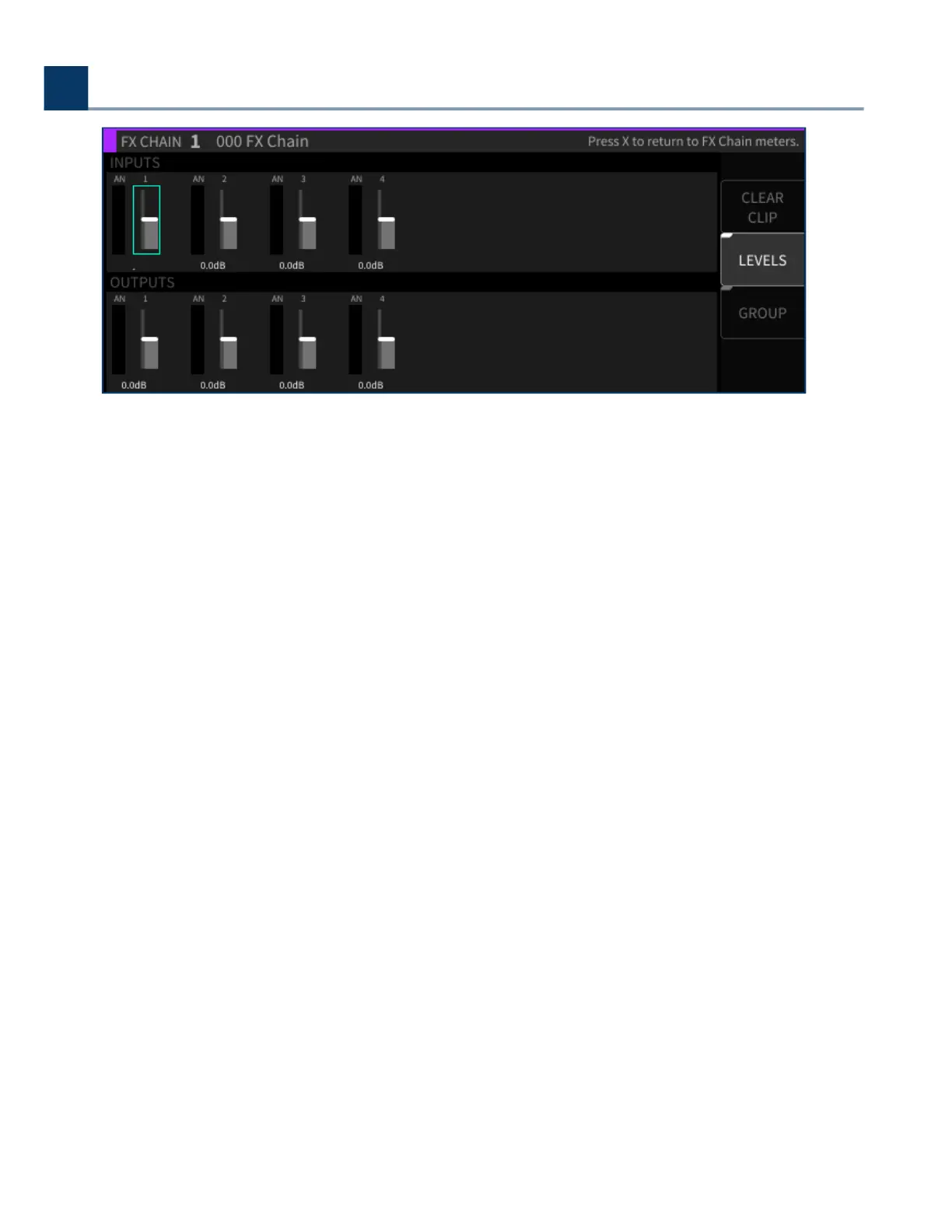
Use the cursor buttons to navigate to the input or output slider you wish to adjust, then use the
wheel to adjust the signal level fader of the highlighted fader.
On the levels screen, press the latching Group sot key to group together level faders. When the
latching sot key is illuminated, adjusting the level of either group’s fader will adjust the level of all
faders in each grouping.
4.7.2.2. Clear Clips
Press this sot key to clear any overload clips that have occurred.
4.7.2.3. I/O Meters
Press the latching I/O Meters sot key to display the I/O meters screen; you will be presented with
metering views for the H9000’s banks of physical inputs and outputs, regardless of what custom
assignments you have made in the main metering screen.
The I/O meters screen shows which bank of I/O metering you are on in the upper let corner, and
which of the 8 pages you are on in the upper-right corner. On a stock H9000 with no expansion cards
installed, the following 8 views are available:
Digital Audio Connector In 1-8 (AES DB25)
Analog In 1-8
USB In 1-8
.
.
.
4. Front Panel Operation
Copyright © 2021, Eventide Inc.



 To Next Page