CP-2232E
Remote Control Panel
Page 10 Revision 1.1
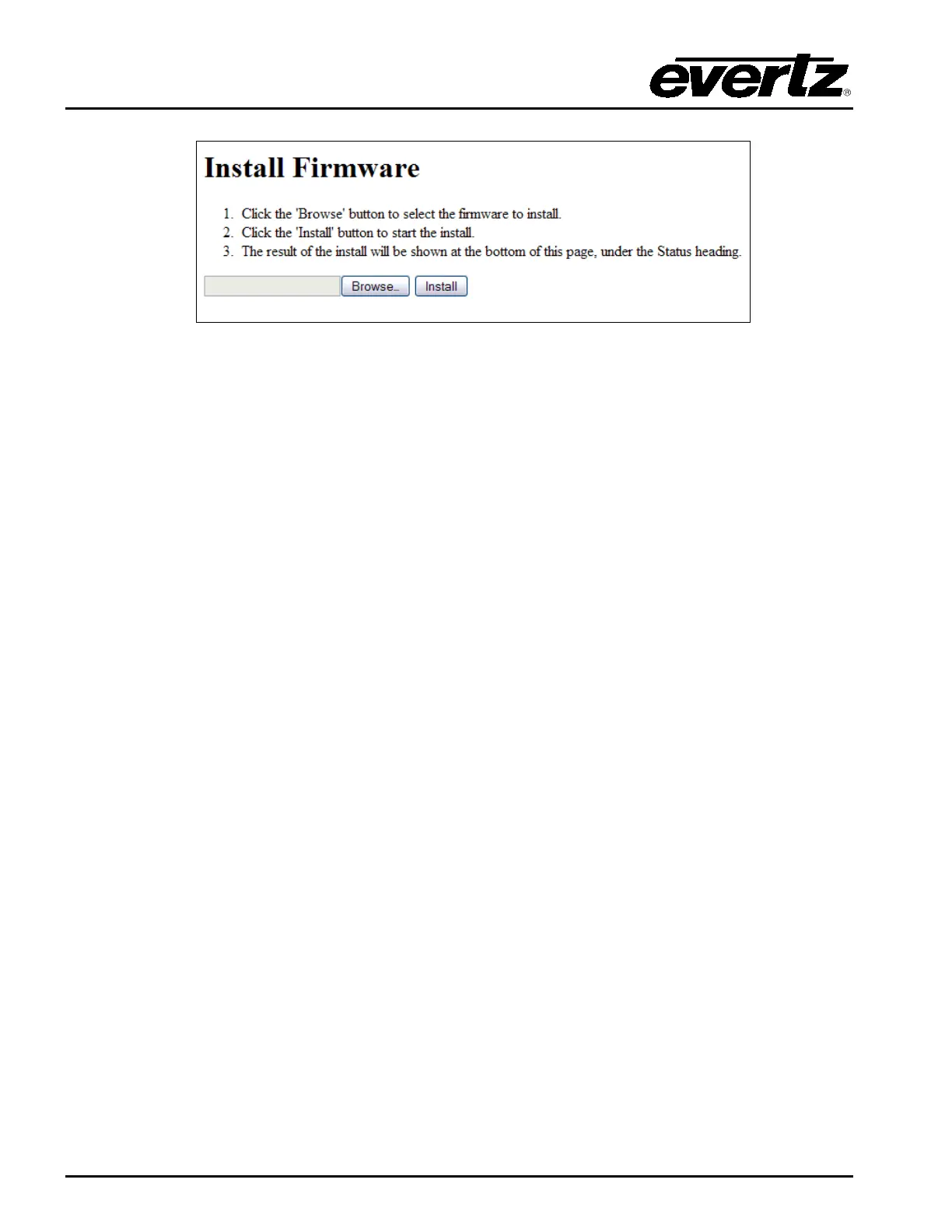
Figure 5-2: Install Firmware Page
3. Click on the Browse button to select the file to be updated (i.e. CP2232e-1.1_1.efp) and then
select the Install button to start the install.
4. If a reboot is required the panel should automatically reboot on its own otherwise you may
reboot it using the front panel.
5. Once the panel has rebooted you are ready to configure the CP-2232E.



 To Next Page