CP-2232E
Remote Control Panel
Revision 1.1 Page 25
Auto-Refresh Rate: This parameter allows the user to set the auto-refresh rate of the panel.
The minimum refresh rate is 5 seconds. To turn the auto-refresh feature
off, enter 0.
Select the Save button to save all Discovery settings.
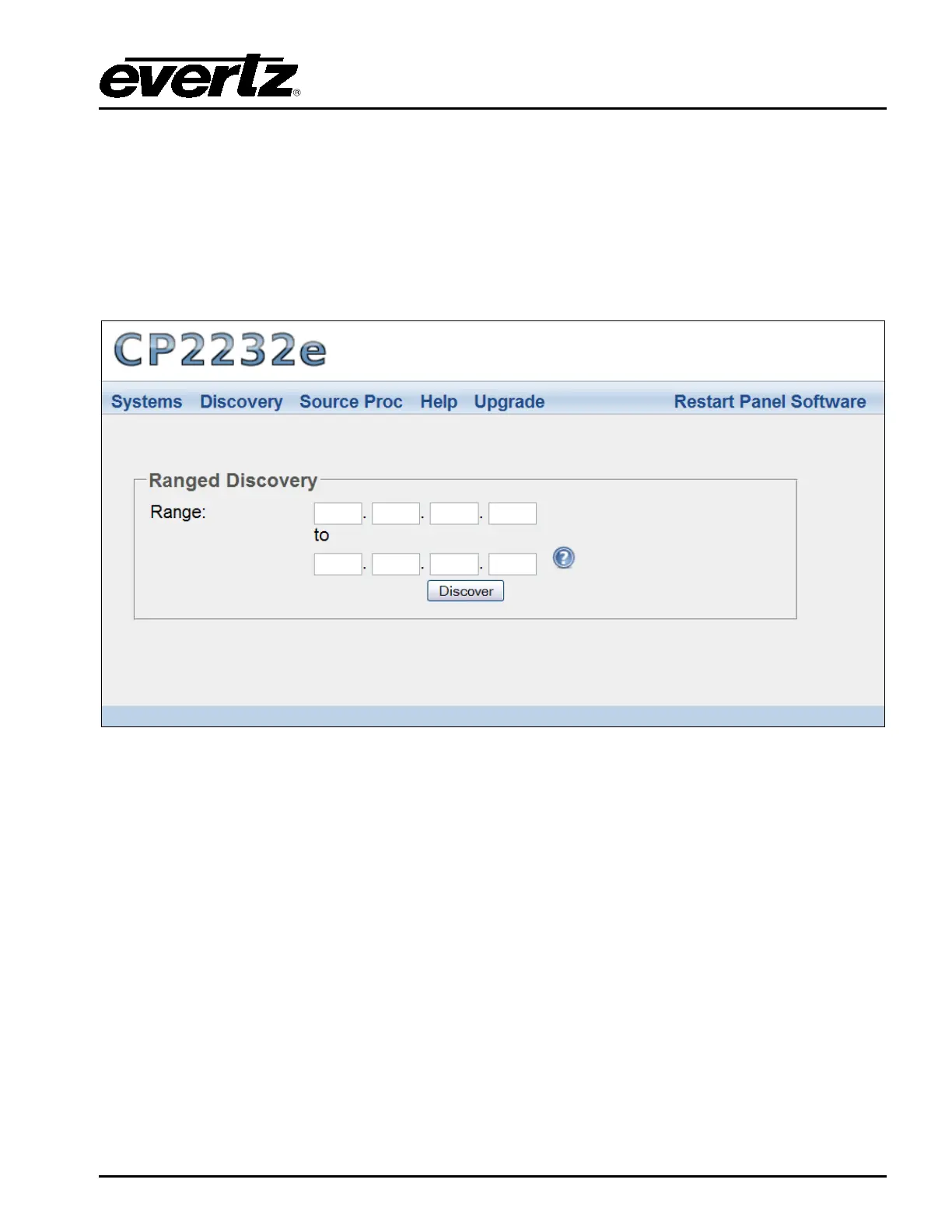
5.3.2. Ranged Discovery Page
This page enables the user to set the network range that the panel is to do its discovery in.
Figure 5-18: Ranged Discovery Page
Range: Enter the network range that the panel is to do its discovery in. Once the range is
entered, select the Discover button. This process takes approximately 1 minute or less.



 To Next Page