CP-2232E
Remote Control Panel
Page 16 Revision 1.1
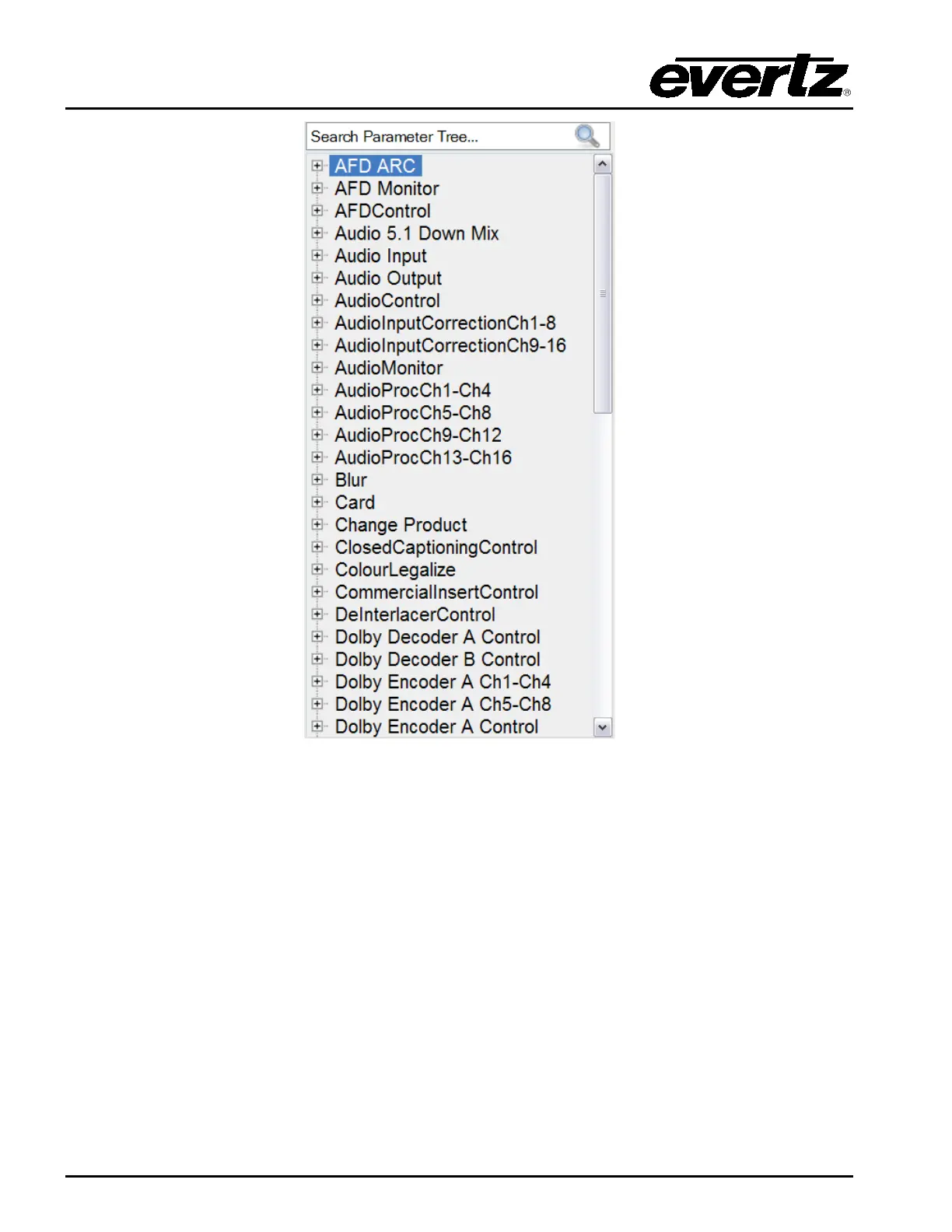
Figure 5-8: Parameter Tree
5.2.2.3. Template Properties
The user can adjust the template properties by entering the appropriate information into the fields
below:
• #: Double-clicking a number in this column will highlight the corresponding parameter
in the Service Template Parameter Tree.
• Parameter: This field identifies the parameter name and will display the location of the
parameter in the parameter tree when double-clicked.
• Label: This field displays the name that is shown on the LCD screen for each control
parameter. The user can customize the buttons by entering a new label into this
field.
• Default: This field displays the default level for the selected parameter. The user can enter
the appropriate unit into this field.



 To Next Page