CP-2232E
Remote Control Panel
Page 24 Revision 1.1
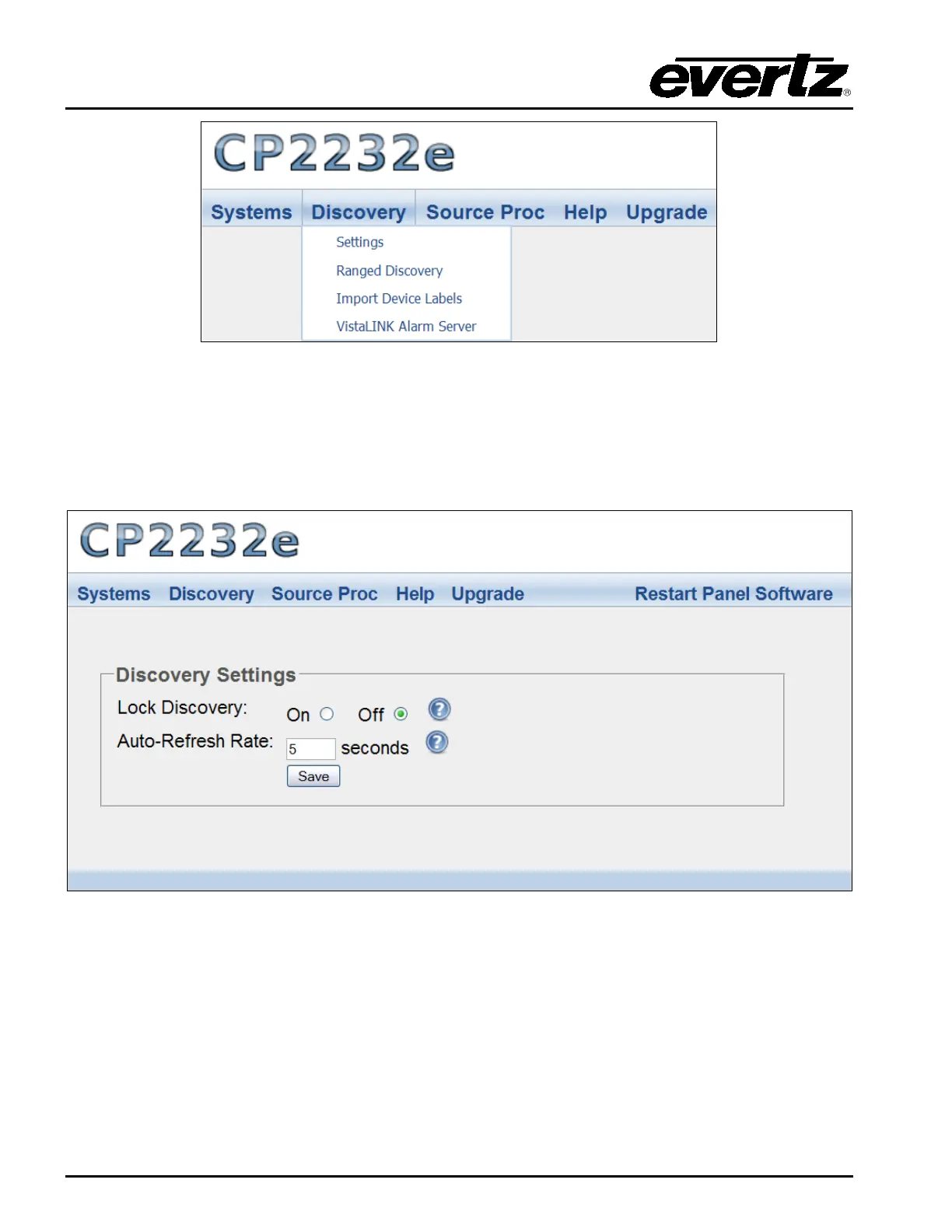
Figure 5-16: Discovery Menu
5.3.1. Settings Page
The Settings page enables the user to lock the Discovery system and set the refresh rate of the
device.
Figure 5-17: Settings Page
Lock Discovery: This parameter allows the user to enable or disable the Lock Discovery. If set to
On, the Discovery system will not be permitted to add new hardware devices to
the list of devices found. If set to Off, the Discovery system will be permitted to
add new hardware devices to the list of devices found. Please note, when the
Discovery system is set to On, hardware can be removed from the Systems
page. It is recommended to leave the Lock Discovery setting to Off.



 To Next Page